 by
by Introduction
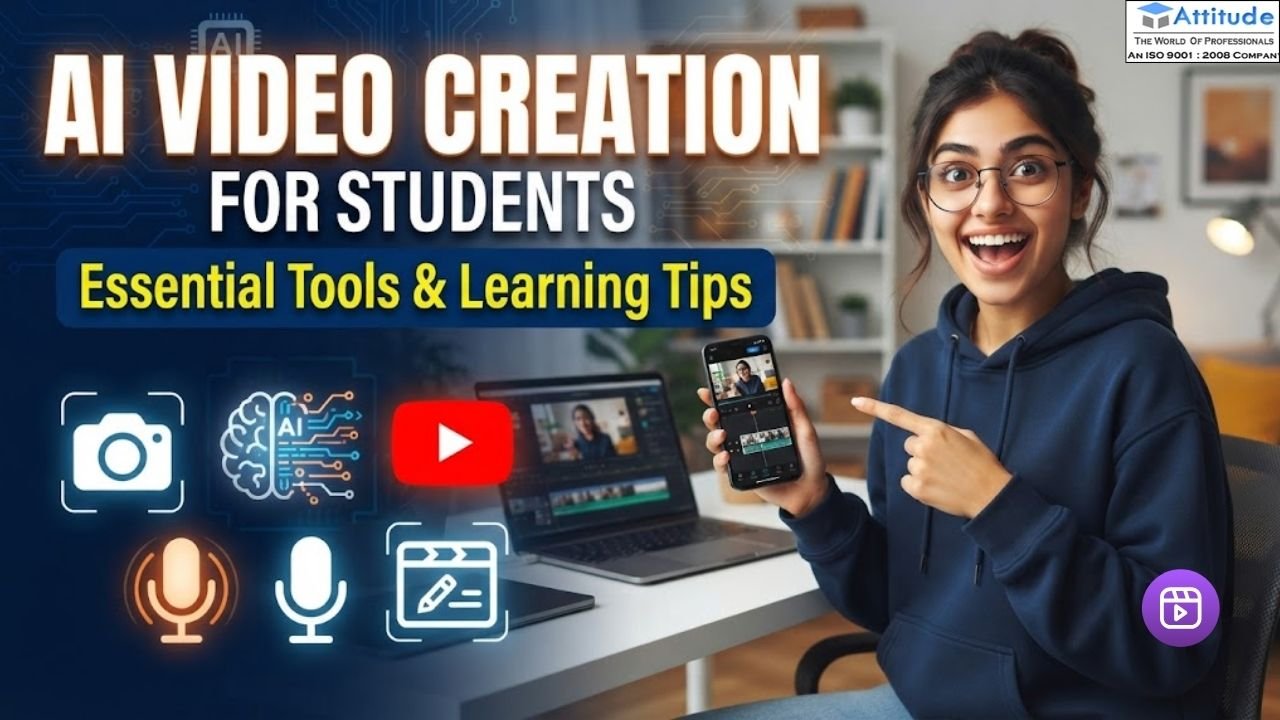
Video content has become a popular way to share information, explain ideas, and communicate online. Students can use videos for college presentations, assignments, social media, and creative learning. With AI-powered tools, they can generate video clips, add voiceovers, create subtitles, and improve video quality without needing advanced technical knowledge.
What Is AI Video Creation?
AI video creation is the process of using artificial intelligence to create or edit videos. These tools can turn written scripts into visual content, generate voiceovers, add captions, and simplify editing tasks.
For students exploring AI Video Creation for Beginners, starting with short educational videos is a practical way to understand how these tools work. For example, a student can write a short script about digital marketing, generate suitable visuals, and edit the final video for a presentation.
Best AI Tools for Video Creation
The Best AI Tools for Video Creation depend on the type of content you want to make. Some tools help generate videos from text, while others focus on editing, subtitles, animations, and voiceovers.
1. Canva
Canva helps students create presentations, social media videos, and educational content using templates and design features. Its available AI features can also support video creation and content editing.
2. CapCut
CapCut is useful for editing short videos, adding captions, applying transitions, and improving clips for social media platforms. It can be a helpful option for students learning basic video editing.
3. InVideo AI
InVideo AI can turn written prompts into video drafts with relevant scenes and voiceovers. Students can use it to explore different video formats and then edit the generated content.
4. Runway
Runway offers AI-powered video generation and editing features. It can help students experiment with creative visuals and different video styles.
5. Adobe Express
Adobe Express allows students to combine text, images, animations, and other design elements to create engaging video content.
Before choosing a tool, check its current pricing, free-plan limits, export options, and usage rights.Read more about this
Understanding Text to Video AI Tools
Text to Video AI Tools allow users to generate video content from written instructions. Instead of creating every scene manually, users describe what they need, and the tool generates a video or an initial draft.
For example, students can enter a prompt asking for a short educational video about environmental awareness, including simple explanations, relevant visuals, and subtitles. They can then review the result and make changes.
To get better results, mention the topic, audience, video length, visual style, and tone in your prompt. Always check AI-generated information and visuals before publishing the video.
How to Create Videos Using AI
If you are wondering How to Create Videos Using AI, follow these simple steps:
- Choose a topic: Select a subject for your presentation, tutorial, or social media video.
- Write a script: Organise your main points using simple and clear language.
- Select an AI tool: Choose a tool that suits your video format and requirements.
- Generate visuals: Use AI-generated scenes or suitable images and clips.
- Edit the video: Arrange scenes, add subtitles, adjust audio, and remove unnecessary sections.
- Review the final result: Check spelling, sound quality, visual consistency, and factual accuracy before exporting.
Following this process helps students understand the complete video creation workflow.
AI Video Editing Tips for Better Results
Using AI can make editing easier, but a good video still needs careful review. These AI Video Editing Tips can help students improve the quality of their content:
- Keep the message clear: Focus on one main topic and remove unnecessary scenes.
- Use readable subtitles: Choose clear fonts and maintain good contrast.
- Check the voiceover: Ensure that the narration sounds natural and the pronunciation is correct.
- Choose suitable music: Keep background music at a level that does not overpower speech.
- Avoid excessive effects: Too many transitions can distract viewers.
- Maintain a consistent style: Use similar fonts, colours, and visual styles throughout the video.
- Review every scene: Check for incorrect text, unusual visuals, or information that does not match the script.
- Respect content rights: Use music, images, voices, and clips according to their licences and platform rules.
How Students Can Develop Practical AI Video Creation Skills
Students can begin by creating short videos and gradually learning scripting, editing, subtitles, and voiceovers. Regular practice helps them understand how different tools work and which techniques suit different types of content.
Students looking for structured learning can explore an AI Video Creation Course in Yamuna Vihar or an AI Video Creation Course in Uttam Nagar. Before joining a course, review the syllabus, practical assignments, tools covered, and trainer support.
Similarly, AI Video Creation Training in Yamuna Vihar and AI Video Creation Training in Uttam Nagar may be suitable options for learners who prefer guided practice. Choose training that gives you opportunities to create and edit videos yourself rather than only watching demonstrations.
Career Opportunities After Learning AI Video Creation
AI video creation skills can support career paths in social media content creation, video editing, digital marketing, advertising, and multimedia production. Students can also use these skills to create content for personal projects or freelance clients.
Building a portfolio of original videos can help students demonstrate their abilities. Focus on storytelling, editing, communication, and content planning alongside learning AI tools.
Frequently Asked Questions
1. Is AI video creation suitable for beginners?
Yes. Many tools offer simple interfaces and templates, allowing beginners to start with short videos and gradually learn more advanced features.
2. Do students need advanced editing skills?
No. Basic editing knowledge is useful, but AI tools can simplify tasks such as generating captions, creating voiceovers, and arranging scenes.
3. Are AI video creation tools free?
Some tools offer free plans with limitations, while advanced features may require payment. Check the current pricing before choosing a platform.
4. Can students use AI-generated videos for social media?
Yes, provided the content follows platform policies, copyright rules, and any applicable AI disclosure requirements.
Conclusion
AI video creation gives students a practical way to combine creativity, technology, and communication. By learning useful tools, writing clear scripts, and practising editing techniques, they can create videos for education, social media, and professional development.
The best approach is to start with simple videos, review the results, and keep improving. AI should support your creativity, not replace your own judgement.visit us