- Multi AutoDesk
- NX CAD CAM Professional Mastery Course
NX CAD CAM Professional Mastery Course
Master NX interface, sketching, and parametric modeling to build strong foundations for designing high-precision engineering components.
- 10 - 20 weeks
- 102 Lectures
- 431 Student Enrolled
- Offer by ATTITUDE ACADEMY
- Last updated:- Dec 6, 2025
.png)
₹10500.00 42% Off
- 50+ Practical Videos For Covering Course
- e-Content with Assignments
- 100% Job Assistance
- Access on All Device
- 24*7 Lifetime Access
- ISO 9001 : 2008 Company
- Internship Programme for Learners
- Govt. Recognized Certificate
- One of the Finest Education Brand in India
- Live Project provided for practice
- Course Related Blogs & Articles
What you'll learn
- 3D Mechanical Part Modeling
- Assembly Design & Constraints
- Engineering Drafting & Detailing
- Sheet Metal, Weldment & Surface Modeling
- Mold & Tool Design Basics
- CAM Toolpath Creation
- CNC Machining Simulation
- G-Code Generation
- Shop-Floor Manufacturing Workflows
Requirements
Students should be comfortable using a computer, managing files, and working with basic software tools.
• Minimum Education – 10th Pass
10th pass is required; 12th pass or graduation is preferred, but not compulsory.
What placement assistance will you receive?

Free Placement Preparation Training

Access to curated Internships & Current Job Openings.

Top performers will be highlighted on Attitude Job portal
Requirements
The NX CAD CAM Professional Mastery Course by Attitude Academy is a comprehensive career-focused training program designed for students and professionals who want to build strong skills in mechanical product design, tooling, and manufacturing using Siemens NX software.
This course covers complete CAD modeling, drafting, assemblies, surface modeling, and CAM machining operations from basic to advanced levels. Students learn to create industry-standard 3D mechanical parts, mold designs, fabrication drawings, toolpaths, and CNC machining programs under real-world working methods.
Our hands-on training approach ensures that every student works on live industrial projects, understands manufacturing workflows, and becomes job-ready for roles in design engineering, production planning, and CNC programming. No prior NX experience is required — the entire course starts from fundamentals.
By the end of the program, students gain professional-level competence to confidently handle factory-level CAD and CAM projects and build a strong technical portfolio for employment or freelance work.
✅ Key Skills You Will Learn
3D Mechanical Part Modeling
Assembly Design & Constraints
Engineering Drafting & Detailing
Sheet Metal, Weldment & Surface Modeling
Mold & Tool Design Basics
CAM Toolpath Creation
CNC Machining Simulation
G-Code Generation
Shop-Floor Manufacturing Workflows
✅ Career Opportunities
After completing this course, students can work as:
✅ CAD Design Engineer
✅ CAM Programmer
✅ NX Operator
✅ Production Engineer
✅ Tool & Mold Designer
✅ CNC Manufacturing Assistant
✅ Certification
Professional Certification by Attitude Academy
Course Circullum
-
Siemens NX overview & workspace setup
-
Toolbars, navigation & view controls
-
Sketch environment basics
-
Constraints & dimensions
-
File management workflow
-
Sketch-based features (Extrude, Revolve, Sweep)
-
Datum planes & reference geometry
-
Fillets, chamfers, holes & rounds
-
Sketch patterns & mirror tools
-
Parametric dimension control
-
Boolean modeling techniques
-
Synchronous modeling tools
-
Feature modification & cleanup
-
Draft angle creation
-
Design intent management
-
2D drawing creation
-
Views, sections & detail views
-
Dimensioning & tolerances
-
GD&T basics
-
Bill of Materials (BOM)
-
Bottom-up assembly creation
-
Constraints & motion studies
-
Explosion views
-
Interference detection
-
Assembly drafting
-
Sheet metal parts modeling
-
Bends, flanges & flat patterns
-
DXF export for laser cutting
-
Fabrication-ready drawings
-
Curve creation & control
-
Surface generation tools
-
Trimming & blending surfaces
-
Solid-surface conversion
-
Automotive & mold surface basics
-
Core & cavity extraction
-
Parting surface creation
-
Mold base assembly
-
Electrode design basics
-
Tool component modeling
-
Manufacturing module introduction
-
Milling operation setup
-
Tool libraries & workpiece settings
-
Roughing & finishing toolpaths
-
Drilling cycles
-
Machine simulation
-
Collision detection
-
Material removal verification
-
Post-processing toolpaths
-
G-code generation
-
CAD-to-CAM data transfer
-
Setup sheets creation
-
Tool length offsets
-
Machine shop workflow training
-
Industry project files handling
Students complete real job-level projects:
-
Mechanical product assembly project
-
Sheet metal fabrication project
-
Mold component design project
-
Milling CAM programming project
-
NX Portfolio development
-
Resume & interview preparation
-
Freelancing basics
-
Pricing & quoting training
-
Industrial job guidance
-
100% Practical Training
-
Live Industrial Projects
-
CNC CAM Simulation Practice
-
Real Workshop Workflow Exposure
-
Portfolio Project Creation
-
Placement Assistance
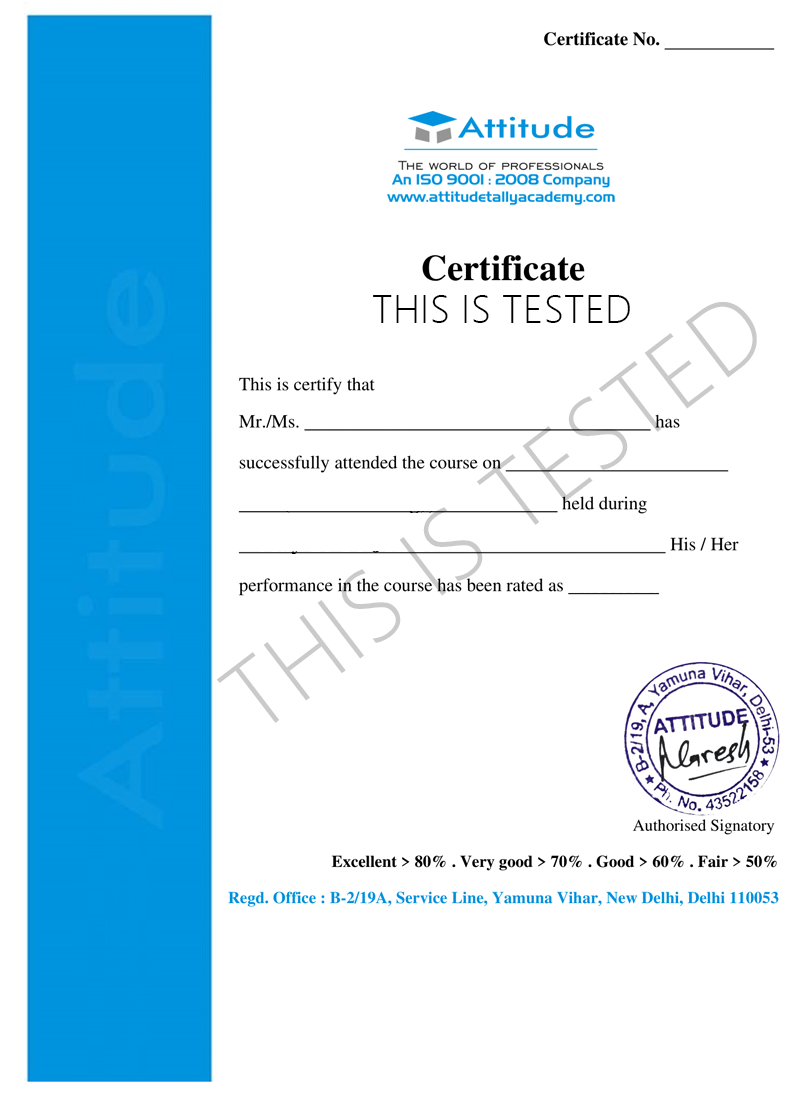
Take the final exam online to complete the NX CAD CAM Professional Mastery Course after which you will be able to download your certificate from Attitude Trainings.
How will your training work?

Classes
Watch recorded & live videos to learn various concepts & get Live Sessions with Trainer for Doubts Clearing.

Exams
Test your knowledge through quizzes & module tests. Take online exam & get instant result.

Projects
Get hands on practice by doing assignments and live project

Certificate
Take the final exam to get certified in NX CAD CAM Professional Mastery Course
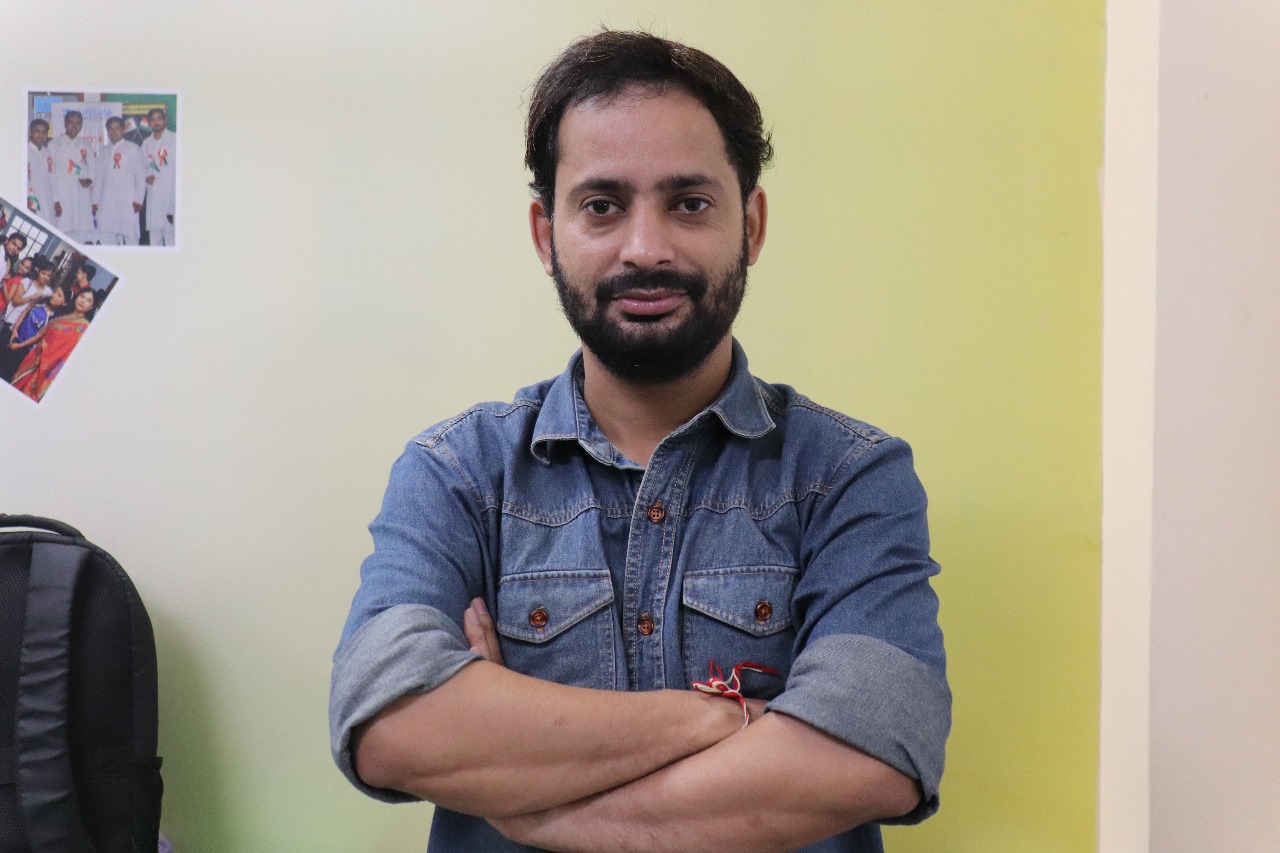
Sumit Sharma
- Videos
- Lectures
- Exp.
Over 3+ years of dedicated expertise in the field of Interior Design, Drafting & Layout of home.
- AutoCAD, 3Ds max, Sketchup, Revit-Architecture, Vray, Interior Designing
Reviews - 0
Releated Courses





₹10500.00 ₹18000.00
42% Off
Coupon Code: OFF10COURSE
- 50+ Practical Videos For Covering Course
- e-Content with Assignments
- 100% Job Assistance
- Access on All Device
- 24*7 Lifetime Access
- ISO 9001 : 2008 Company
- Internship Programme for Learners
- Govt. Recognized Certificate
- One of the Finest Education Brand in India
- Live Project provided for practice
- Course Related Blogs & Articles
How will your doubts get solved?

You can post your doubts on the Q&A forum which will be answered by the teachers within 24 hours.
100% Placement Assistance
Meet Our Placed Students




.jpeg)


Commonly Asked Questions
Q. What are the prerequisites for the training?
There are no prerequisites for this training as it is of beginner level. Everything that you need to know about NX CAD CAM Professional Mastery Course would be taught to you from scratch.
Q. Do I need to have a laptop or desktop to do the training or can I do it on mobile too?
You can watch the videos and take quizzes & tests on any device including mobile. However, for assignments and practice, use of desktop or laptop is required.
Q. What system configuration is needed to do this training?
Q. When can I start the training?
You can choose your preferred batch date while signing up for the training program and start accordingly.
Q. Will I be getting a hard copy of the certificate?
No, you will be only getting a soft copy of the certificate which you can download and print out if required.
Q. What placement assistance will I receive from Attitude as part of the training?
- You will receive free access to Placement Preparation Training on the platform which covers resume writing, cover letter writing, how to search and apply for internships and jobs on Attitude, and interview preparation. This training comes with a lifetime access meaning you can use it later also if you are not applying for internships or jobs right now.
- Access to curated internships & jobs related to the training - after completing the training, you would receive a list of handpicked internships or jobs every week that you can apply to as per your preference.
- If you are a top performer, a badge of achievement will be added to your Attitude resume and shown to the employers when you apply to internships or jobs on Attitude.
Q. Does Attitude Trainings guarantee a job or internship placement?
While many of our students have found their desired internships or jobs after completing their training, Attitude Trainings does not guarantee an internship or job. However, if you study sincerely (including doing exercises, assignments, and projects) and make good use of our placement assistance feature, it will become easier for you to get a placement using the skills learned in the training.
Q. I’m not able to make payment. What should you do now?
You could try making the payment from a different card or account (of a friend or family). Otherwise, you can follow the instructions on how to make an offline payment.
Q. The payment shows failed but money got deducted? What should I do now?
The amount deducted will come back to your account within 3-5 working days. This is the normal duration your bank will take to credit the amount back into your account.
What People Say?
Reviews By Our Success & Top Students
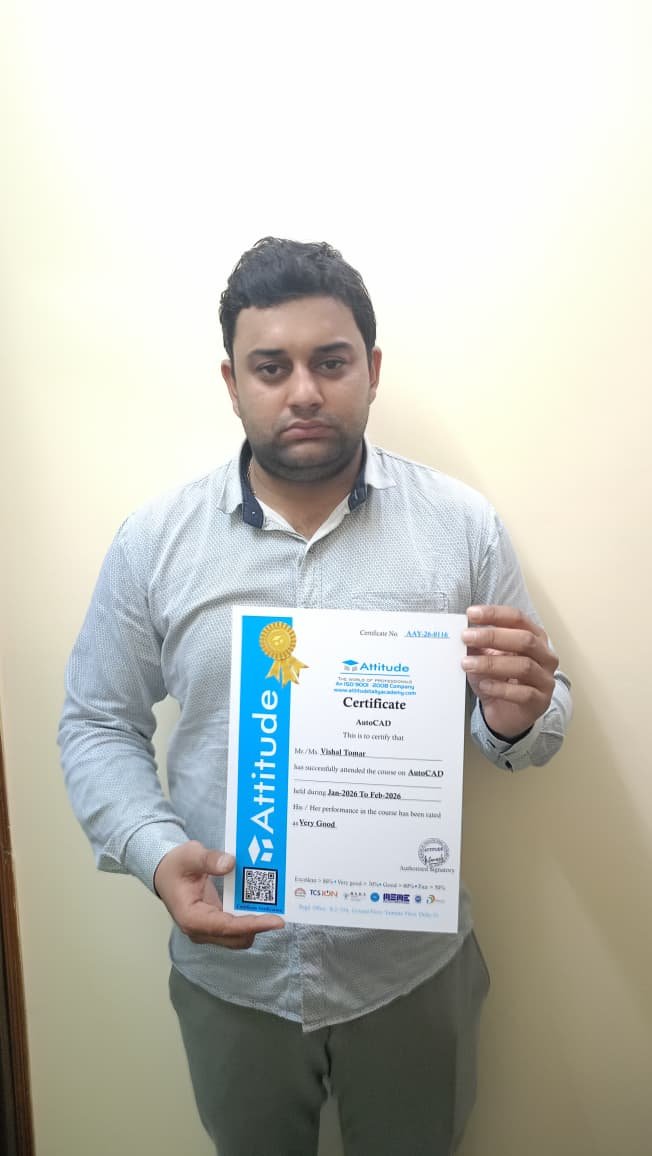
Vishal
"Learning AutoCAD at Attitude Academy was a great experience. The faculty is knowledgeable and supportive, ensuring students understand every tool and command properly. I gained practical skills in drafting and design, which will help me in my career. Highly recommended for AutoCAD training.\r\n\r\n\r\n\r\n\r\n"
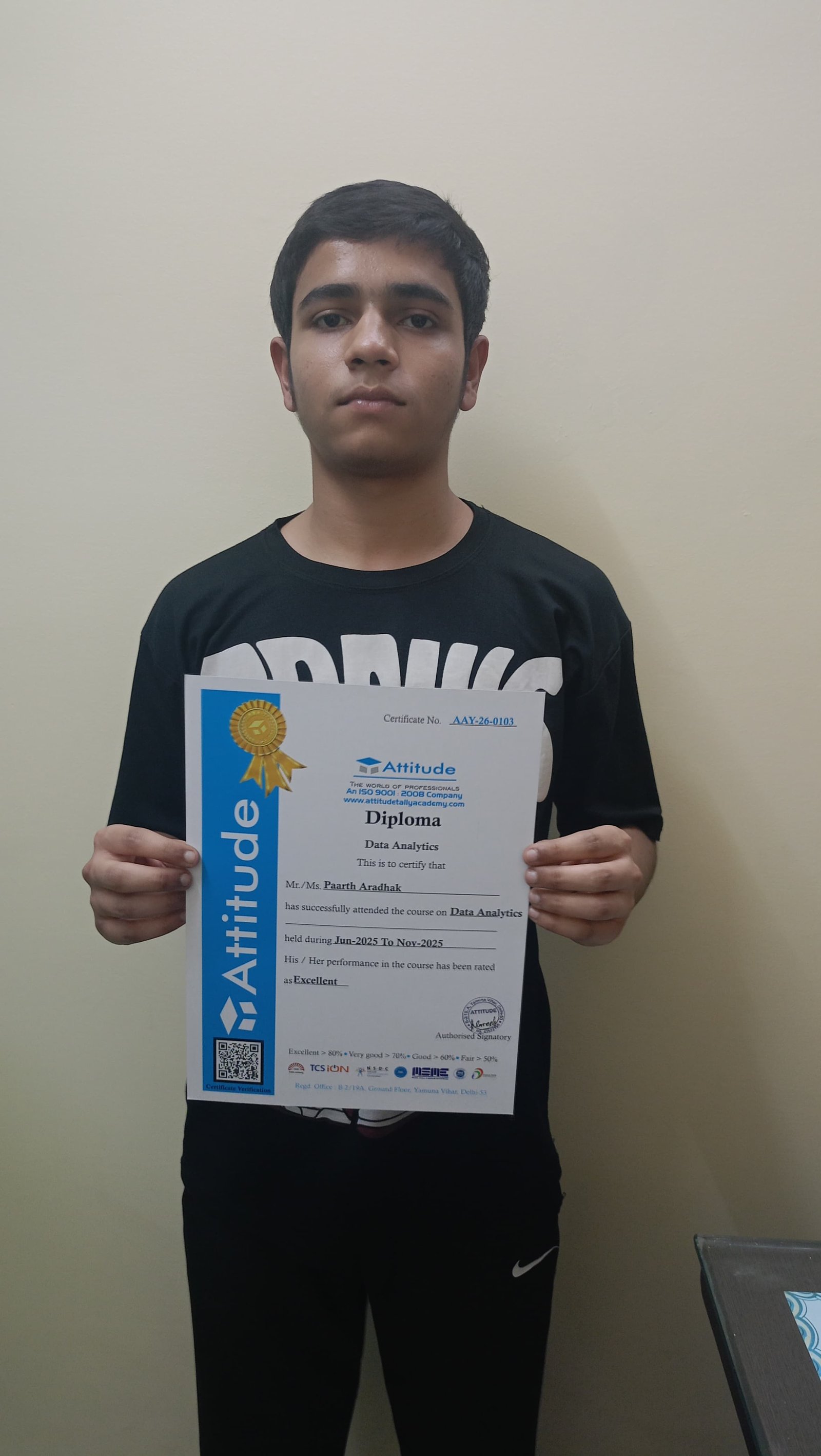
Parth
"The MIS and Data Analytics course provides well-structured training with practical assignments and project-based learning. It improved my understanding of advanced Excel, data visualization, and analytical thinking. I now feel confident working with business data and generating meaningful insights. I would recommend this course to anyone interested in MIS and Data Analytics.\r\n\r\n\r\n\r\n\r\n"

Rohan Yadav
"Attitude Academy’s Multi Autodesk course in Yamuna Vihar is a game-changer! The instructors are top-notch and provide personalized attention. The practical lessons on AutoCAD, Revit, and 3Ds Max have been incredibly helpful. I’m now confident in using these tools for professional work. Highly recommend this academy for anyone looking to build a solid foundation in Autodesk! ??"
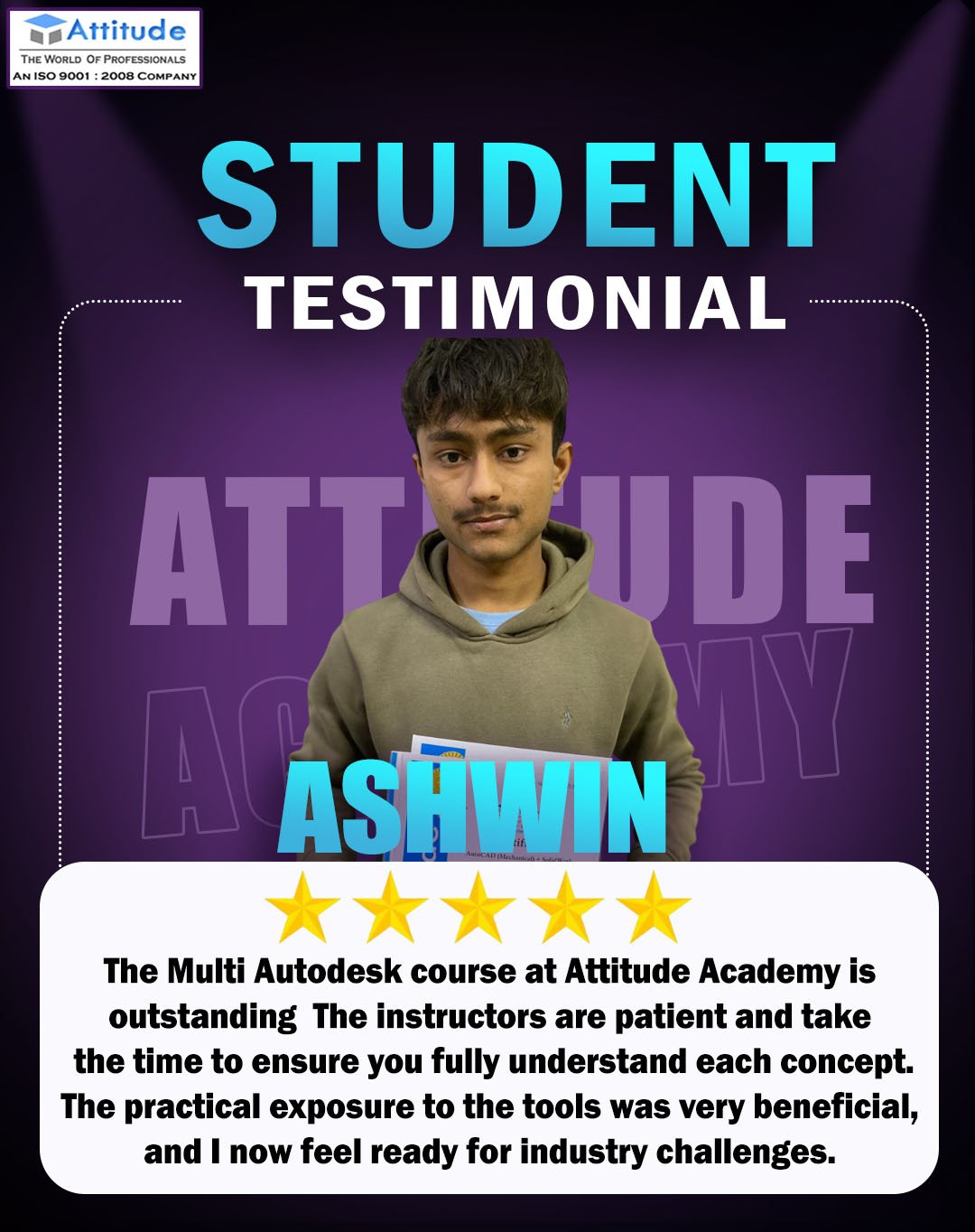
ASHWIN MISHRA
"The Multi Autodesk course at Attitude Academy is outstanding! The instructors are patient and take the time to ensure you fully understand each concept. The practical exposure to the tools was very beneficial, and I now feel ready for industry challenges. Highly recommend to all aspiring designers! ??"

sadhna
"Attitude Academy’s Multi Autodesk course in Yamuna Vihar is hands down the best training I’ve received. The instructors are extremely knowledgeable, and the hands-on approach helped me grasp everything quickly. I now feel confident using AutoCAD, Revit, and other Autodesk tools. Highly recommended for anyone looking to upgrade their skills! ??"

Dheeraj
"The Multi Autodesk course at Attitude Academy is hands down one of the best courses I’ve taken. The instructors are industry experts who really know their stuff. They focus on real-world applications, and I’ve already started using what I learned at work. It’s been a great experience! ??"
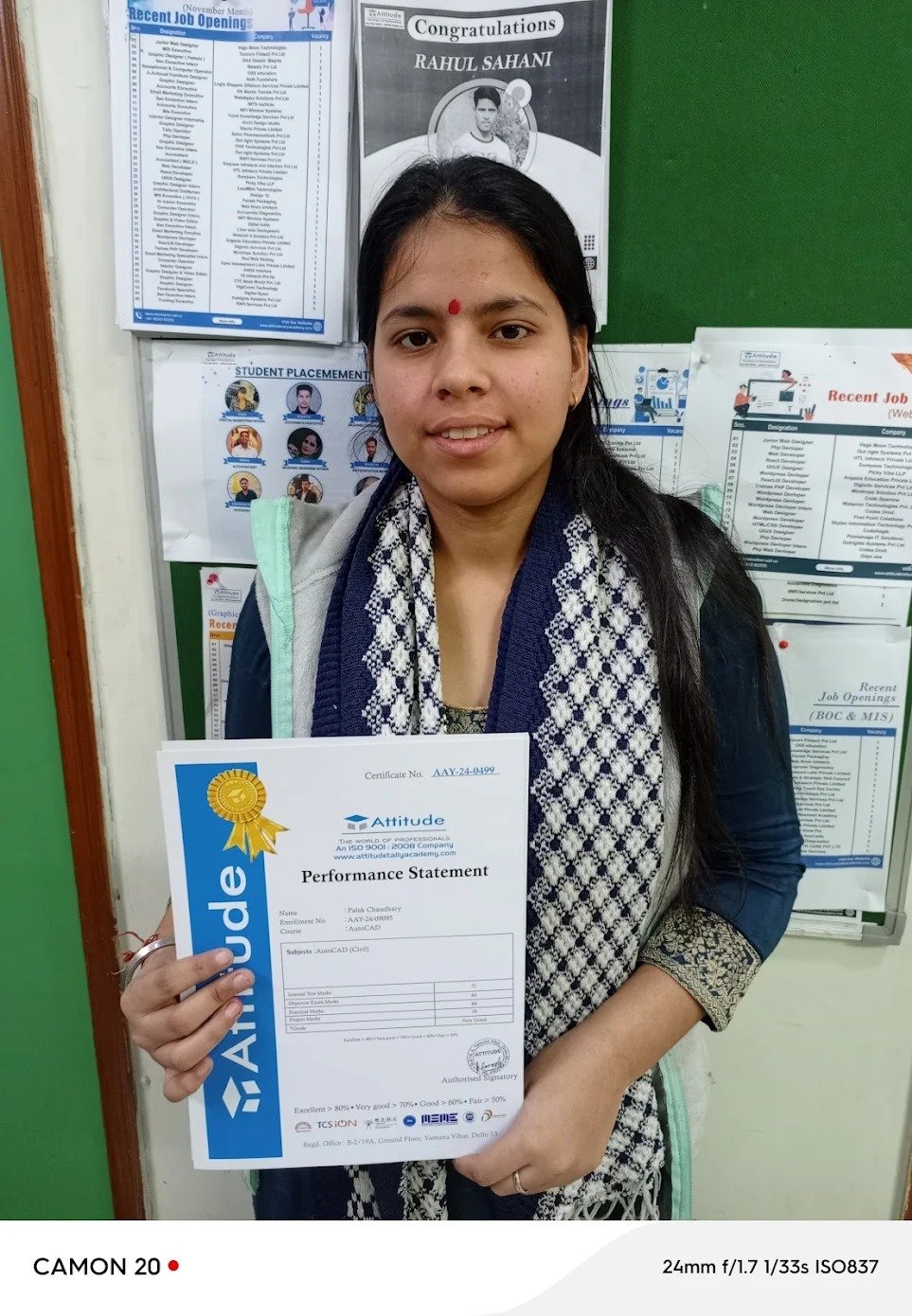
palak chaudhry
"The Multi Autodesk course at Attitude Academy is hands down one of the best courses I’ve taken. The instructors are industry experts who really know their stuff. They focus on real-world applications, and I’ve already started using what I learned at work. It’s been a great experience! ??"
Neeraj
"The Multi Autodesk course at Attitude Academy is hands down one of the best courses I’ve taken. The instructors are industry experts who really know their stuff. They focus on real-world applications, and I’ve already started using what I learned at work. It’s been a great experience! ??"
Junaid
"The Interior Designing course is very practical — from AutoCAD to 3D visualization & site visits. Perfect institute for creative careers with strong mentor support.”"
Sunil
"Attitude Academy offers an exceptional Autodesk course. The Multi Autodesk program covers everything from AutoCAD drafting to 3D modeling in Revit, making it ideal for anyone looking to gain comprehensive skills. The instructors provide great support, and the practical lessons were really useful. I highly recommend this academy! ????"
Nitin panchal
"The Multi Autodesk course at Attitude Academy was very well-structured. It covered everything from AutoCAD basics to advanced 3Ds Max techniques. The trainers are extremely helpful and take the time to explain every concept thoroughly. I’m glad I took this course, and I now feel ready to work in the industry. ??"
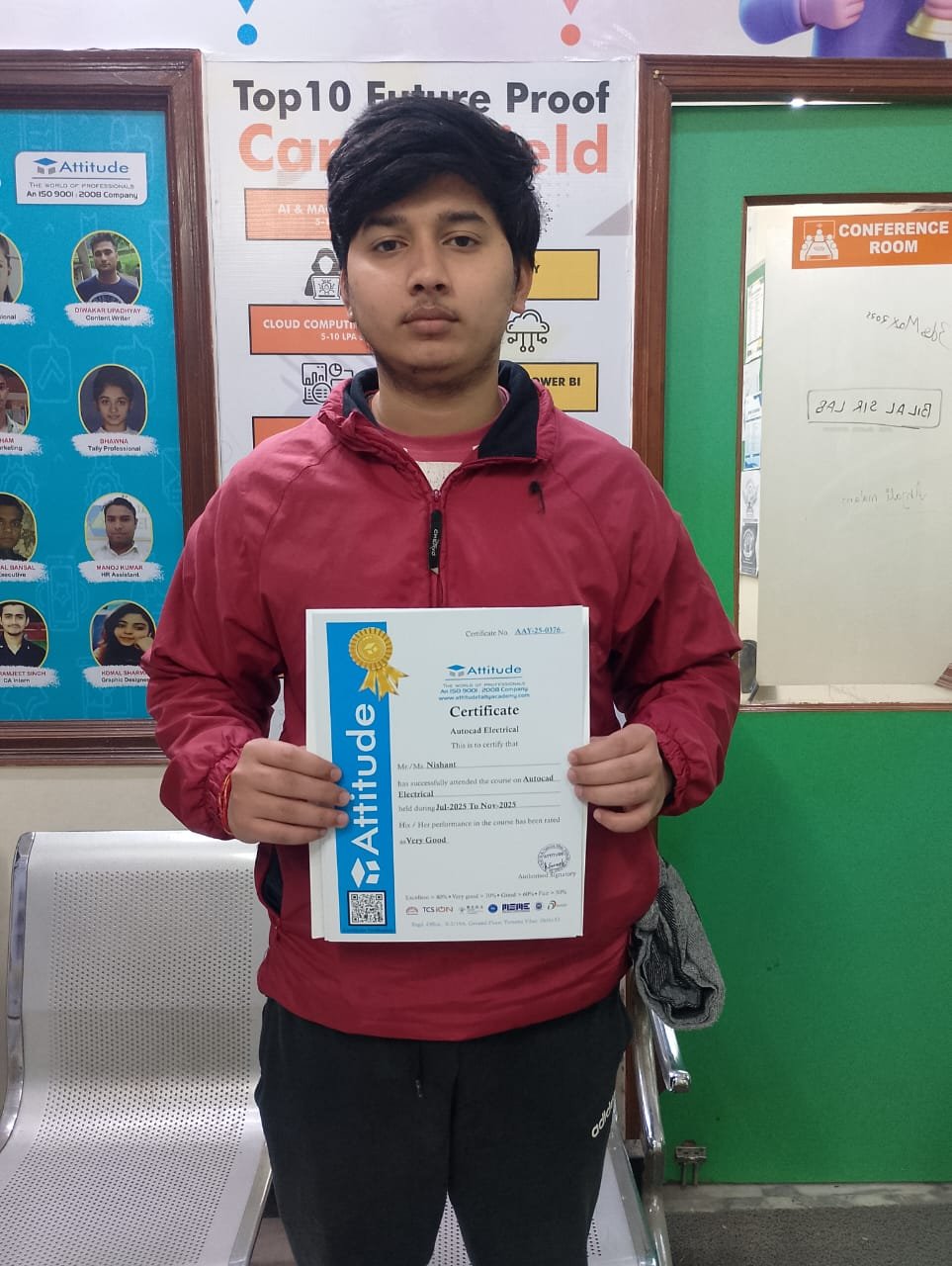
Nishant
"The Multi Autodesk course at Attitude Academy was very well-structured. It covered everything from AutoCAD basics to advanced 3Ds Max techniques. The trainers are extremely helpful and take the time to explain every concept thoroughly. I’m glad I took this course, and I now feel ready to work in the industry. ??"
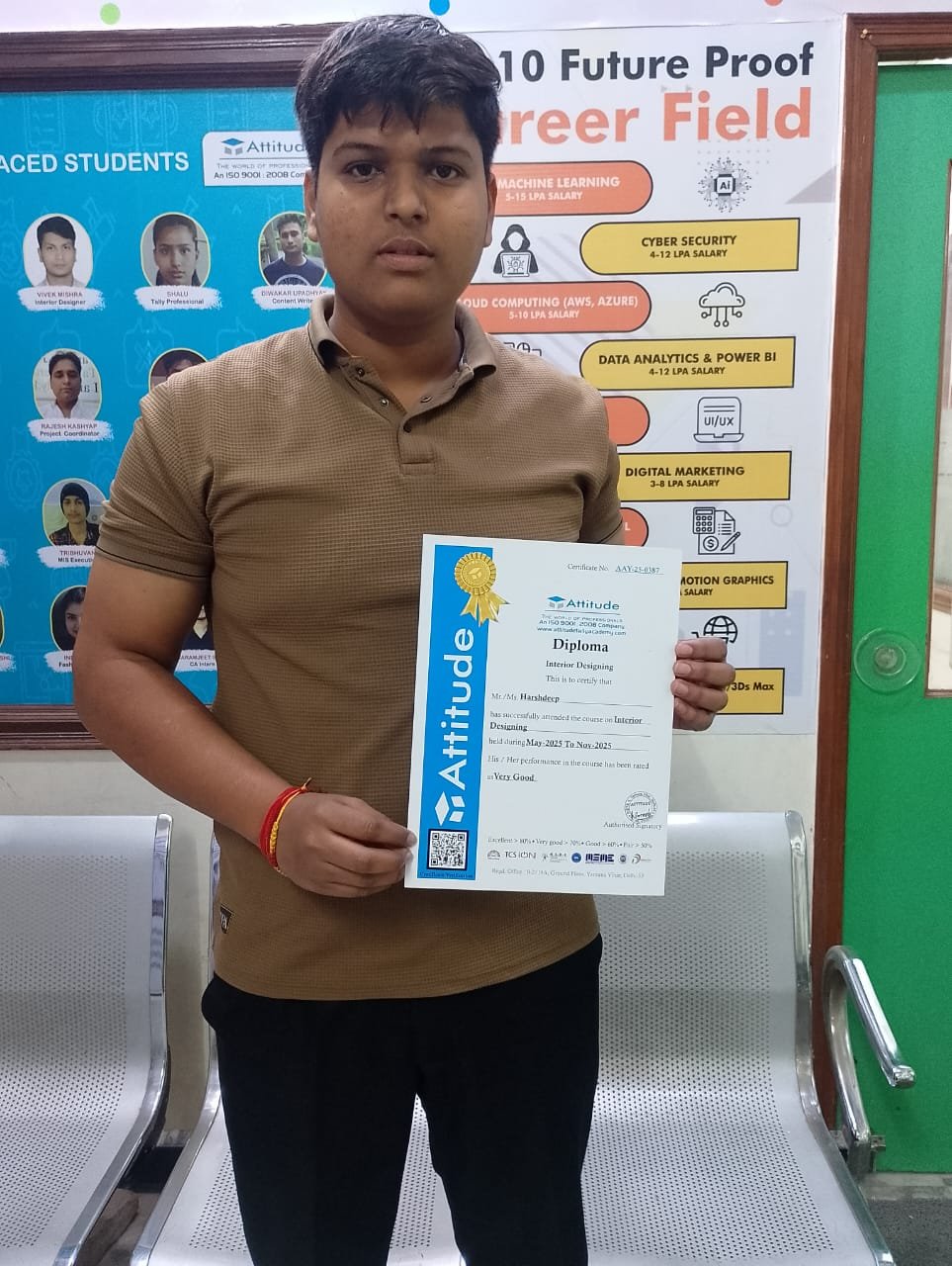
Harshdeep
"The Interior Designing course is very practical — from AutoCAD to 3D visualization & site visits. Perfect institute for creative careers with strong mentor support.”"

Vivek kumar
"The Interior Designing course is very practical — from AutoCAD to 3D visualization & site visits. Perfect institute for creative careers with strong mentor support.”"
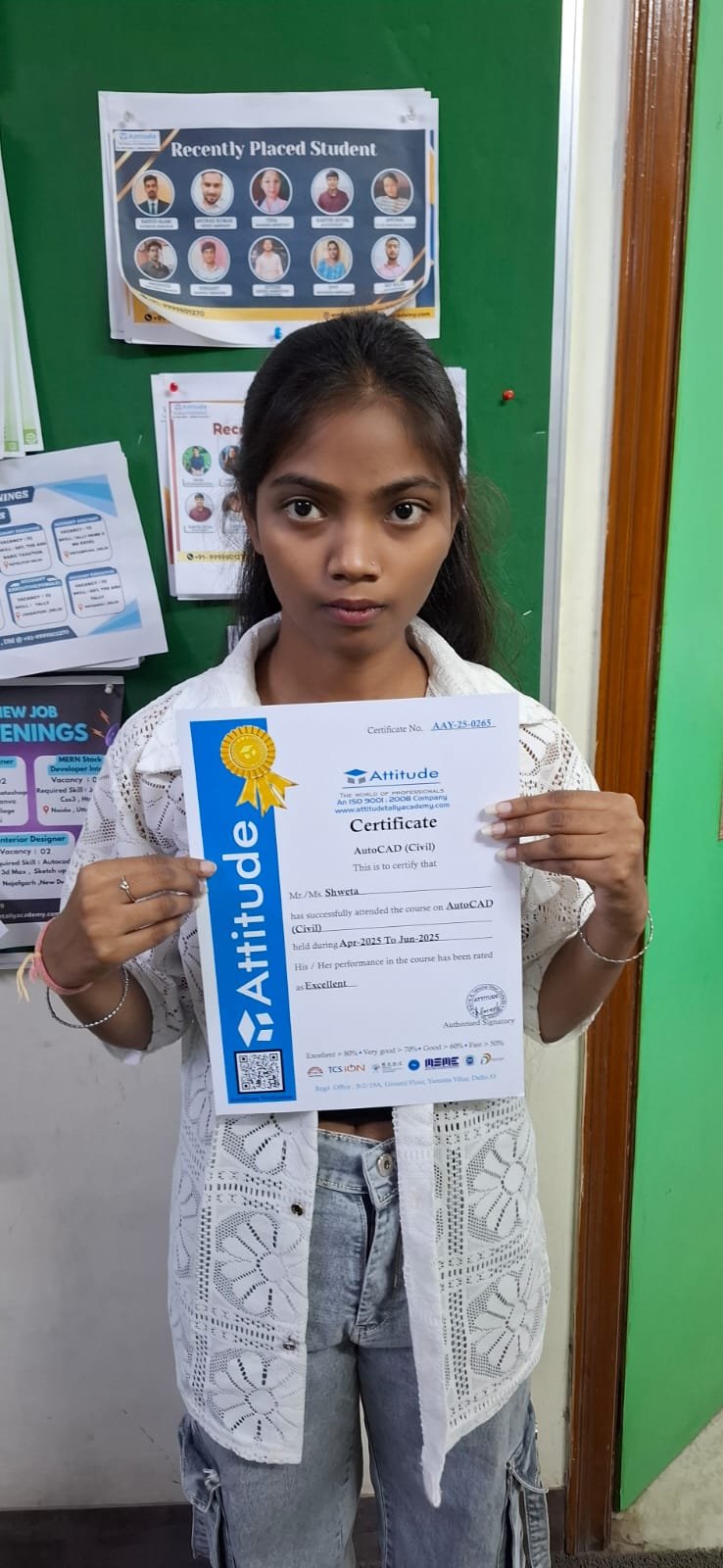
Shweta
"The Multi Autodesk training at Attitude Academy was absolutely incredible! The trainers are experts and make even the most complex topics easy to understand. I learned practical skills that I’m already using in my freelance work. I highly recommend this academy for anyone serious about mastering Autodesk tools! ??"

PRAGYA
"Attitude Academy’s Multi Autodesk course in Yamuna Vihar is a game-changer! The instructors are top-notch and provide personalized attention. The practical lessons on AutoCAD, Revit, and 3Ds Max have been incredibly helpful. I’m now confident in using these tools for professional work. Highly recommend this academy for anyone looking to build a solid foundation in Autodesk! ??"
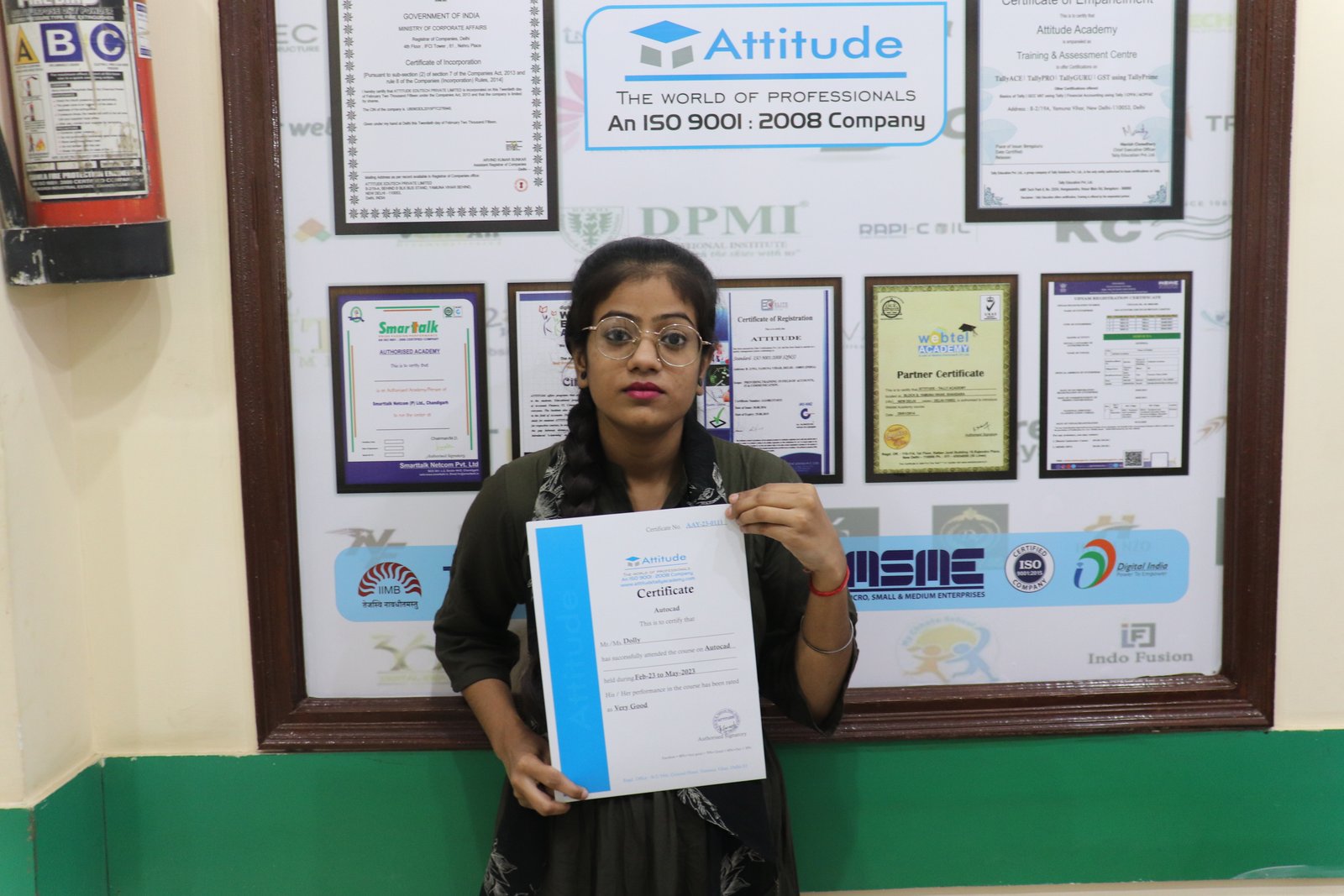
Dolly
"This is one of the best institute for Autocad Training. I recommend everyone should study from Mohsin sir class and join his batch only, he is very knowledgeable and expert in this industry. He always explains the concepts very clearly and provides real life projects which helps to build a strong knowledge base, assignments given by him are excellent and very helpful to understand the concepts."

"It has been a great experience for me to take Autocad 3d's Max training from Attitude Academy. I have taken Autocad course. The trainer especially Sumit Sir is very good and has good knowledge. I have also got a placement from here. The placement team is very good especially the Kajal Mam is very helpful and provide good support in getting placement. Thanks Team Attitude Academy."
Shiva
"It was such a great experience to study AutoCAD course, I have learned a lot about my strengths and weaknesses with the help of my amazing tutors. Now I believe I am more capable of teaching different skills effectively."

