 by
by INTRODUCTION
Starting a career in graphic design can be exciting, but beginners often feel confused about which software and tools they should learn first. With so many design applications available, it is easy to assume that becoming a designer requires learning every tool. In reality, students can build a strong foundation by understanding a few essential applications and learning how each one is used in real design projects.
A good Graphic Design Course for Beginners should not focus only on software features. Students should also learn design principles, visual communication, typography, colour theory, composition, and practical project development. These fundamentals help beginners use design tools more effectively.
Adobe Photoshop: A Foundation for Digital Design
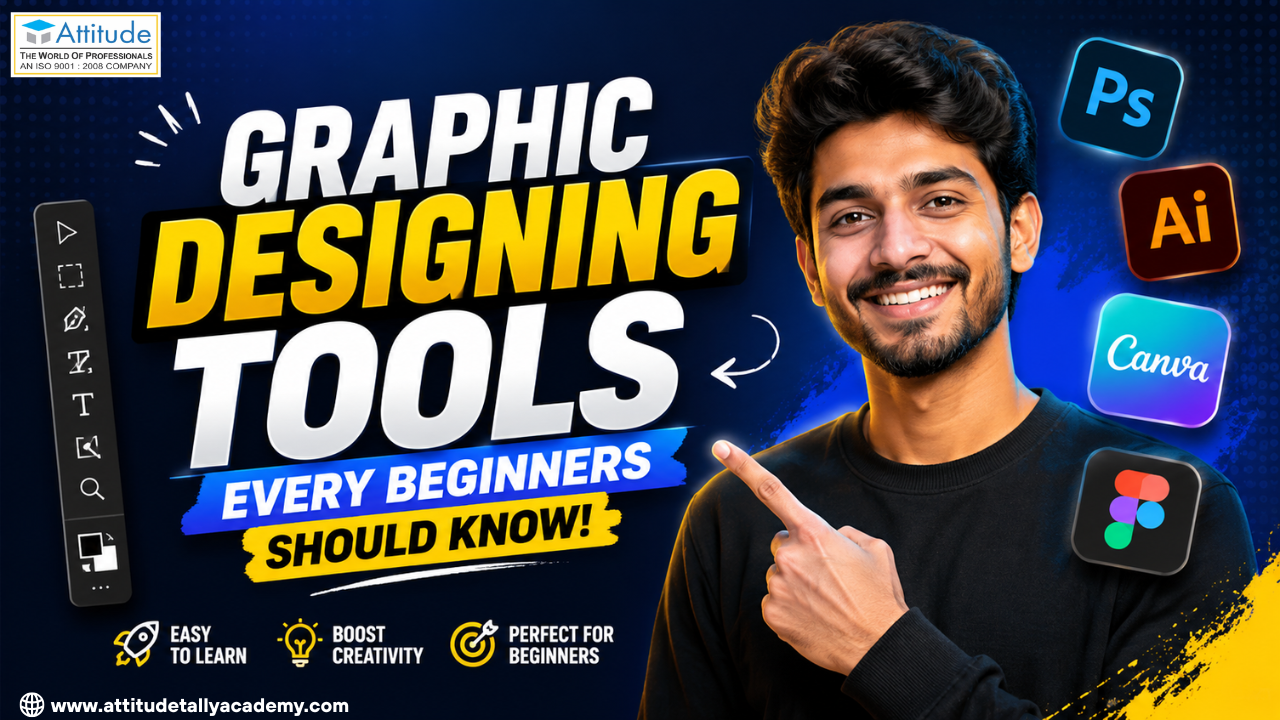
Adobe Photoshop is one of the most useful tools for beginners entering graphic design. It is widely used for photo editing, social media creatives, advertising graphics, banners, posters, and digital artwork.
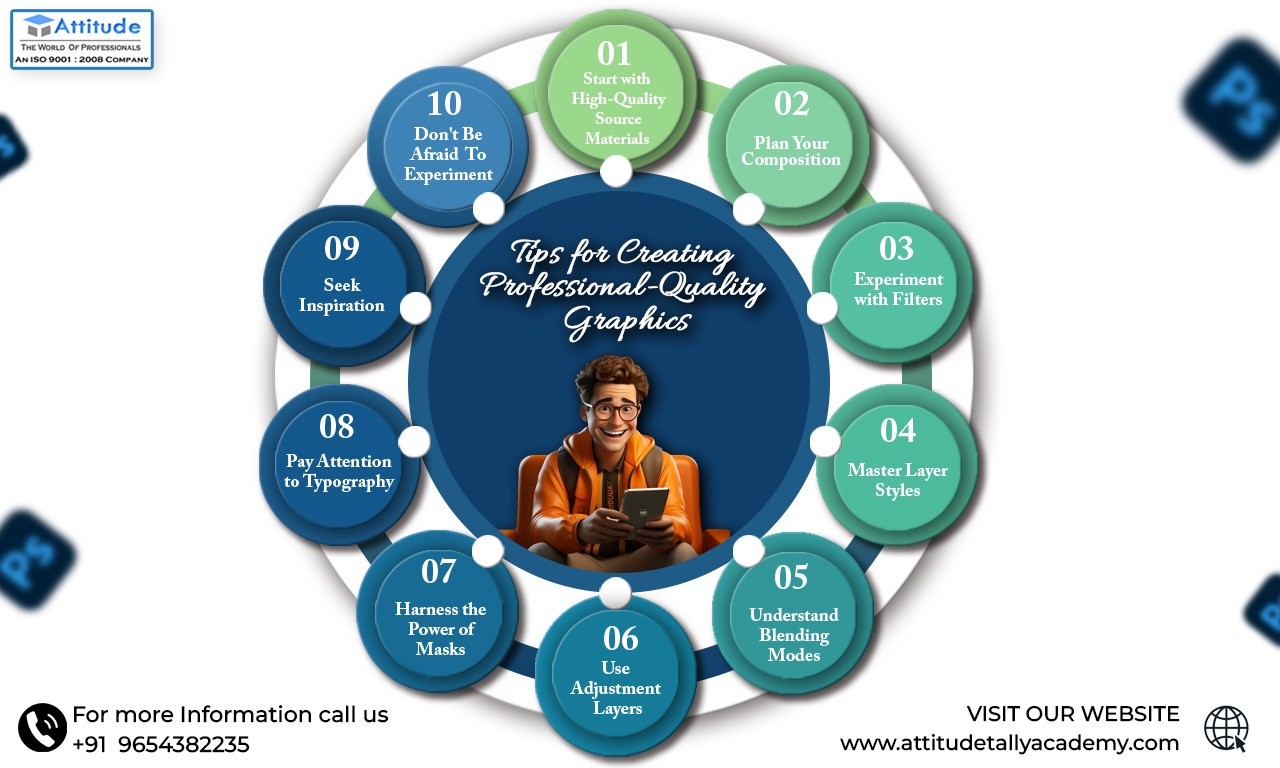
Students beginning their Graphic Design Training should understand essential Photoshop features such as layers, selections, masks, brushes, typography, colour correction, and image adjustment. Instead of simply memorising where each tool is located, beginners should practise using them to solve real design problems.
For example, creating a promotional poster can teach students how to combine photographs, text, colours, shapes, and visual hierarchy in one composition.
Adobe Illustrator: Learn Vector Graphics
Adobe Illustrator is particularly important for students interested in logo design, branding, icons, illustrations, and scalable graphics. It works primarily with vector graphics, which means designs can be resized without losing their quality.
During a Graphic Design Course, beginners can start with basic tools such as the Pen Tool, Shape Builder, Pathfinder, typography controls, layers, and colour options. Creating a simple logo or icon set can help students understand how professional vector artwork is developed.
Learning Illustrator is especially useful for students who want to develop strong Graphic Design Skills for branding and visual identity projects.
CorelDRAW: Useful for Print-Based Design
CorelDRAW is another important application for people interested in graphic design, particularly in print-related work. It can be used for brochures, business cards, posters, invitations, banners, signage, and other print materials.
Students taking Graphic Design Classes for Beginners can use CorelDRAW to understand page layouts, vector shapes, typography, alignment, and print preparation.
Learning print design also teaches an important lesson: a design that looks good on a screen may require adjustments before it is printed. Understanding dimensions, resolution, margins, and colour requirements can therefore be valuable for aspiring designers.
Canva: A Simple Tool for Beginners
Canva has become a popular platform for creating social media posts, presentations, posters, resumes, advertisements, and other visual content. Its simple interface makes it accessible to students who have never used professional design software.
However, beginners should not rely completely on ready-made templates. A Graphic Design Course for Students should encourage learners to understand why a particular layout works instead of simply replacing the text and images in a template.
Practising spacing, typography, colour combinations, alignment, and visual hierarchy through Canva can help students develop their design thinking.
Figma: Important for Digital Design
Students interested in websites, mobile applications, and UI/UX design should also explore Figma. It allows designers to create wireframes, interface layouts, prototypes, and reusable design components.
Figma helps beginners understand how graphic design principles apply to digital products. Concepts such as grids, consistency, spacing, hierarchy, and usability become particularly important when designing interfaces.
Students considering a Graphic Design Certification Course can benefit from learning tools that are relevant to both traditional graphic design and modern digital design.
Design Principles Matter More Than Software
Knowing software is only one part of becoming a designer. A student may know Photoshop and Illustrator but still struggle to create an effective design if they do not understand basic design principles.
Important concepts include:
- Balance and alignment
- Contrast
- Colour theory
- Typography
- Visual hierarchy
- White space
- Proportion
- Composition
These principles help designers decide where an element should be placed, which colour should be used, how large text should appear, and how viewers should move through a design.
Students searching for a Graphic Designing training Institute should therefore look beyond software names and consider whether their learning approach includes practical design concepts and assignments.
Practice Through Real Design Projects
One of the most effective ways to improve is to create projects regularly. Beginners can start with simple designs such as Instagram posts, event posters, business cards, logo concepts, brochures, and promotional banners.
For students exploring a Graphic Designing Coaching Centre in Yamuna Vihar, practical assignments can be particularly useful because they allow learners to apply software knowledge to realistic design situations.
Regular graphic designing classes in Yamuna vihar can also help beginners receive feedback and understand where their designs need improvement. Instead of creating dozens of random designs, students should build projects around different purposes and audiences.
Choose Learning Based on Your Career Goal
Every student does not need to master every design application. The right tools depend on the career direction they want to pursue.
For example, students interested in branding can focus more on Illustrator and Photoshop. Those interested in social media design can combine Photoshop, Illustrator, and Canva, while students planning to enter UI/UX can add Figma to their skill set.
When comparing a Graphic Designing Centre in Uttam Nagar, students should check whether the curriculum includes practical projects, portfolio development, design fundamentals, and relevant software.
Similarly, a Graphic Designing training Institute in Uttam Nagar can provide structured learning for students who prefer guided training. When evaluating a Graphic Designing Coaching Institute in Uttam Nagar, beginners should also consider the trainer’s practical experience, course content, project work, and learning support.
Final Thoughts
The right tools can make the learning process easier, but software alone does not create a successful graphic designer. Beginners need a combination of technical knowledge, creative thinking, design principles, practice, and feedback.
Start with Photoshop or Illustrator, explore tools such as Canva and Figma according to your interests, and keep practising through meaningful projects. With consistent learning, students can gradually develop the skills required for freelance projects, creative agencies, branding work, digital marketing, UI design, and other career opportunities. Visit us