 by
by Introduction
Video editing has become one of the most useful and creative skills for students today. From YouTube content to social media reels, every platform needs good-quality videos. The best part is—you don’t need to be an expert to start. With the right tools and proper learning, anyone can begin their journey. If you are planning to join a Video Editing, understanding beginner-friendly software is the first step.
Why Students Should Learn Video Editing
Video editing is not just about cutting clips. It’s about storytelling, creativity, and communication. Students who learn editing gain skills that are useful in multiple careers like content creation, marketing, and media production.
When you enroll in a Video Editing Training/Institute in Yamuna Vihar, you learn both basic and advanced editing techniques in a structured way.
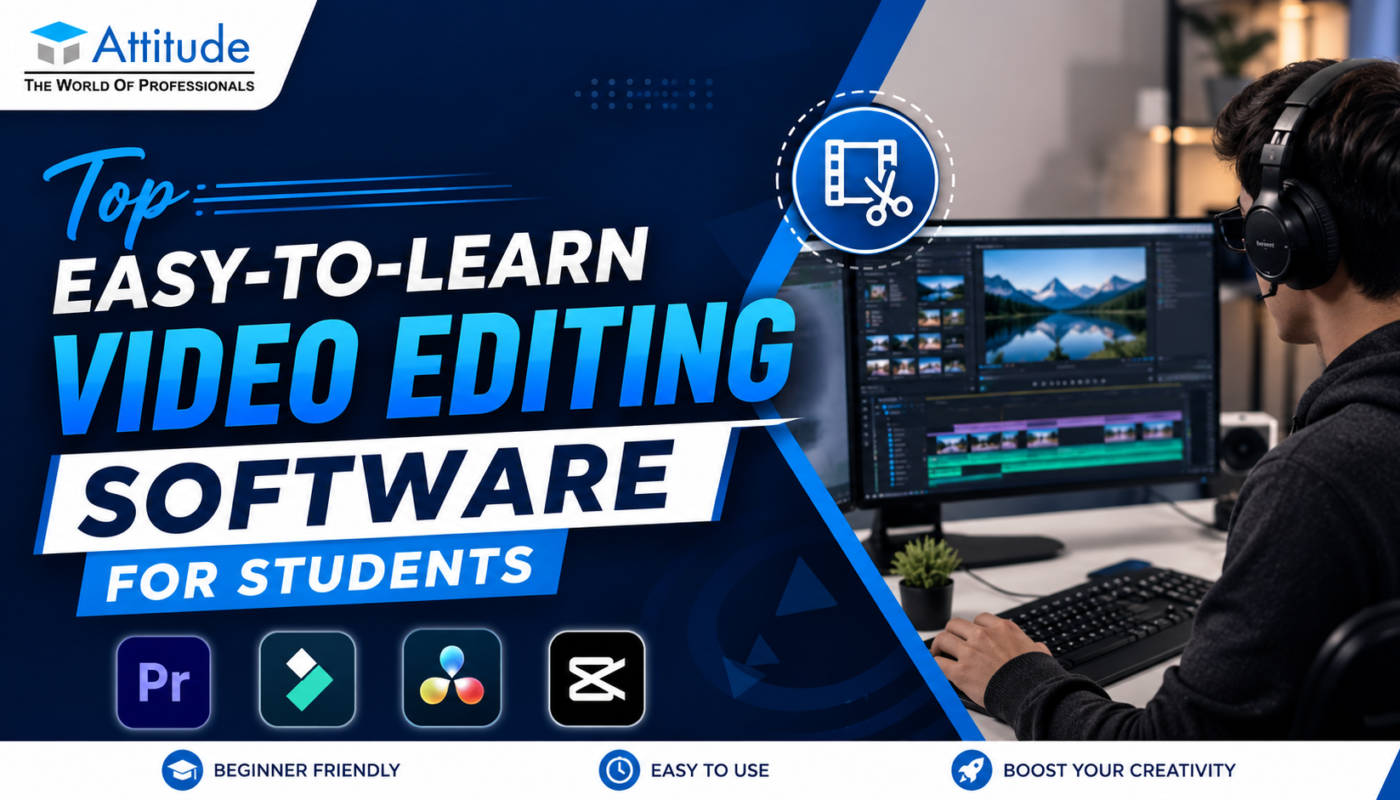
Easy-to-Learn Video Editing Software for Beginners
Starting with the right software makes learning easier and more interesting. Here are some beginner-friendly tools students can explore:
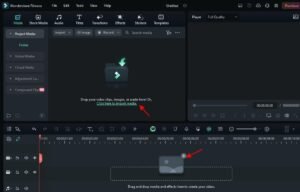
1. Filmora – Best for Beginners
Filmora is simple and easy to use. It comes with drag-and-drop features, making it perfect for beginners.
Why students like it:
- Clean and simple interface
- Ready-made effects and transitions
- Quick learning curve
Students joining Video Editing Classes in Yamuna Vihar often start with tools like Filmora to understand editing basics.
2. Adobe Premiere Pro – For Professional Editing
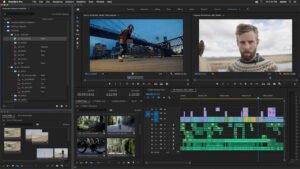
Premiere Pro is widely used in the industry. It may feel complex at first, but with practice, it becomes very powerful.
What you can do:
- Edit high-quality videos
- Work on advanced timelines
- Add professional effects
Students enrolled in a Video Editing Training Institute in Yamuna Vihar gradually move to Premiere Pro after learning basics.
3. Adobe After Effects – For Motion Graphics
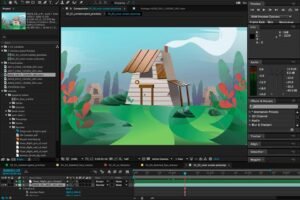
If you want to create animations, motion graphics, or special effects, After Effects is the right tool.
Key features:
- Animation and visual effects
- Text motion design
- Creative video elements
Students who join an After Effects Training Institute in Yamuna Vihar or an After Effects Training Institute in Uttam Nagar learn how to make their videos more engaging and professional.
4. CapCut – Simple and Fast Editing
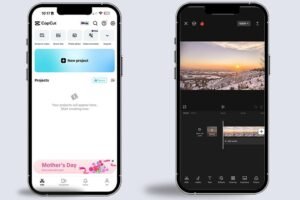
CapCut is very popular among beginners, especially for short videos and reels.
Why it’s useful:
- Easy mobile and desktop use
- Quick editing features
- Perfect for social media content
Many beginners in Video Editing Classes in Uttam Nagar use CapCut to practice editing in a simple way.
5. DaVinci Resolve – Free and Powerful Tool
DaVinci Resolve is a free software with advanced features. It is great for students who want to learn both editing and color correction.
What makes it special:
- Professional-level features
- Advanced color grading
- Free version available
Importance of Learning with Practical Training
Learning software alone is not enough. Practical experience is what builds real skills.
When students join a Video Editing Coaching Centre in Uttam Nagar or a Video Editing Training in Yamuna Vihar, they work on:
- Real editing projects
- Sound adjustments
- Video transitions and effects
Skills You Develop While Learning Video Editing
By learning video editing, students develop multiple useful skills:
Key skills:
- Creativity and storytelling
- Technical editing knowledge
- Time management
- Attention to detail
These skills are valuable in both freelancing and job opportunities.
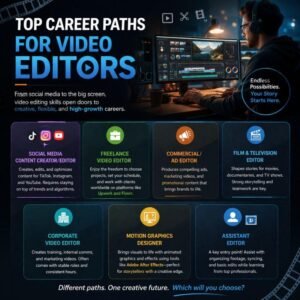
Career Opportunities After Learning Video Editing
Video editing opens many career paths for students:
Popular options:
- Video Editor
- Content Creator
- Social Media Manager
- YouTube Editor
- Freelance Video Designer
Students completing a Video Editing Course in Uttam Nagar or a Video Editing Course in Yamuna Vihar can start earning through freelance work or internships.
Final Thoughts
Video editing is one of the easiest skills to start and one of the most powerful skills to master. The key is to begin with simple tools, practice regularly, and gradually move to advanced software.
That’s how you build strong video editing skills and grow in this field.Visit us