 by
by Introduction
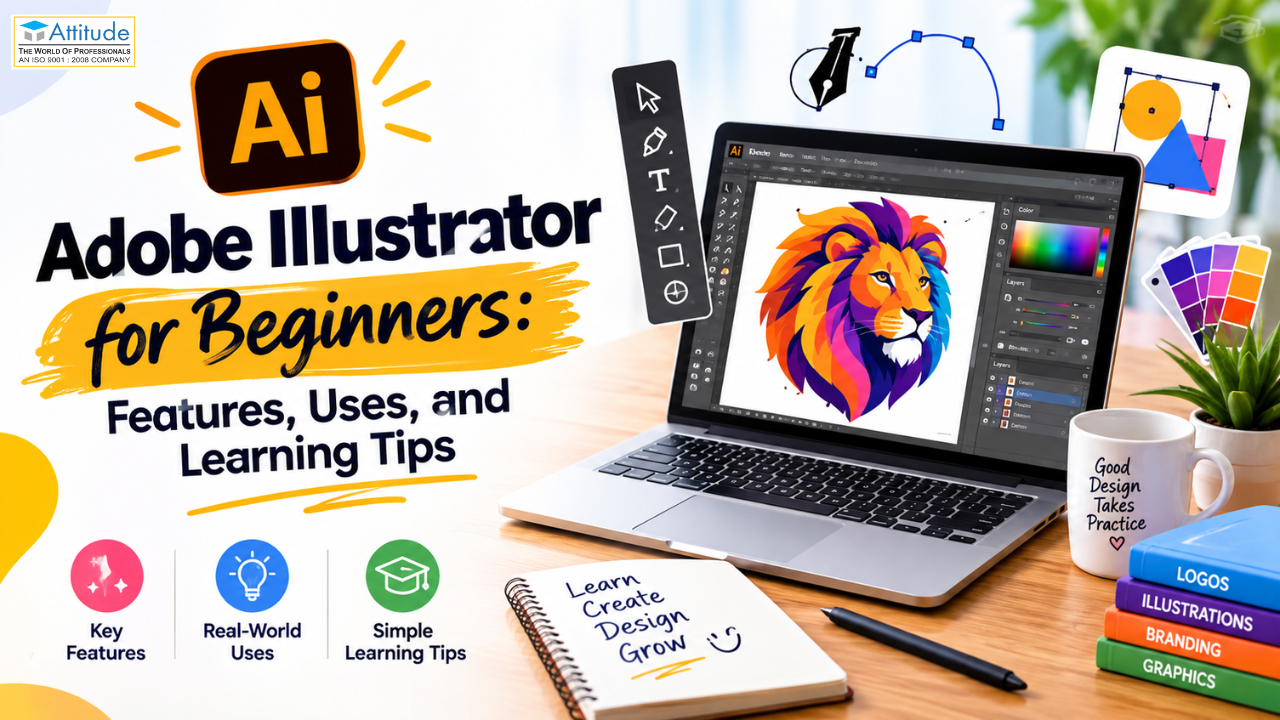
Adobe Illustrator is one of the most popular graphic design software programs used to create logos, illustrations, icons, posters, and digital artwork. For students and beginners who want to develop creative skills, learning Adobe Illustrator can be a useful step toward understanding professional graphic design.
Unlike software designed mainly for editing photographs, Illustrator focuses on vector graphics. This allows designers to resize artwork without losing quality. Students interested in a graphic designing or a graphic design program in Yamuna Vihar can explore vector design as an important part of their learning journey.
What Is Adobe Illustrator?
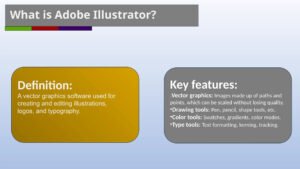
Adobe Illustrator is a vector graphics application used to create digital artwork with shapes, paths, lines, and text. Vector graphics are based on mathematical paths rather than a fixed grid of pixels, so they can be scaled while maintaining sharp edges.
For example, a logo designed in Illustrator can be used on a visiting card, website, banner, or large billboard without becoming blurry. This makes the software useful for branding, advertising, print design, and digital media projects.
Key Features of Adobe Illustrator
1. Vector Drawing Tools
Illustrator provides drawing tools that help users create shapes, curves, lines, and custom illustrations. The Pen Tool is particularly useful for drawing precise paths and creating detailed artwork. Beginners can start with basic shapes before moving on to more complex designs.
2. Typography and Text Design
Typography plays an important role in graphic design. Illustrator allows designers to add text, adjust spacing, customize letterforms, and create text-based artwork. These features are useful for designing logos, promotional graphics, posters, and brand materials.
3. Shape Builder and Pathfinder Tools
The Shape Builder and Pathfinder tools help designers combine, divide, or remove overlapping shapes. They make it easier to create custom icons, symbols, and geometric illustrations.
4. Colours, Gradients, and Patterns
Colour helps communicate a design’s mood and purpose. Illustrator offers colour controls, gradients, and pattern options that can make artwork more engaging. Learning how to choose suitable colours and maintain contrast can improve the clarity and appearance of a design.
5. Artboards and Export Options
Artboards allow designers to organize multiple design layouts within a single document. Illustrator supports exporting artwork in different formats depending on project requirements. SVG is commonly used for scalable web graphics, while PDF is useful for sharing and many print workflows.
Common Uses of Adobe Illustrator
Adobe Illustrator is used across several creative fields. Common applications include:
- Logo and branding design: Creating logos, icons, and brand identity elements.
- Social media graphics: Designing visuals for digital campaigns and online content.
- Poster and brochure design: Creating promotional layouts for events, products, and services.
- Illustration: Producing vector characters, decorative artwork, and diagrams.
- Packaging design: Developing graphic elements for product labels and packaging.
- Infographics: Presenting information through icons, shapes, and visual explanations.
Students exploring graphic designing classes in Uttam Nagar or graphic designing classes in Yamuna Vihar can benefit from practising these different types of design projects.
Learning Tips for Adobe Illustrator Beginners
Start with the Basics
Become familiar with the interface, selection tools, layers, shapes, and artboards before attempting complicated projects. Practise drawing simple objects using circles, rectangles, and lines.
Practise the Pen Tool
The Pen Tool may feel challenging at first, but it is valuable for creating smooth curves and accurate outlines. Practise tracing simple objects and connecting anchor points to improve control.
Learn Through Small Projects
Complete small projects such as a simple logo, an icon set, a poster, or a social media post. Project-based practice helps you understand how different tools work together.
Study Typography and Colour Theory
Good software skills are only one part of effective graphic design. Learn about font pairing, visual hierarchy, colour contrast, alignment, and spacing to make designs easier to understand and more professional.
Build a Design Portfolio
Save your strongest projects and organize them into a portfolio. Include different types of work, such as logos, illustrations, and promotional graphics. A portfolio helps demonstrate your abilities to potential employers, clients, or freelance customers.
Career Opportunities After Learning Adobe Illustrator
Adobe Illustrator skills can support career paths such as graphic designer, logo designer, brand identity designer, vector illustrator, and marketing creative designer. Opportunities depend on your practical experience, portfolio quality, creativity, and understanding of client requirements.
Learning Illustrator alongside other relevant tools, such as Adobe Photoshop or Canva, can also help you handle a wider range of creative projects.
Students searching for a graphic designing training course in Yamuna Vihar should check whether the course includes practical exercises and guidance on creating real-world design projects. Similarly, those looking for a graphic designing training course in Uttam Nagar can compare course content and training methods before making a decision.
Conclusion
Adobe Illustrator is a valuable tool for beginners who want to explore vector graphics and develop practical graphic design skills. By learning its drawing tools, typography features, colour controls, and export options, students can build a strong foundation for creative projects.
Whether you are researching a graphic designing course in Uttam Nagar or exploring graphic designing training in Yamuna Vihar, focus on practical learning, consistent practice, and portfolio development. These steps can help you improve your design abilities and prepare for future career opportunities
A suitable graphic designing institute in Yamuna Vihar should help learners understand both the technical features of design software and the creative principles behind effective visual communication.visit us
.