- Basics of Computer
- MS-Office With AI Tools
Office Management With AI
MS-Office With AI Tools is easy to learn and easy to understand scripting language which makes it attractive for Application Development.
- 10 - 20 weeks
- 102 Lectures
- 1523 Student Enrolled
- Offer by ATTITUDE ACADEMY
- Last updated:- Nov 26, 2026
₹999.00 92% Off
- 100+ Practical Videos For Covering Course
- e-Content with Assignments
- 100% Job Assistance
- Access on All Device
- 24*7 Lifetime Access
- ISO 9001 : 2008 Company
- Internship Programme for Learners
- Govt. Recognized Certificate
- One of the Finest Education Brand in India
- Live Project provided for practice
- Course Related Blogs & Articles
What you'll learn
These topics will help you learn Graphic design using MS-Office with AI tools.
- Integrate ChatGPT & AI inside MS-OFFICE
-
Automate 42 Daily Office Tasks Using ChatGPT & AI tools Without Coding
-
Create All Your Excel Reports In Just 60 seconds
-
Get 97 Automation Templates That Makes You Work Faster Than A Robot
-
Become AI Proof, Avoid Layoffs & Work In An AI & Data Driven World
More..........
Requirements
- Innovative and Creative Ideas
- Basic Knowledge of Computer
What placement assistance will you receive?

Free Placement Preparation Training

Access to curated Internships & Current Job Openings.

Top performers will be highlighted on Attitude Job portal
Requirements
Inventory management can be defined as a whole lot of activities done to maintain an optimum number of inventories to ensure uninterrupted production, sales, high customer satisfaction, reduced inventory handling cost and so on.
In simple words, inventory management is all about striking the balance between overstocking and understocking. Overstocking will lead to cash flow blockage and additional cost for managing excess stock. On the flip side, understocking leads to loss of sale due to non-availability of stock at the right time.
Thus, it’s all about maintaining the right level inventories at the right time and keeping the inventory handling cost at low.
Course Circullum
Introduction of Computer
- Fundamental of computer
- What is Personal Computer
- Organization of Computer
- Types of Memory
- Measurement of Memory
- Parts of computer
- Operating System
DESKTOP PROPERTIES
- Icon Setting
- Create Folders & Setting
- Desktop Background
- Task Bar / Time & Date Setting
How to Download & Install MS Office
- Run Command – Winword
- Extension – .docx
- File Menu Basics of Document: Creating, Opening, Saving, Sharing & Shortcut Keys
Home Menu
- Text Basic Function / Text Formatting
- Indents and Paragraph Settings
- Bullets / Numbering
- Find and Replace
Insert Menu
- Creating Cover Page & Blank Page
- Tables & Table Properties
- Inserting & Formatting Pictures
- Shapes & Text Boxes: Creating, Formatting, Aligning, Ordering & Grouping
- SmartArt & WordArt
- Bookmark, Header & Footer, Comments
- Quick Parts, Drop Cap, Signature Line, Object, Equation, Symbols
Design Menu
- Theme
- Font & Paragraph Spacing
- Watermark
- Page Colors
- Page Borders & Style
Page Layout
- Page & Column Breaks
- Page Formatting
- Page Setup & Paragraph Setting
- Position & Wrap Text
- Bring Forward / Backward
- Selection Pane & AlignReferences Tab
- Table of Contents
- Footnote & Endnote
- Bibliography
- Captions
- Mark Entry
- Group & Rotate
References Tab
- Table of Contents
- Footnote & Endnote
- Bibliography
- Captions
- Mark Entry
Mailing Tab
- Create Mail Merge
- Insert Fields
- Personalized letters / certificates / notices
Review Tab & View
- Spelling
- Comments
- Tracking
- Layout View
- Page Movement
- Switch Windows
- Projects
- Professional Certificate
- Resume in MS Word
- Pamphlet & Simple Logo
- Professional Offer Letter
AI INTEGRATION – MS WORD
• AI-assisted professional letter & application drafting
• Rewrite rough text into formal office language
• Proofreading, grammar and clarity improvement
• Summarize long documents / circulars
• Create office notices, SOPs and checklists with AI
• AI-assisted resume content and offer-letter drafting
• Create Mail Merge content variations using AI
• Verify facts, names, dates and figures before final use
Introduction of PowerPoint
- Overview of PowerPoint environment
- Ribbon, tabs, groups and commands
- Backstage View
- Creating, opening and saving presentations
- Slide layouts & placeholders
- Creating & managing slides
- Duplicating, deleting, hiding slides
- Section management
- Outline View vs Normal View
Working with Text, Images & Shapes
- Text boxes & placeholders
- Formatting text & paragraphs
- Bullets, numbering, spacing
- Columns, alignment, indentation
- WordArt & text effects
- Pictures, online images & icons
- Cropping, resizing & formatting
- • Shapes & drawing tools
- Aligning, grouping & layering
- SmartArt & Charts
Tables, Media & Design
- Tables
- Video & Audio
- Trimming media clips
- Playback settings
- Themes & Templates
- Variants & color palettes
- Slide Master
- Custom layouts
- Transitions & Animations
Animation & Collaboration
- Transitions
- Animations
- Animation Pane
- Motion Paths
- Timing & Triggers
- Comments & Annotations
- Comparing presentations
- Presenter Notes
- Printing slides / notes / handouts
Final Presentation Skills
- Slide Show & Presenter View
- Rehearsing timings
- Recording a presentation
- Effective presenting
- Exporting as Video, PDF or Images
- 2 Days Practice & Queries
- PPT Presentation on Any Topic
AI INTEGRATION – POWERPOINT
• Convert a business brief into a presentation structure
• Generate slide-wise content with AI
• Improve slide titles and business language
• AI-assisted speaker notes
• Generate presentation ideas from rough notes
• Create alternative slide structures and storytelling flows
• AI-assisted visual / chart suggestions
• Review AI-generated content for accuracy and relevance
- No matter what department you work in, these templates will reduce your manual work. The automation is already added, you just need to add input and get your desired output.
- With AI taking over human jobs, you need to become AI proof in 2023 and not just keep your job but also grow in it. This workshop will help you do that & avoid being laid off.
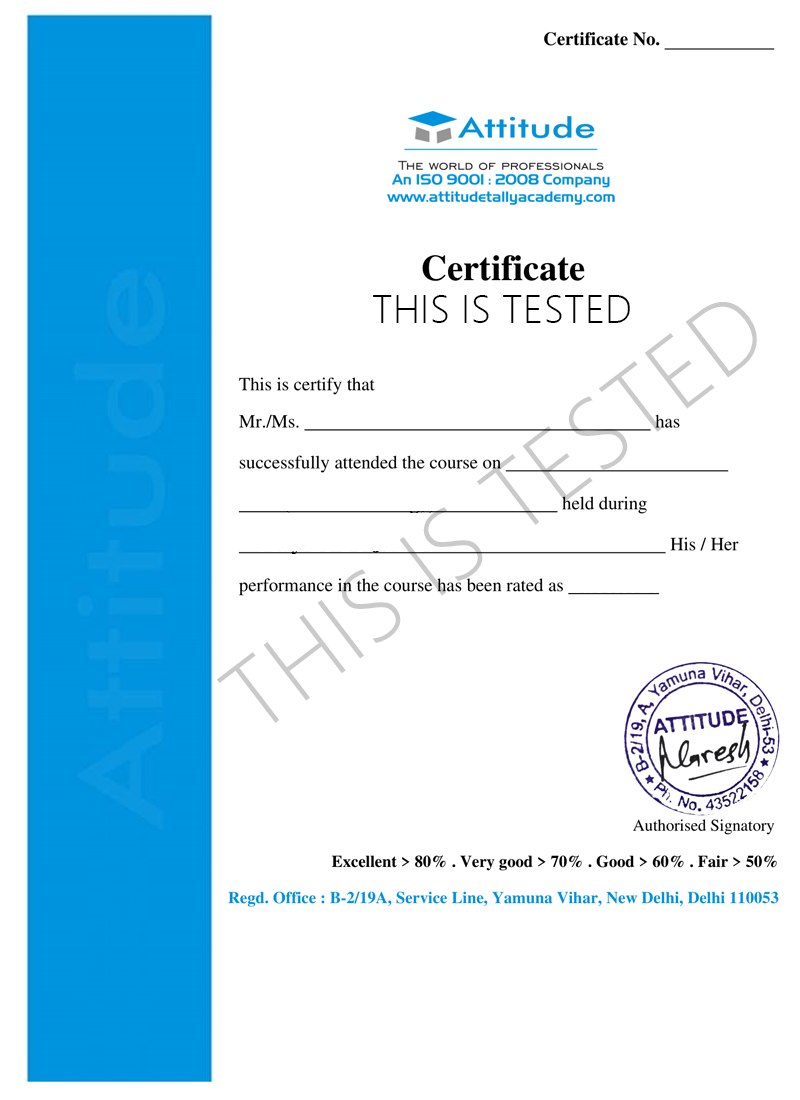
Take the final exam online to complete the Office Management With AI after which you will be able to download your certificate from Attitude Trainings.
How will your training work?

Classes
Watch recorded & live videos to learn various concepts & get Live Sessions with Trainer for Doubts Clearing.

Exams
Test your knowledge through quizzes & module tests. Take online exam & get instant result.

Projects
Get hands on practice by doing assignments and live project

Certificate
Take the final exam to get certified in Office Management With AI
Reviews - 0
Releated Courses
₹999.00 ₹12000.00
92% Off
Coupon Code: OFF10COURSE
- 100+ Practical Videos For Covering Course
- e-Content with Assignments
- 100% Job Assistance
- Access on All Device
- 24*7 Lifetime Access
- ISO 9001 : 2008 Company
- Internship Programme for Learners
- Govt. Recognized Certificate
- One of the Finest Education Brand in India
- Live Project provided for practice
- Course Related Blogs & Articles
How will your doubts get solved?

You can post your doubts on the Q&A forum which will be answered by the teachers within 24 hours.
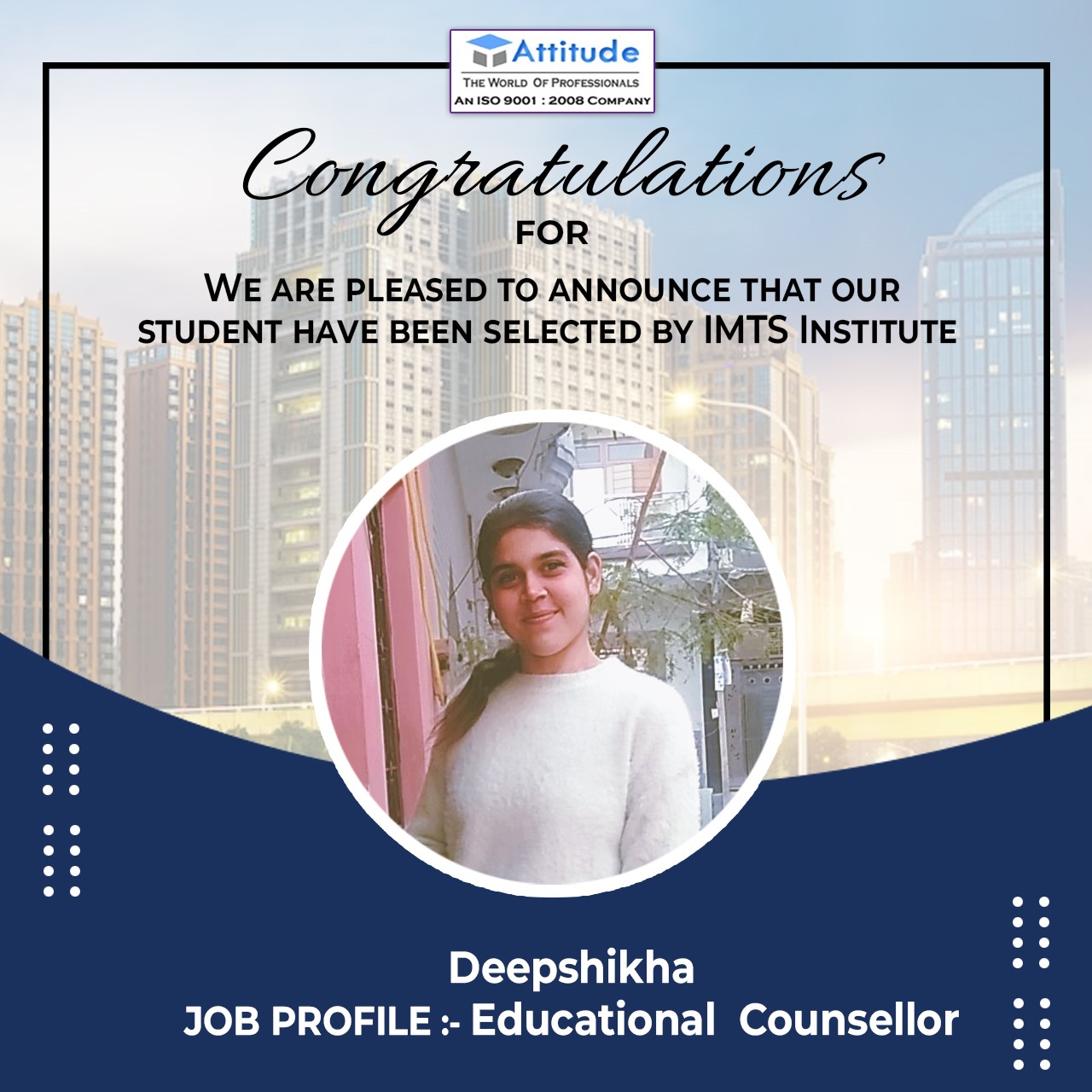
100% Placement Assistance
Meet Our Placed Students






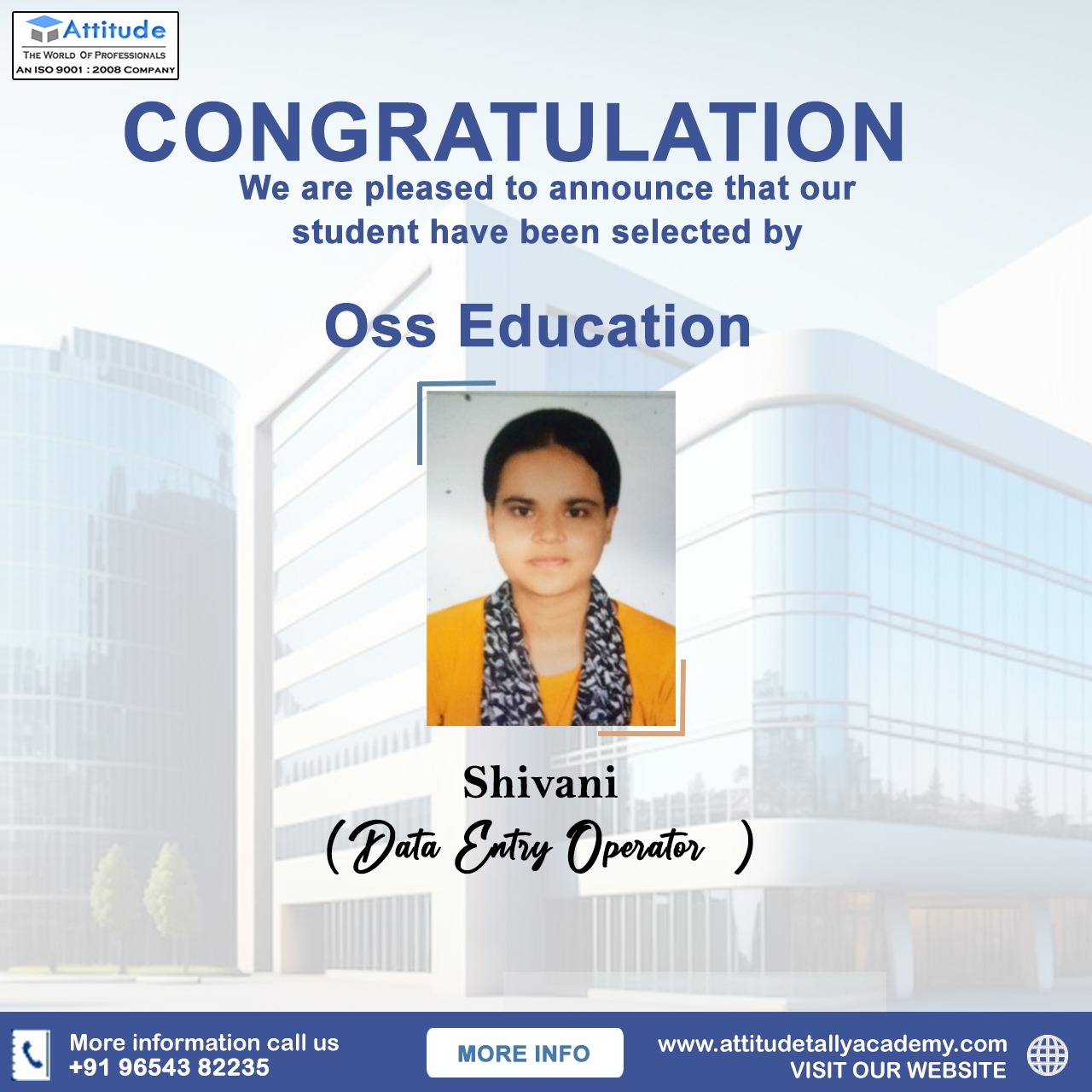


Commonly Asked Questions
Q. What are the prerequisites for the training?
There are no prerequisites for this training as it is of beginner level. Everything that you need to know about Office Management With AI would be taught to you from scratch.
Q. Do I need to have a laptop or desktop to do the training or can I do it on mobile too?
You can watch the videos and take quizzes & tests on any device including mobile. However, for assignments and practice, use of desktop or laptop is required.
Q. What system configuration is needed to do this training?
Q. When can I start the training?
You can choose your preferred batch date while signing up for the training program and start accordingly.
Q. Will I be getting a hard copy of the certificate?
No, you will be only getting a soft copy of the certificate which you can download and print out if required.
Q. What placement assistance will I receive from Attitude as part of the training?
- You will receive free access to Placement Preparation Training on the platform which covers resume writing, cover letter writing, how to search and apply for internships and jobs on Attitude, and interview preparation. This training comes with a lifetime access meaning you can use it later also if you are not applying for internships or jobs right now.
- Access to curated internships & jobs related to the training - after completing the training, you would receive a list of handpicked internships or jobs every week that you can apply to as per your preference.
- If you are a top performer, a badge of achievement will be added to your Attitude resume and shown to the employers when you apply to internships or jobs on Attitude.
Q. Does Attitude Trainings guarantee a job or internship placement?
While many of our students have found their desired internships or jobs after completing their training, Attitude Trainings does not guarantee an internship or job. However, if you study sincerely (including doing exercises, assignments, and projects) and make good use of our placement assistance feature, it will become easier for you to get a placement using the skills learned in the training.
Q. I’m not able to make payment. What should you do now?
You could try making the payment from a different card or account (of a friend or family). Otherwise, you can follow the instructions on how to make an offline payment.
Q. The payment shows failed but money got deducted? What should I do now?
The amount deducted will come back to your account within 3-5 working days. This is the normal duration your bank will take to credit the amount back into your account.
What People Say?
Reviews By Our Success & Top Students
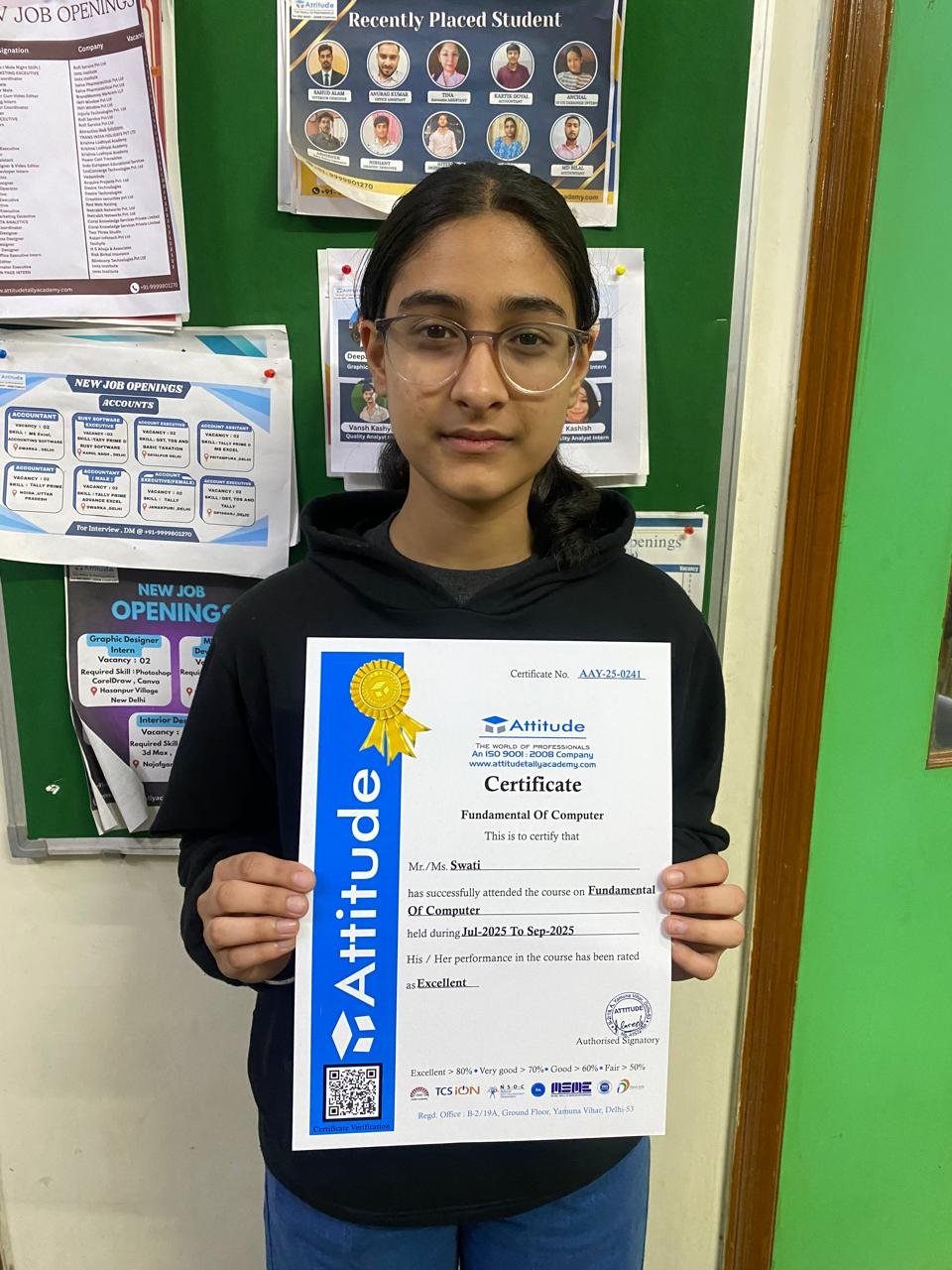
Shwati
"The course was fantastic! It covered everything from using Windows and MS Office to browsing the internet safely. The instructors were patient and explained everything in simple terms. ???"

Shruti
"I had zero knowledge about computers, but the Basics of Computer course at Attitude Academy made everything so easy to understand. Now I feel confident using software and the internet. Highly recommend for beginners! "
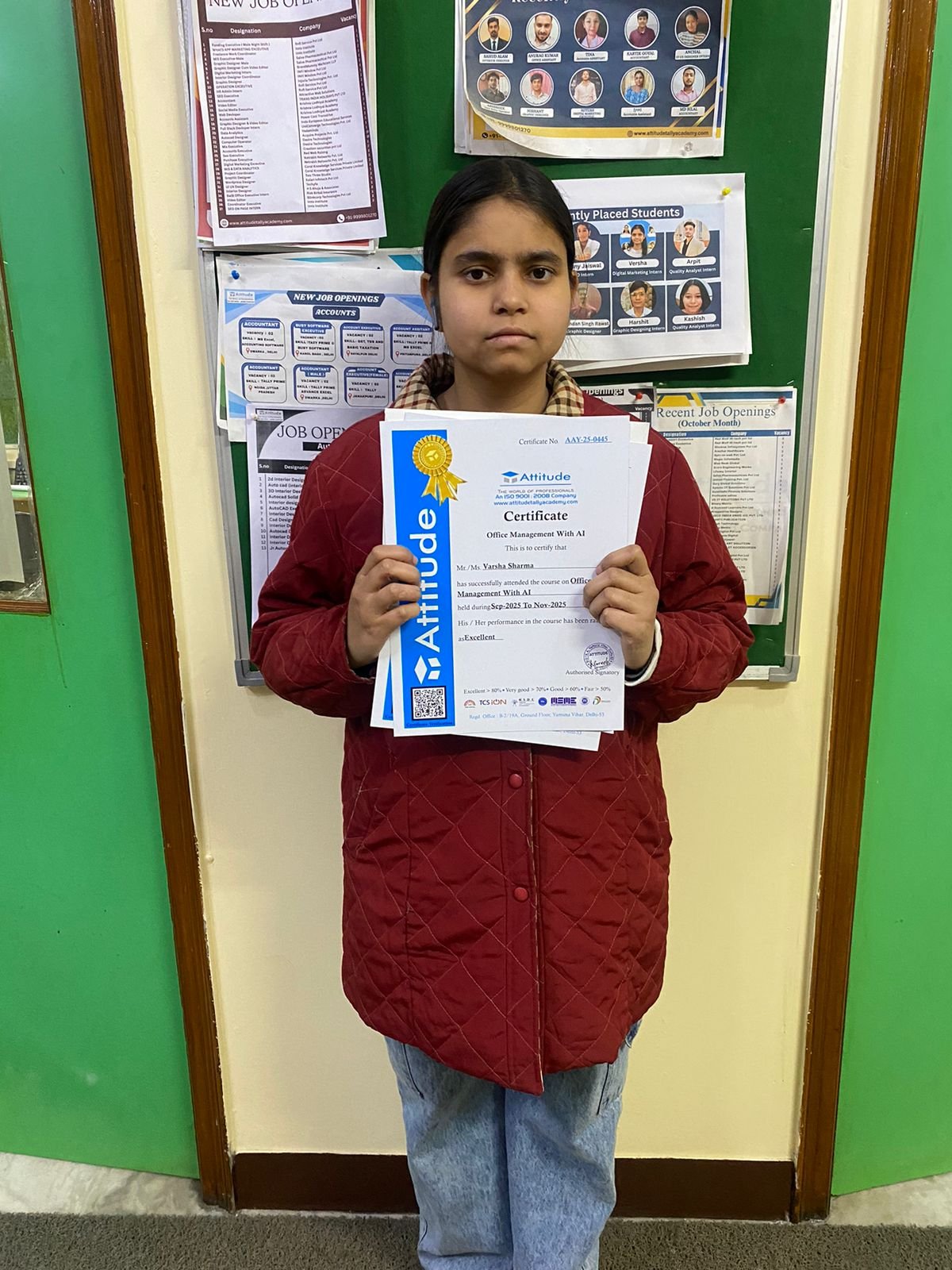
varsha sharma
"I had zero knowledge about computers, but the Basics of Computer course at Attitude Academy made everything so easy to understand. Now I feel confident using software and the internet. Highly recommend for beginners! ??"
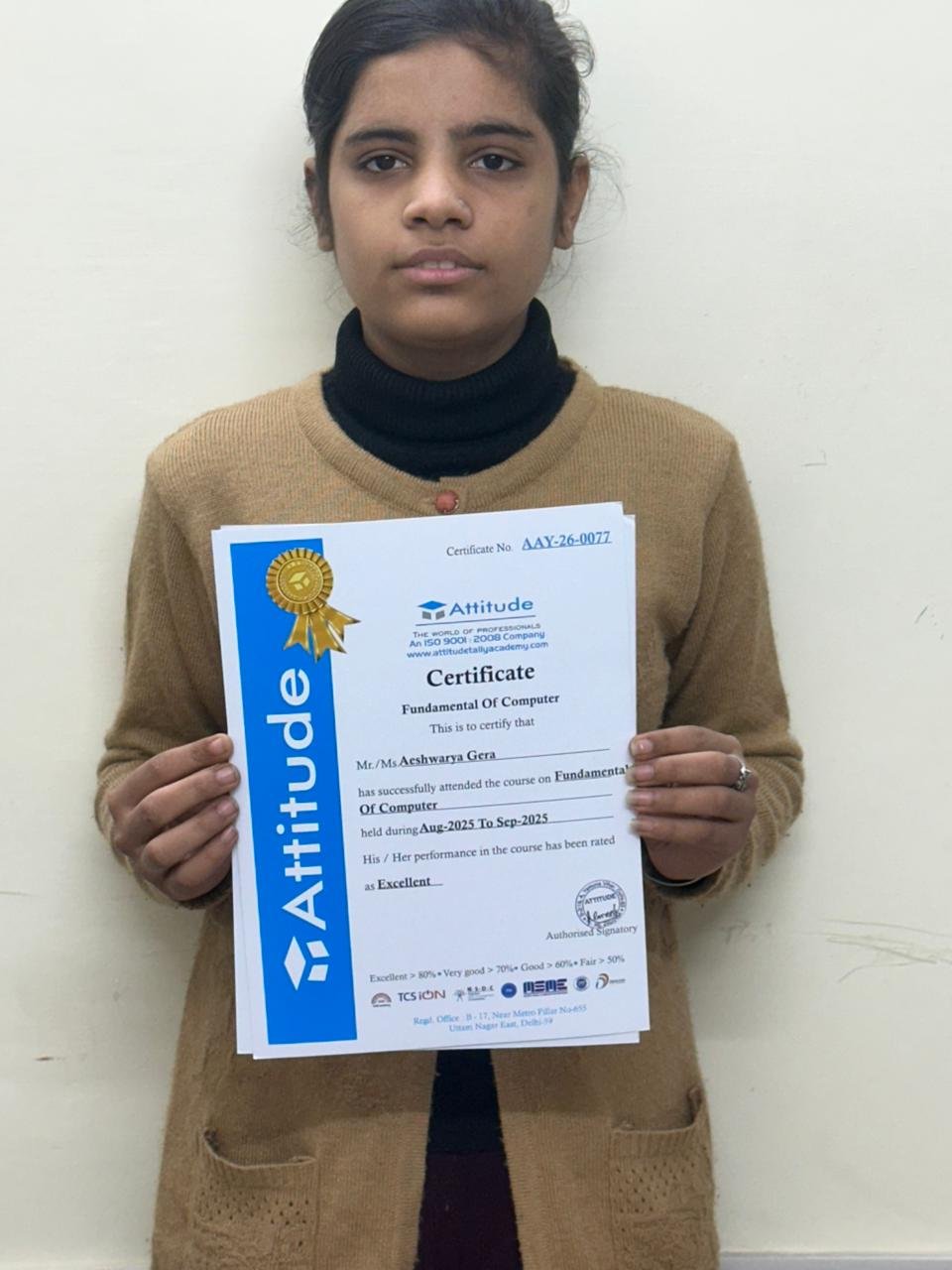
Aeshwarys gupta
"I joined this course with no prior computer knowledge, and now I can use a computer comfortably for work and personal tasks. The instructors were very supportive and the learning environment was great. ???"
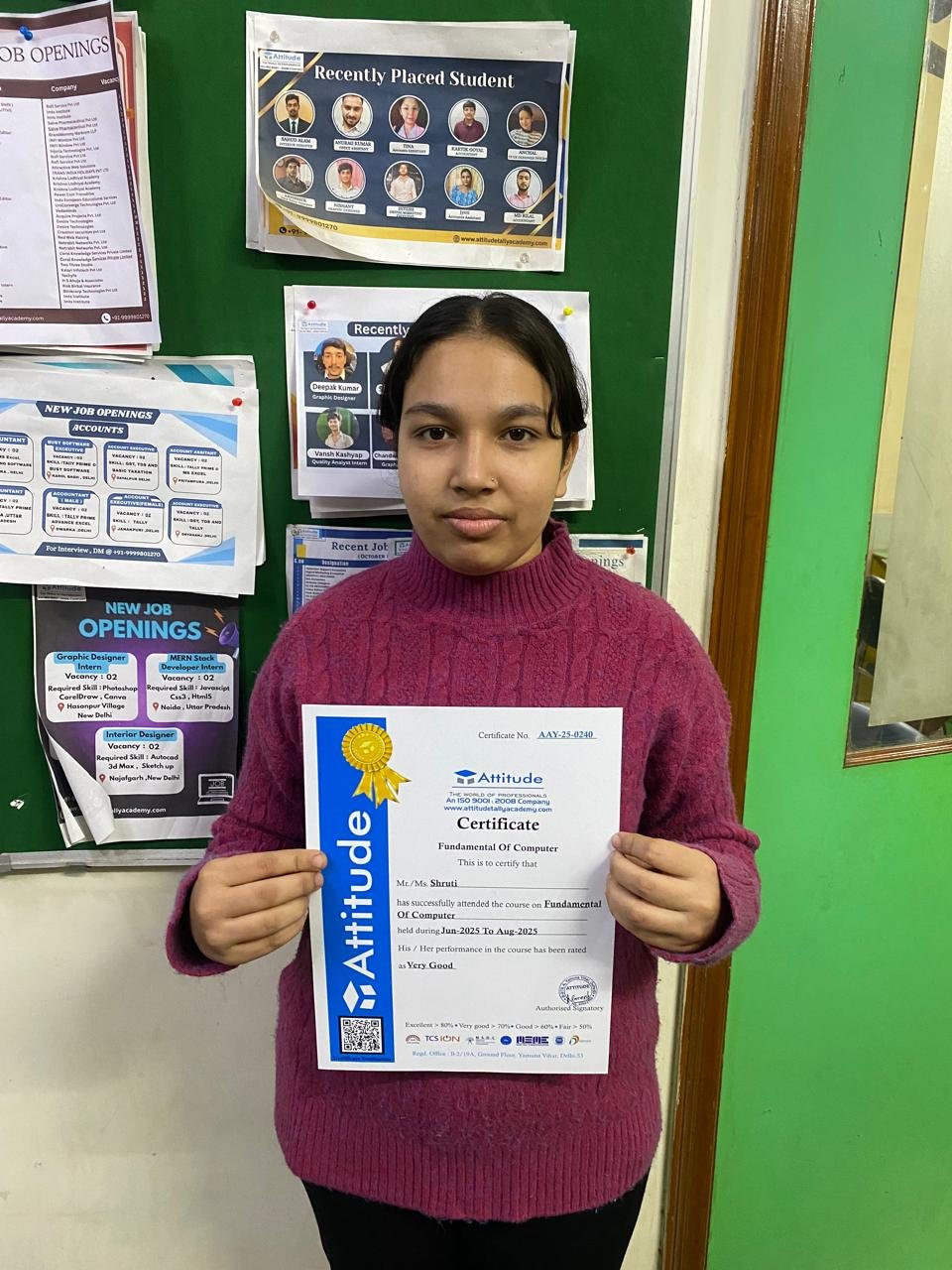
SHRUTI
"The course was fantastic! It covered everything from using Windows and MS Office to browsing the internet safely. The instructors were patient and explained everything in simple terms. ???"
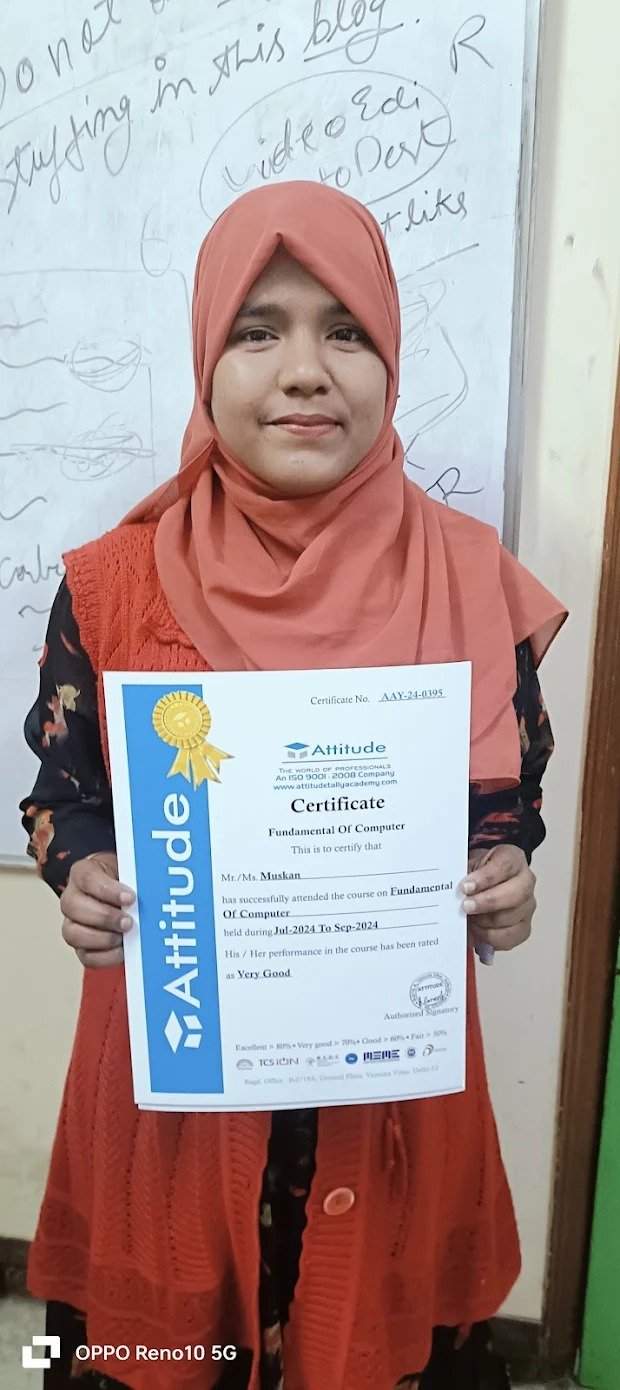
Muskan
"Attitude Academy’s computer basics course is perfect for anyone looking to improve their computer skills. The lessons are easy to understand, and the instructors are very patient. ???"
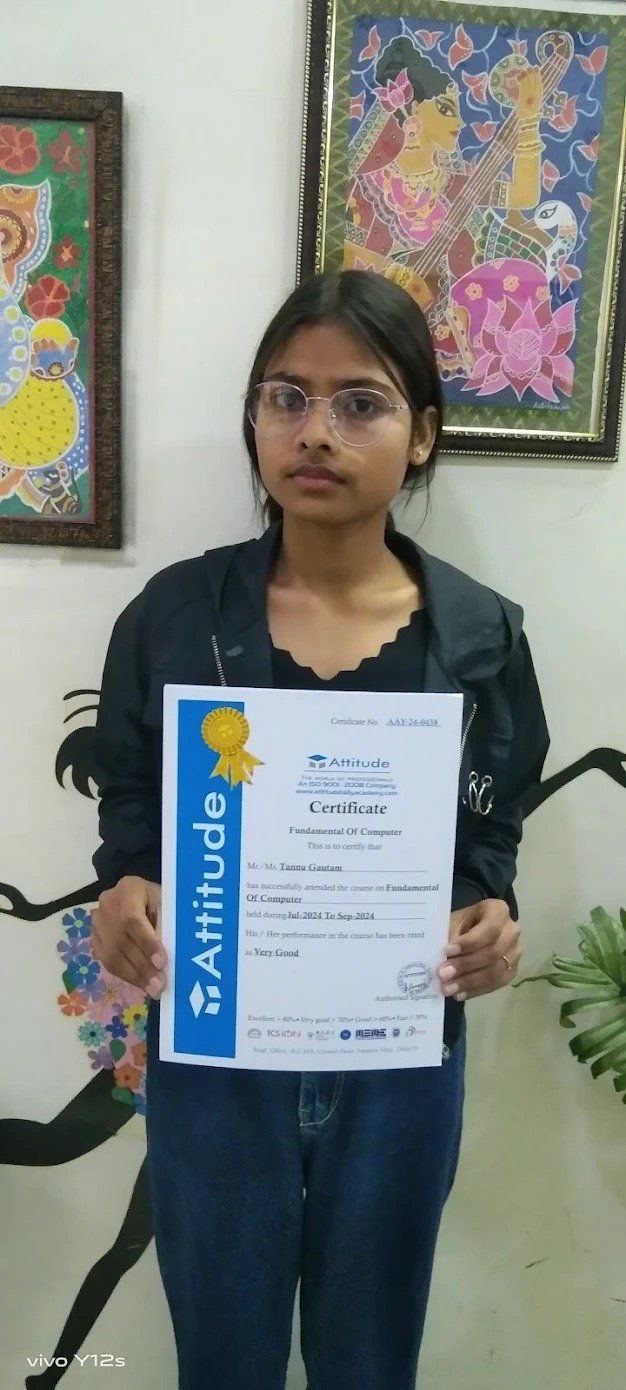
Tannu gautam
"Attitude Academy’s computer basics course is perfect for anyone looking to improve their computer skills. The lessons are easy to understand, and the instructors are very patient. ???"
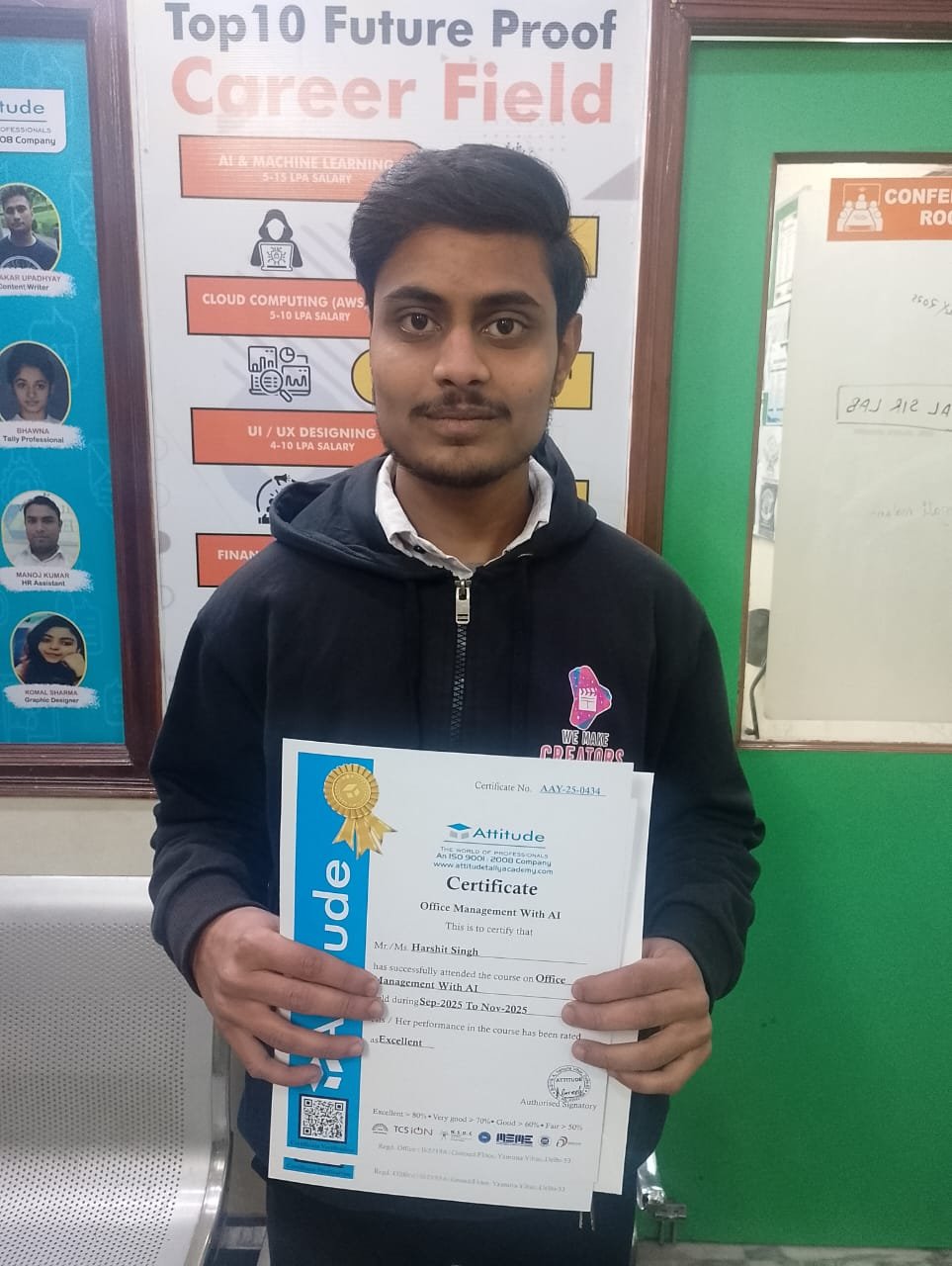
Harshit
"I loved this course! The Basics of Computer course at Attitude Academy made learning easy and enjoyable. The instructors helped me become comfortable using computers for daily tasks. Highly recommend it! ??"
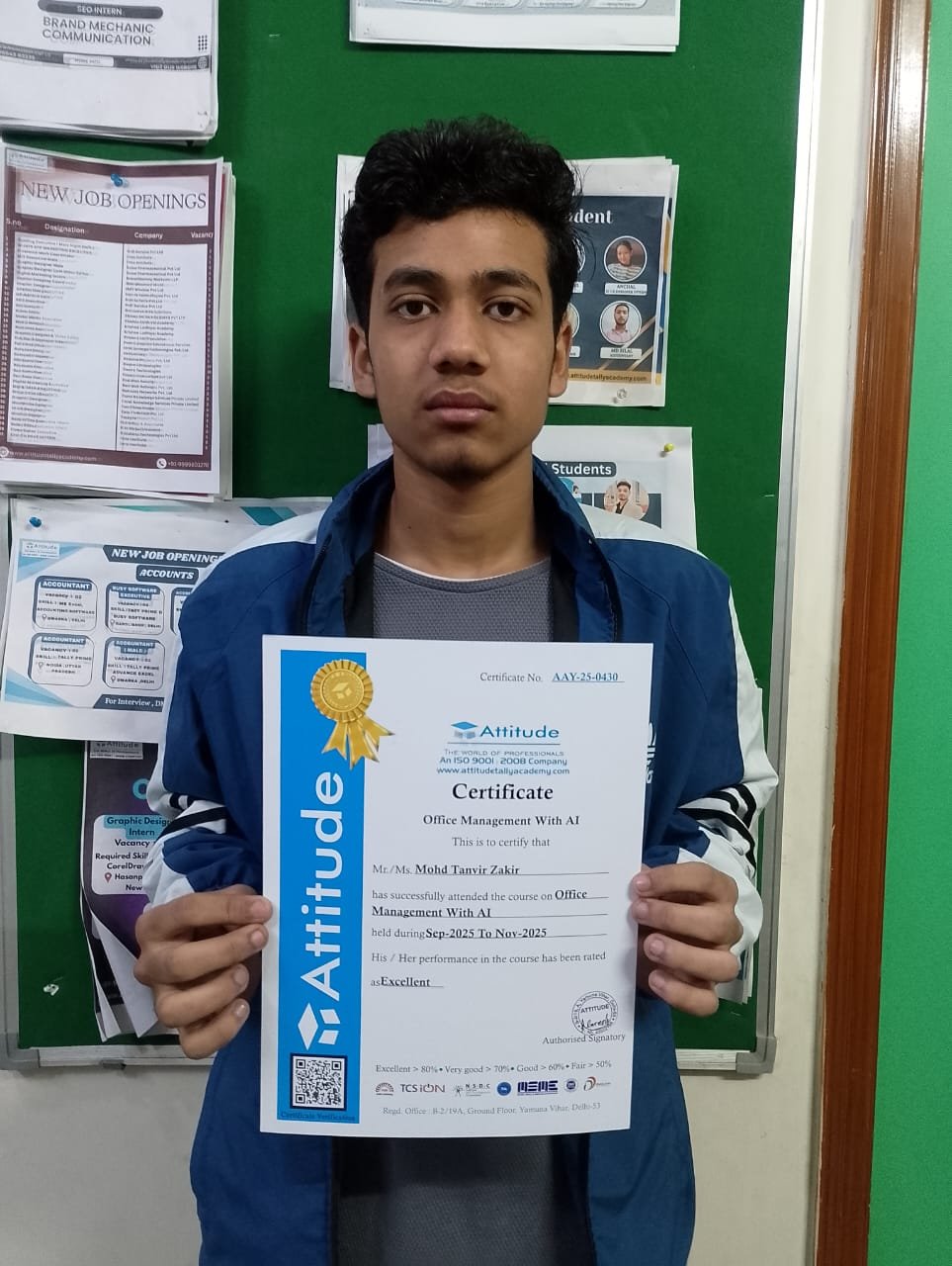
Tanveer
"Attitude Academy’s computer basics course is perfect for anyone looking to improve their computer skills. The lessons are easy to understand, and the instructors are very patient. ???"
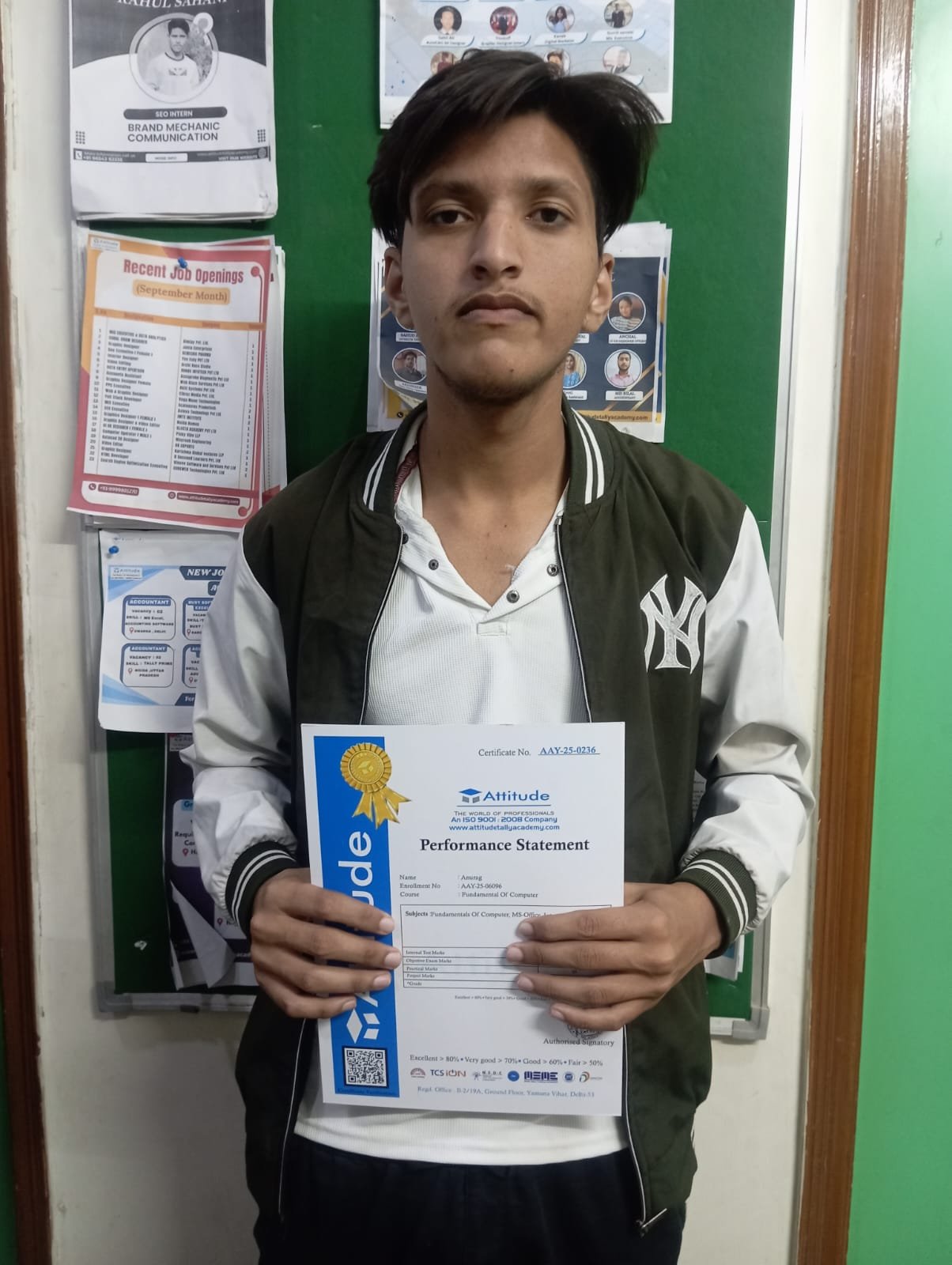
Anurag
"The course was fantastic! It covered everything from using Windows and MS Office to browsing the internet safely. The instructors were patient and explained everything in simple terms. ???"
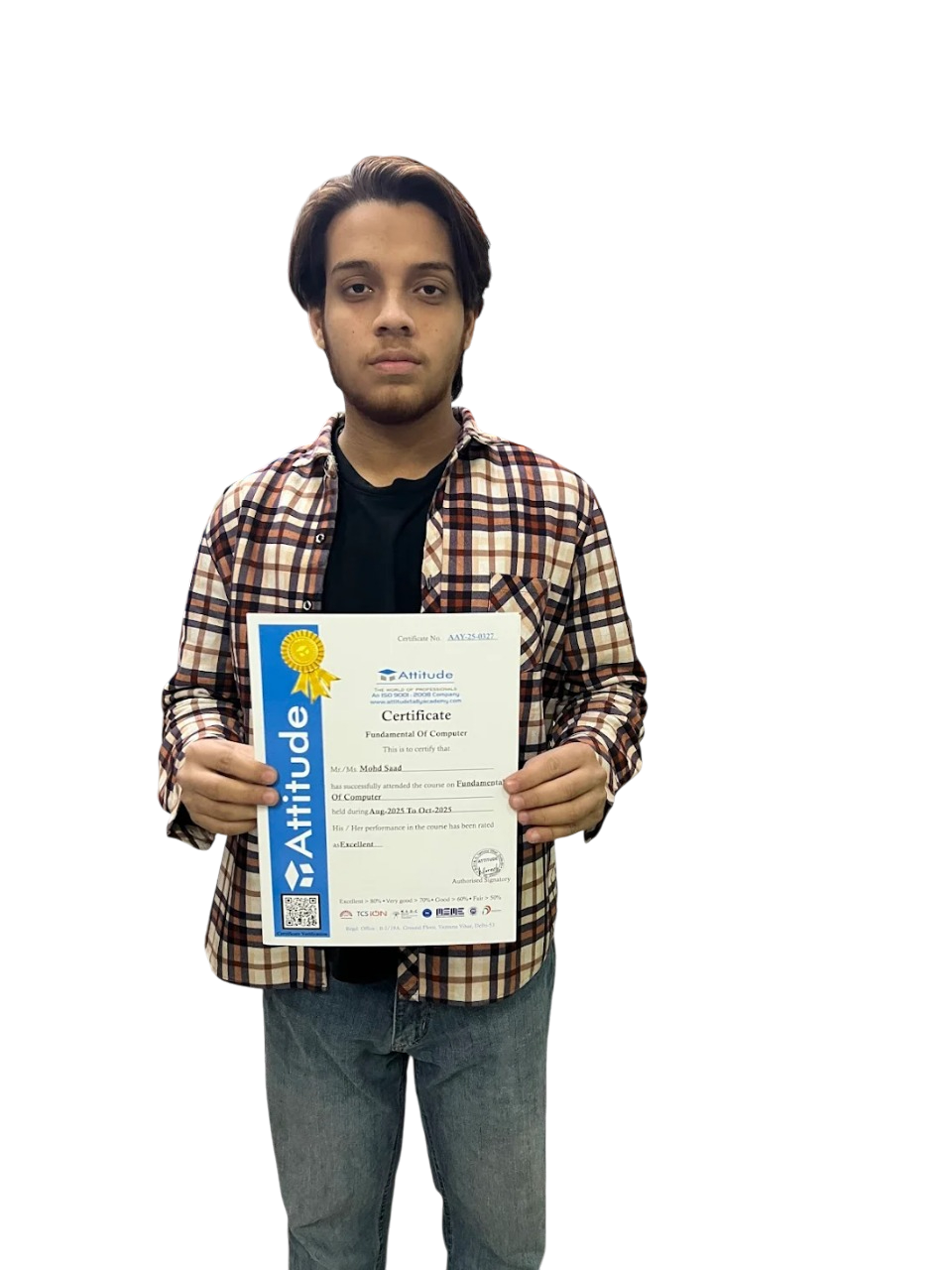
Mohd.saad
"The course was fantastic! It covered everything from using Windows and MS Office to browsing the internet safely. The instructors were patient and explained everything in simple terms. ???"
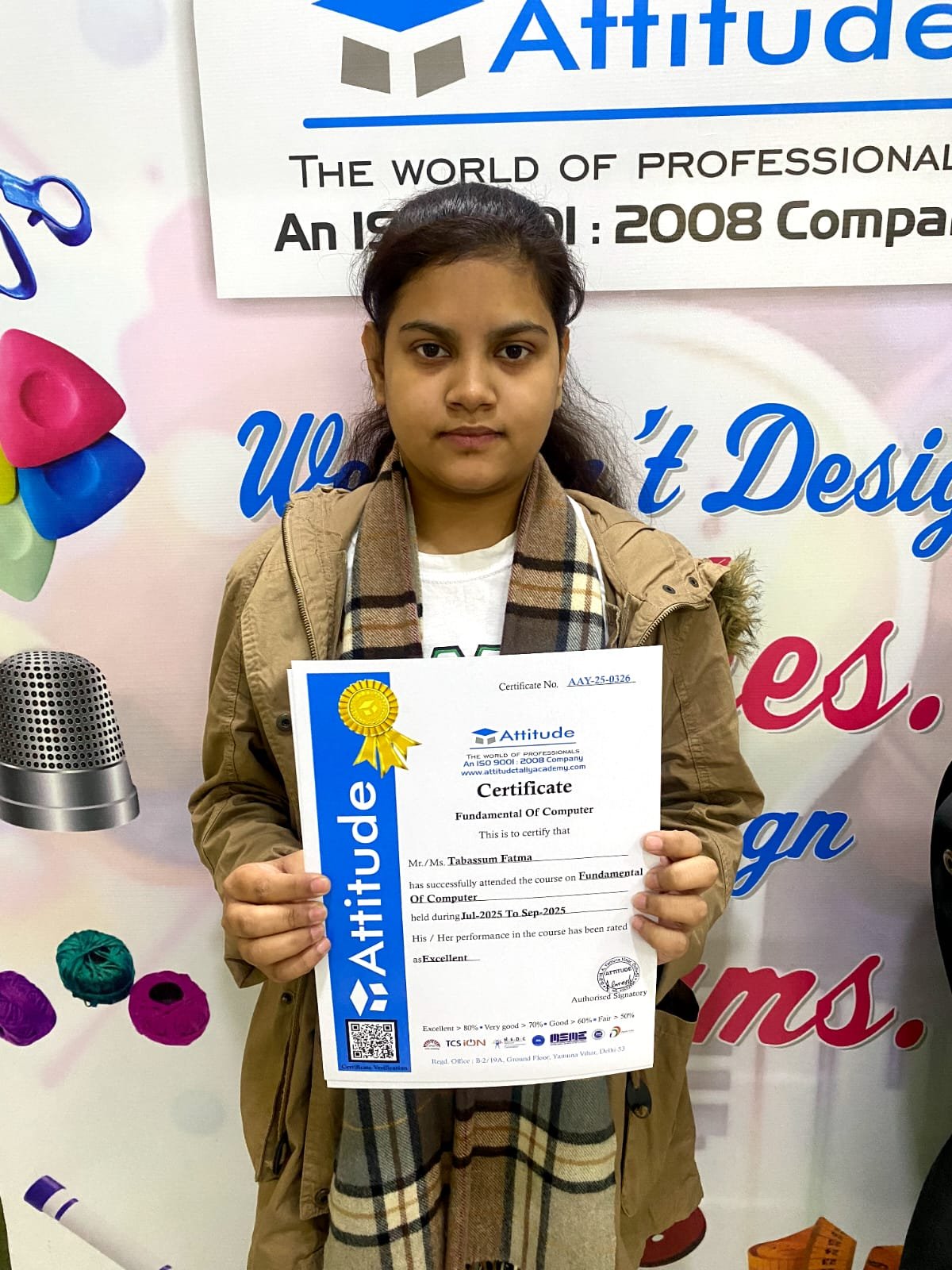
Tabassum fatma
"Thank you for your amazing review! ? We're so happy to hear you're confident with computers now. Keep exploring and learning! ?"