Enter Your Details


Master Adobe Illustrator CC with this in-depth training for all levels.

.jpg)
7 Days Money back Guarantee*
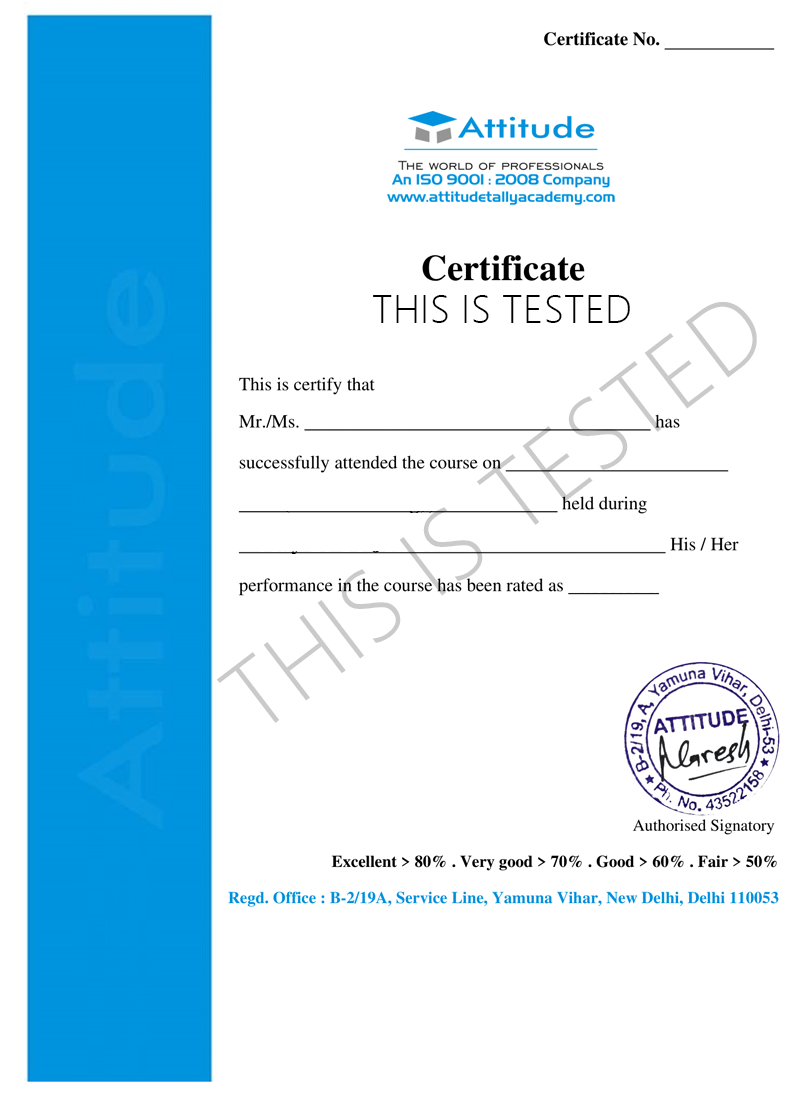
Take the final exam online to complete the Creating Scratches & Cartoons Using Illustrator after which you will be able to download your certificate from Attitude Trainings




Take all of your face to face classes with trainer & get Live Sessions with Trainer for Doubts Clearing

Test your knowledge through quizzes & module tests & offline assessment

Get hands on practice by doing assignments and project

Take the final exam to get certified in Creating Scratches & Cartoons Using Illustrator
This course has been purposely designed for users of all experiences, from complete beginners to existing Illustrator users, who want to take their skills to the next level. Being able to confidently work in Illustrator is an essential skill for any Graphic Designer or Illustrator, but it is an equally useful tool for Product Designers, Fashion Designers, UI/UX designers and various other areas within and outside of the creative industry.
MODULE- I
Welcome to the Adobe Illustrator Essentials Course.
Getting Started with Illustrator.
MODULE- I
Drawing with the Shape and Line Tools
Class Project - Draw Your Own Animal with Shapes & Lines
Improve Your Designs with the Shape Builder Tool
Class Project - Draw a Modern Fox with the Shape Builder
Design a Modern Swan with the Shape Builder Tool
Class Project - Draw a Custom Logo (The Impossible Shape!)
Color in the Impossible Triangle
Class Project - Draw with the Curvature Tool: Ninjas, Crowns, Owls Oh My!
Redraw and Color the Owl
Class Project - Draw an Owl with the Pen Tool
Pencil Tool & Advanced Stroke Options
Class Project - Draw with the Pencil Tool & Advanced Stroke Options
Using Brushes in Illustrator
Class Project - Drawing with the Pencil Tool
Using the Width Tool
Class Project - Drawing with Width Tool
MODULE- I
How to Use Type & Fonts
Curve Type Around a Badge with Paths
Design a Badge Logo
Break Apart & Destroy Text
MODULE- I
What is RGB & CMYK?
Stealing Colors from an Image
Color Theme Tool
How to Make Gradients
MODULE- I
Masking an Image
Cut Holes in Shapes
MODULE- I
CC Libraries
MODULE- I
Liquify & Distort
Class Project - Design Your Own Font
Bend & Warp Shapes and Text
Class Project - Drawing Repeating Shapes
Design a Lovely Repeating Shape Graphic
Repeating Patterns
Class Project - Design Your Own Pattern
Vectorizing an Image
Class Project - Create a Stencil Cutout of an Image
MODULE- I
The Capture App
MODULE- I
Free Templates
MODULE- I
Exporting for Print
Exporting for Web
MODULE- I
Redraw the Mastercard Logo
Redraw the Instagram Logo
Redraw the Kodak Logo
Redraw the eHarmony Logo
Redraw the Tinder Logo
Redraw the BP Logo
MODULE- I
Cheat Sheet for Illustrator
Course Conclusion & Thank You
This course has been purposely designed for users of all experiences, from complete beginners to existing Illustrator users, who want to take their skills to the next level. Being able to confidently work in Illustrator is an essential skill for any Graphic Designer or Illustrator, but it is an equally useful tool for Product Designers, Fashion Designers, UI/UX designers and various other areas within and outside of the creative industry.
MODULE- I
Welcome to the Adobe Illustrator Essentials Course.
Getting Started with Illustrator.
MODULE- I
Drawing with the Shape and Line Tools
Class Project - Draw Your Own Animal with Shapes & Lines
Improve Your Designs with the Shape Builder Tool
Class Project - Draw a Modern Fox with the Shape Builder
Design a Modern Swan with the Shape Builder Tool
Class Project - Draw a Custom Logo (The Impossible Shape!)
Color in the Impossible Triangle
Class Project - Draw with the Curvature Tool: Ninjas, Crowns, Owls Oh My!
Redraw and Color the Owl
Class Project - Draw an Owl with the Pen Tool
Pencil Tool & Advanced Stroke Options
Class Project - Draw with the Pencil Tool & Advanced Stroke Options
Using Brushes in Illustrator
Class Project - Drawing with the Pencil Tool
Using the Width Tool
Class Project - Drawing with Width Tool
MODULE- I
How to Use Type & Fonts
Curve Type Around a Badge with Paths
Design a Badge Logo
Break Apart & Destroy Text
MODULE- I
What is RGB & CMYK?
Stealing Colors from an Image
Color Theme Tool
How to Make Gradients
MODULE- I
Masking an Image
Cut Holes in Shapes
MODULE- I
CC Libraries
MODULE- I
Liquify & Distort
Class Project - Design Your Own Font
Bend & Warp Shapes and Text
Class Project - Drawing Repeating Shapes
Design a Lovely Repeating Shape Graphic
Repeating Patterns
Class Project - Design Your Own Pattern
Vectorizing an Image
Class Project - Create a Stencil Cutout of an Image
MODULE- I
The Capture App
MODULE- I
Free Templates
MODULE- I
Exporting for Print
Exporting for Web
MODULE- I
Redraw the Mastercard Logo
Redraw the Instagram Logo
Redraw the Kodak Logo
Redraw the eHarmony Logo
Redraw the Tinder Logo
Redraw the BP Logo
MODULE- I
Cheat Sheet for Illustrator
Course Conclusion & Thank You
Take all of your face to face classes with trainer & get Live Sessions with Trainer for Doubts Clearing
Test your knowledge through quizzes & module tests & offline assessment
Get hands on practice by doing assignments and project
Take the final exam to get certified in Creating Scratches & Cartoons Using Illustrator

You can post your doubts on the Q&A forum which will be answered by the teachers within 24 hours.
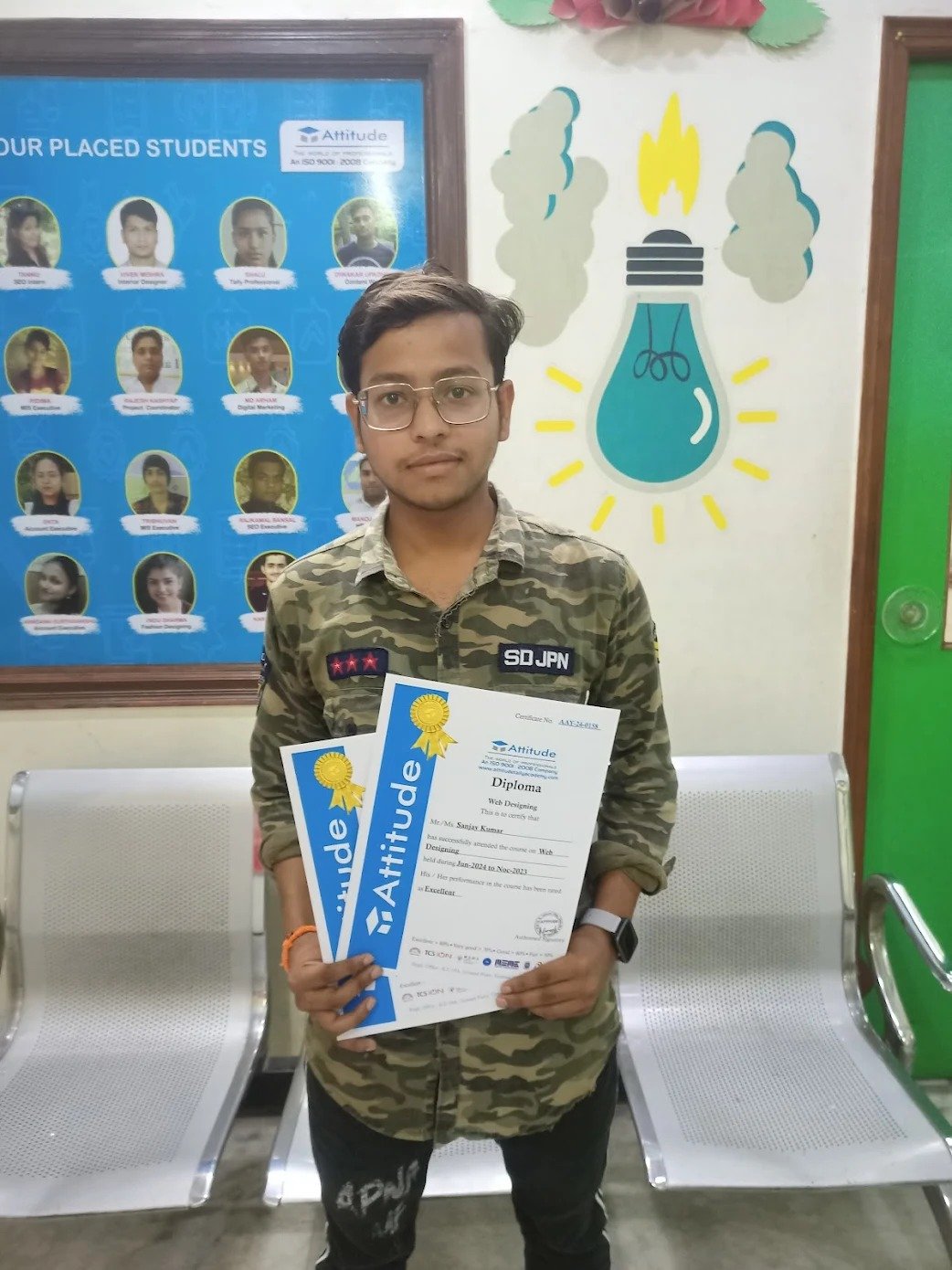
I can’t thank Attitude Academy enough for this course! The lessons were interactive, and I gained hands-on experience working on real web development projects. Now, I’m confident in my ability to create websites and web apps. ??
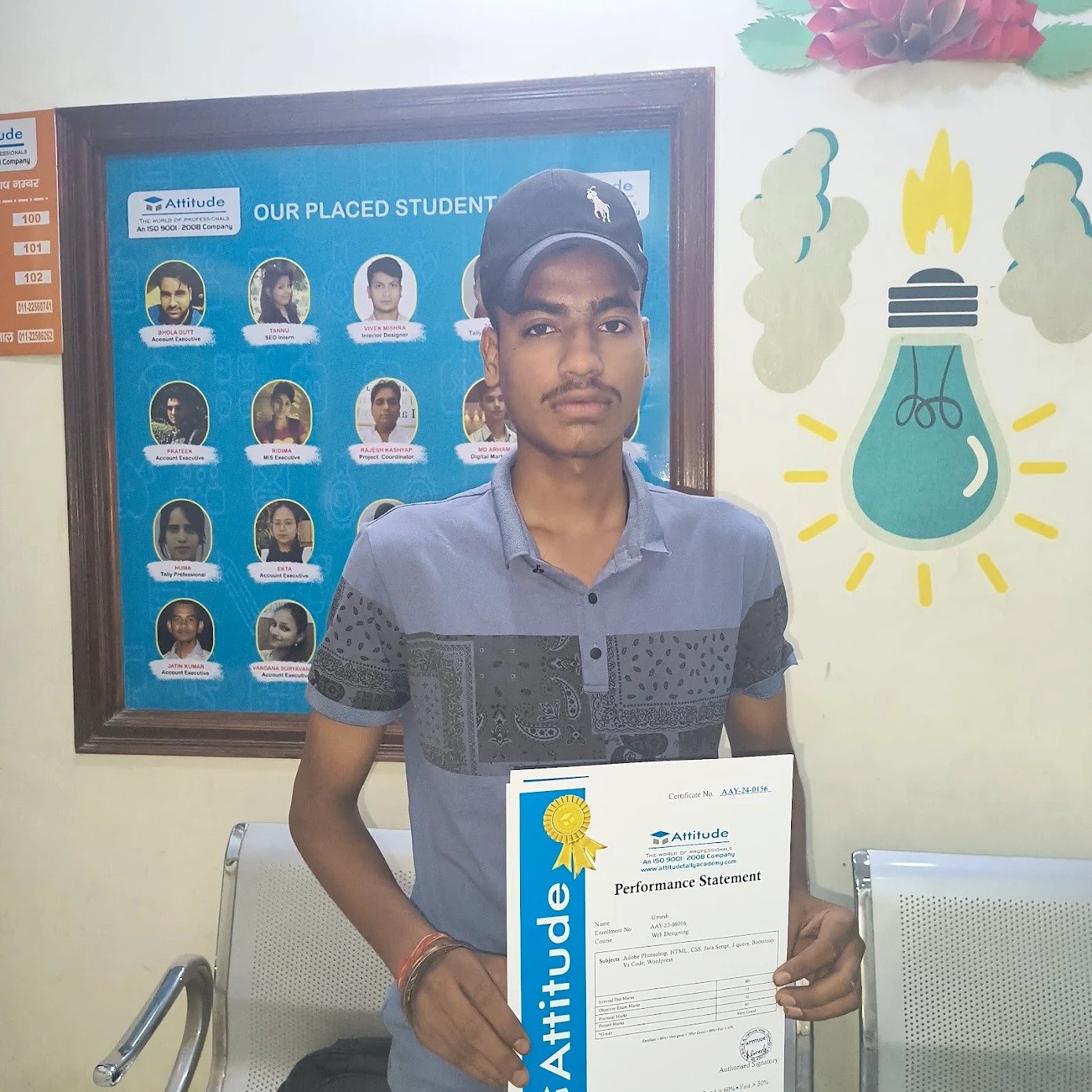
I can’t thank Attitude Academy enough for this course! The lessons were interactive, and I gained hands-on experience working on real web development projects. Now, I’m confident in my ability to create websites and web apps. ??
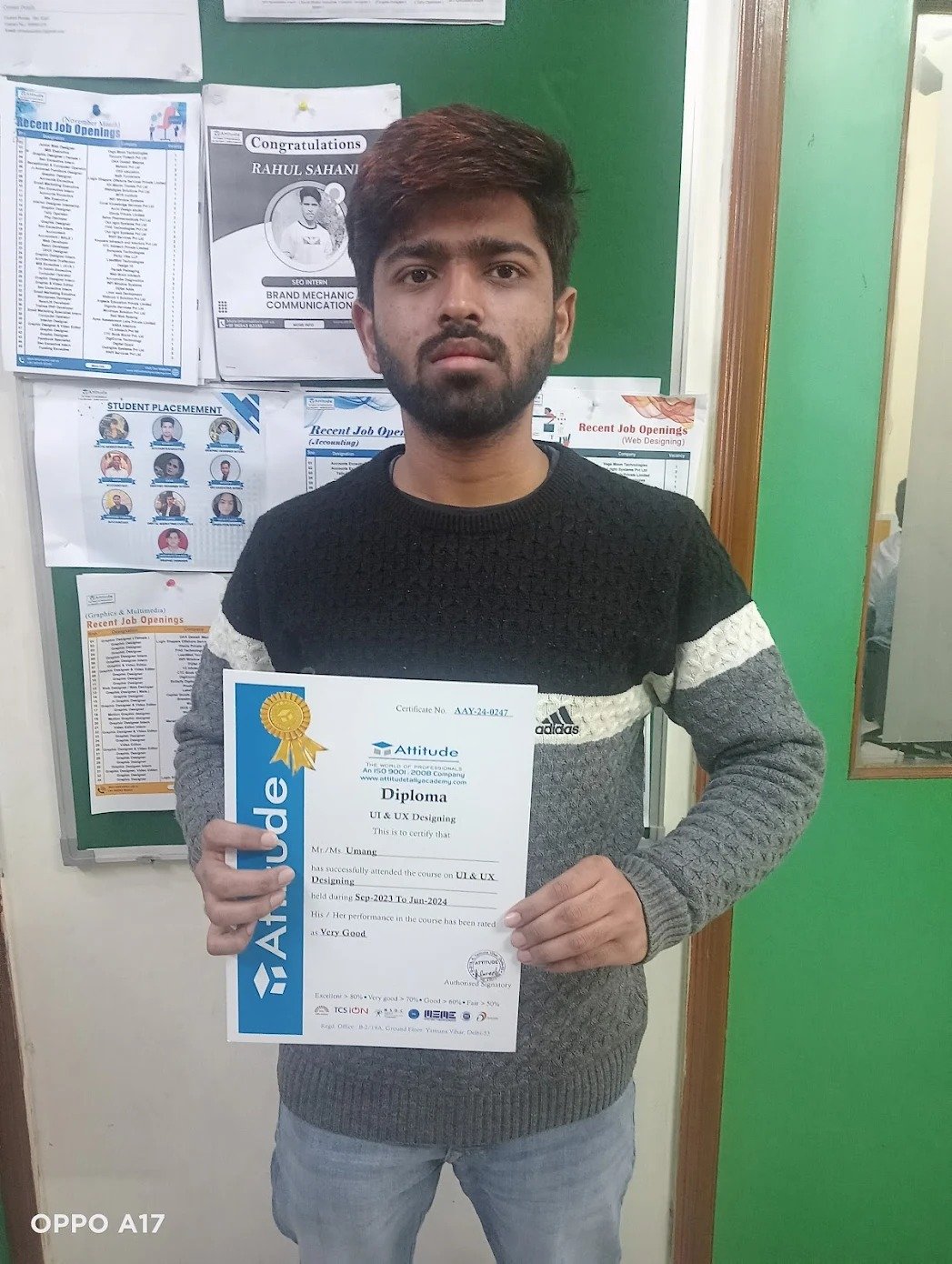
The course is perfect for anyone who wants to learn web development from scratch. I started with no knowledge and now I can build full websites using HTML, CSS, and JavaScript. The instructors were always supportive and provided excellent resources. ??
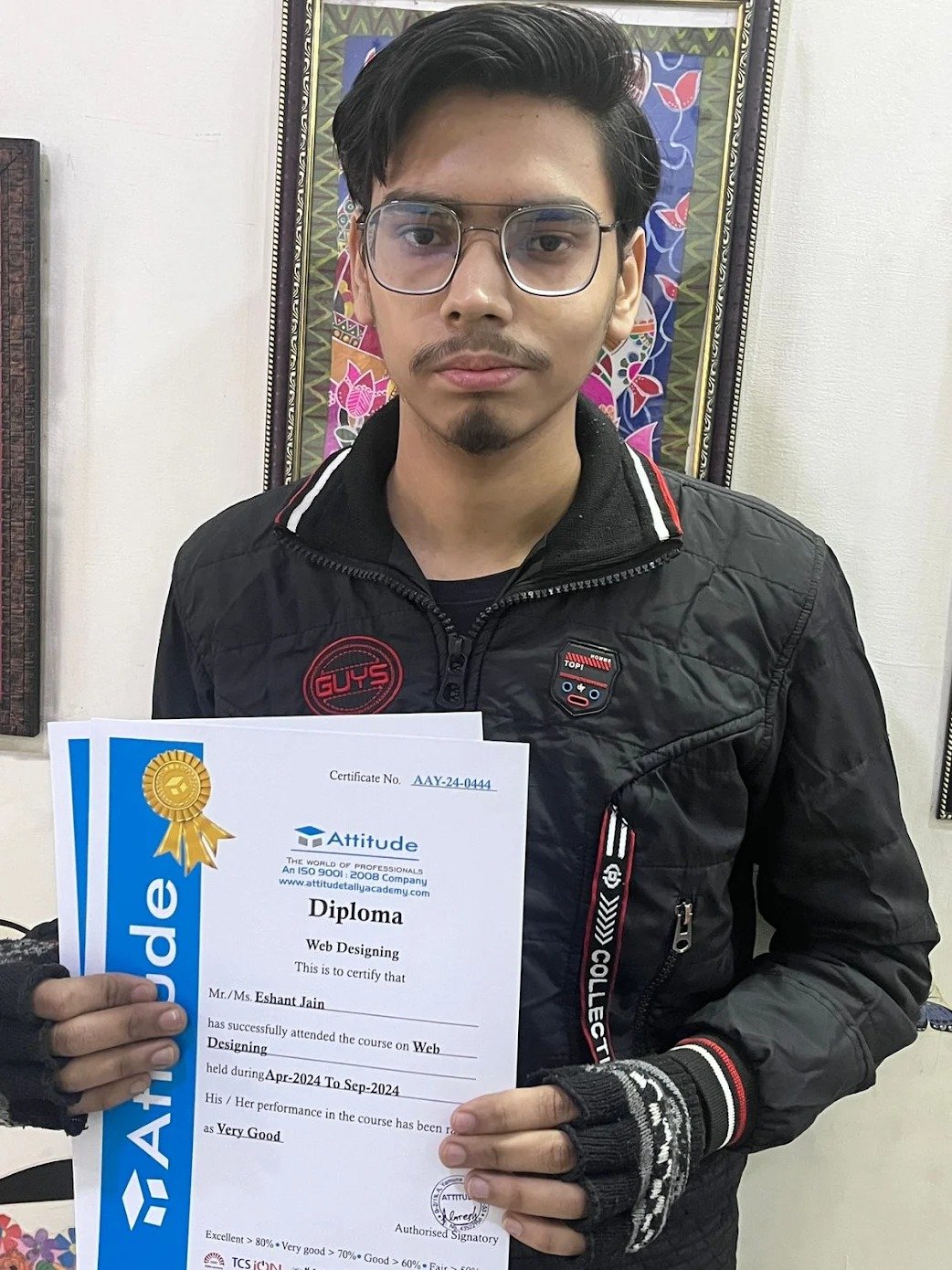
The course is perfect for anyone who wants to learn web development from scratch. I started with no knowledge and now I can build full websites using HTML, CSS, and JavaScript. The instructors were always supportive and provided excellent resources. ??
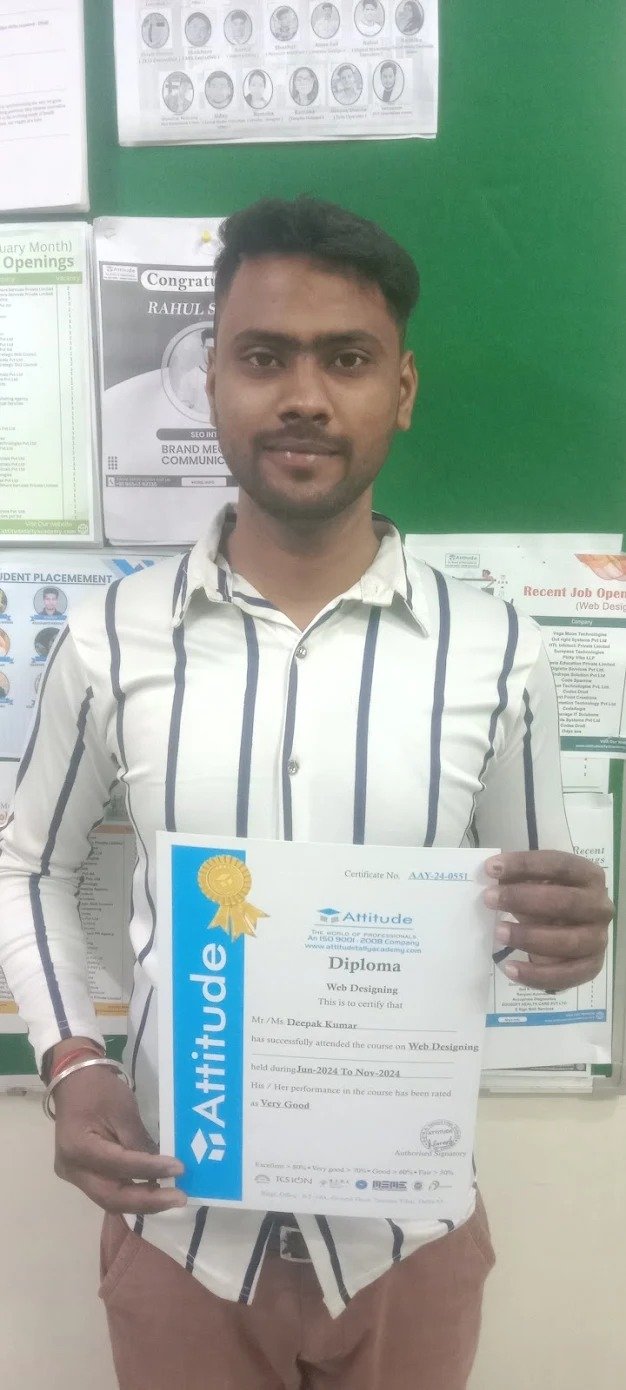
Attitude Academy\'s web development course gave me a solid foundation in coding. The course was structured in a way that made learning enjoyable. The instructors were knowledgeable, and I gained real-world experience by building live projects. ????

Best academy for smart courses and good facilities