 by
by Introduction
Learning video editing can feel overwhelming at first. Beginners often struggle to understand where to start, which tools to use, and how to turn raw footage into a polished video. This is where a well-structured video editing e-book becomes extremely helpful. Instead of jumping between random tutorials, students get a clear learning path with practical explanations.
A video editing e-book focused on real examples helps beginners understand both the technical and creative sides of editing. It explains not just what to do, but why each step matters.
Why Beginners Need a Practical Video Editing E-Book
Many students start video editing with excitement but lose confidence due to complex software and confusing terminology. An e-book designed for beginners simplifies the learning process by breaking concepts into easy steps.
A practical e-book helps students:
- Understand editing tools clearly
- Learn at their own pace
- Practice real editing techniques
- Build strong fundamentals
- Gain confidence before advanced learning
Instead of memorizing buttons, students learn how editing actually works.
What Makes a Video Editing E-Book Truly Useful
A good e-book focuses on hands-on learning rather than theory alone. It explains concepts using real editing situations that beginners often face.
1. Learning Video Editing from Scratch
The e-book usually begins with core concepts such as:
- What video editing is
- How footage is organized
- Understanding timelines and layers
- Basic cutting and trimming
Many beginners prefer starting with a video editing basics pdf because it explains these fundamentals in a simple and beginner-friendly way.
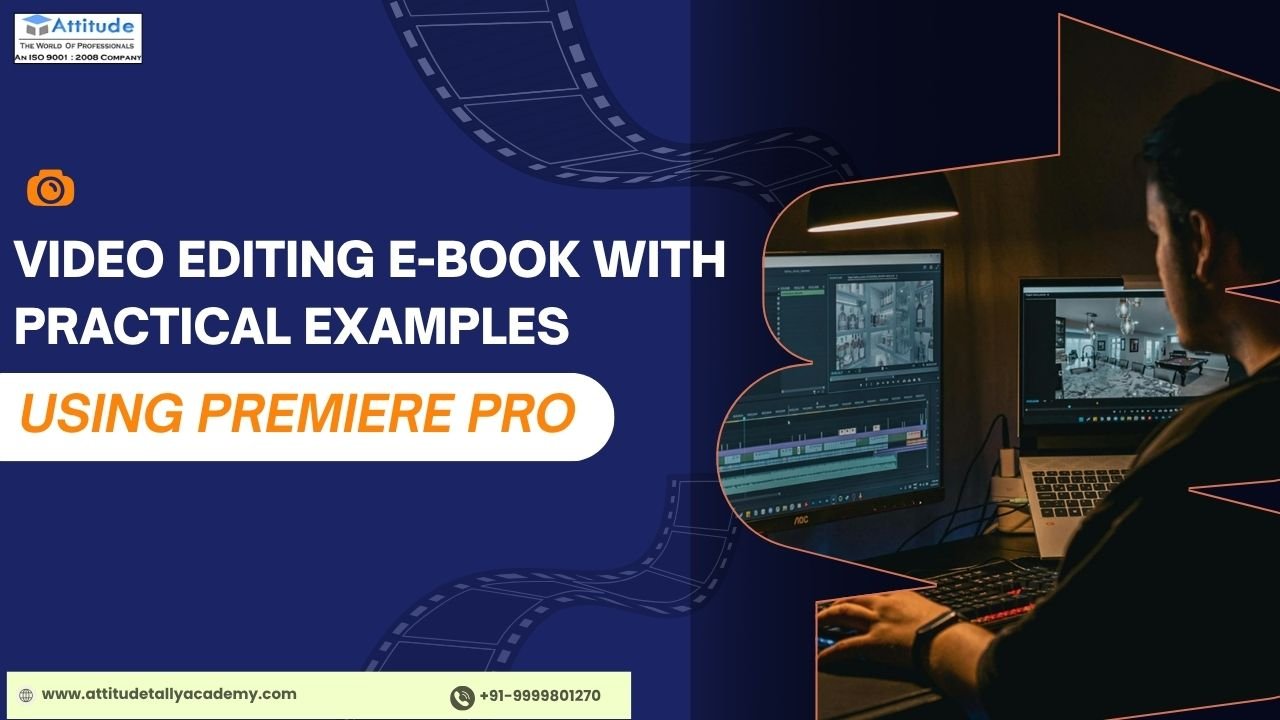
2. Practical Editing Using Premiere Pro
Adobe Premiere Pro is widely used for professional video editing. A structured premiere pro ebook helps students learn:
- How to import and manage files
- How to edit clips on the timeline
- Adding transitions and basic effects
- Working with audio and exports
Practical examples make it easier to understand how real projects are edited.
3. Understanding Motion Graphics Basics
Video editing is not limited to cutting clips. Motion graphics add life to videos through animated text and visuals.
A beginner-friendly motion graphics ebook introduces:
- Basic animation concepts
- Text animations
- Simple visual effects
- How motion improves storytelling
This helps students understand how creativity blends with editing.
4. Introduction to After Effects
While Premiere Pro handles editing, After Effects is used for animation and effects. Beginners benefit from learning how both tools work together.
An after effects learning book explains:
- Difference between editing and animation
- Basic interface and tools
- Simple motion and visual effects
- How to integrate animations into edited videos
This knowledge prepares students for more advanced projects later.
How Practical Examples Improve Learning
Practical examples are the biggest strength of a good video editing e-book. Instead of abstract explanations, students learn through:
- Step-by-step editing scenarios
- Common beginner mistakes and fixes
- Real-life editing workflows
- Simple project-based learning
This approach makes learning less intimidating and more engaging.
Who Should Use This Video Editing E-Book?
This e-book is ideal for:
- Students new to video editing
- Beginners with no technical background
- Learners interested in YouTube or social media editing
- Students preparing for entry-level roles
- Anyone who wants structured learning
No prior editing experience is required—only curiosity and willingness to practice.
How This E-Book Helps Students Grow
After studying a practical video editing e-book, students gain:
- Clear understanding of editing tools
- Confidence in using editing software
- Basic knowledge of motion graphics
- Awareness of professional workflows
- A strong base for advanced learning
This foundation helps students move smoothly toward internships, freelancing, or further skill development.
Final Thoughts
A video editing e-book with practical examples using Premiere Pro is an excellent starting point for beginners. It removes confusion, builds clarity, and helps students understand editing through real scenarios rather than complex theory.
By learning editing basics, exploring motion graphics, and understanding how tools like Premiere Pro and After Effects work together, students can confidently begin their video editing journey. With the right learning resource, video editing becomes less intimidating and far more enjoyable.visit us
Suggested link :