 by
by Introduction
In today’s workplace, computers are used for much more than simply typing documents. From preparing reports and managing spreadsheets to creating presentations, sending professional emails, organizing files, and handling routine data, digital tools have become part of everyday office work. This is where Office Automation becomes important.
Office Automation refers to the use of computer applications and digital tools to make routine office activities more organized, efficient, and easier to manage. For students and beginners, learning these skills can be a practical way to build a foundation for working with common workplace applications.
What Does Office Automation Mean?
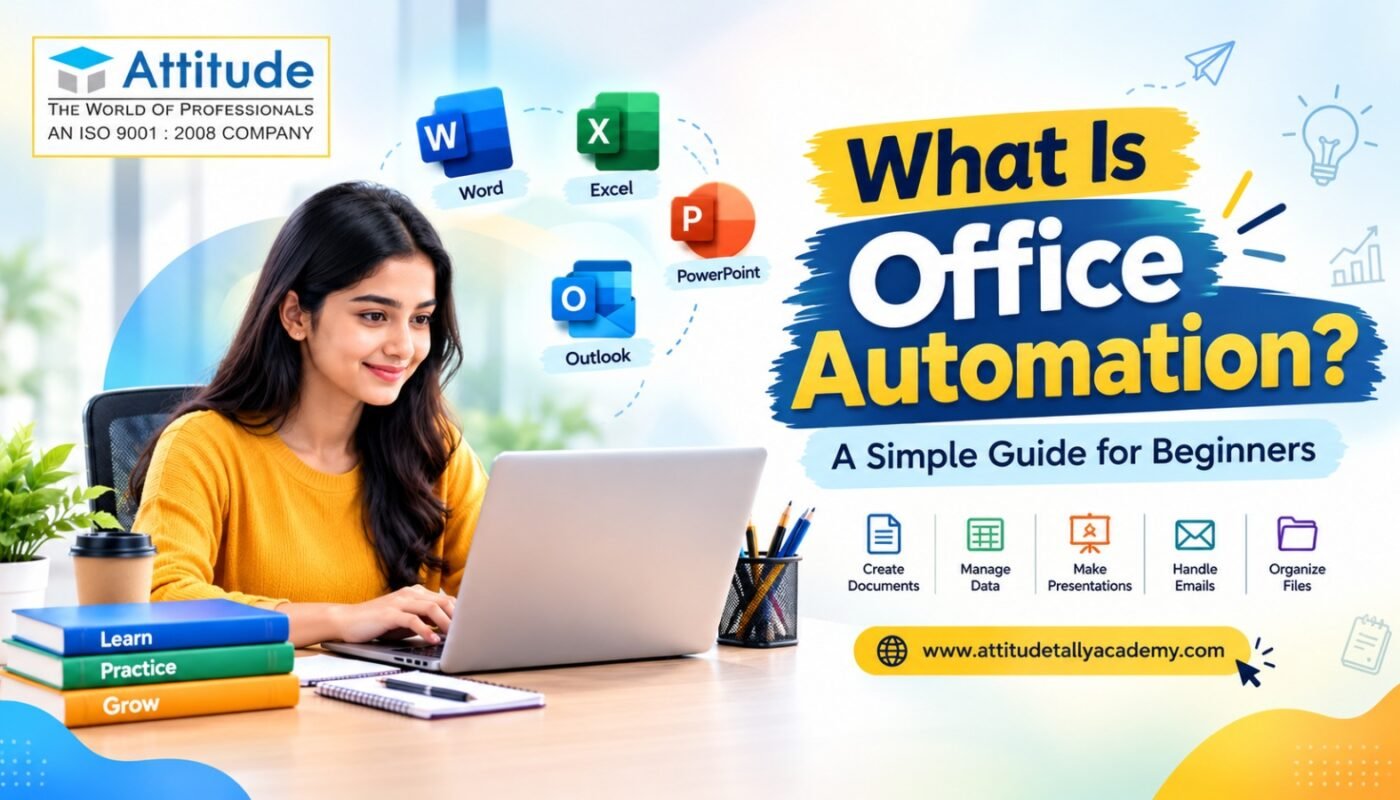
Office Automation involves using software and digital systems to perform everyday office tasks. Common activities include creating documents, entering and organizing information, preparing spreadsheets, making presentations, managing emails, maintaining records, and sharing files.
Tools such as Microsoft Word, Excel, PowerPoint, Outlook and similar productivity applications are commonly used for these tasks. Microsoft’s current learning resources also cover Word, Excel, PowerPoint, Outlook and OneNote as productivity applications used for everyday work.
For example, instead of preparing a report manually, an employee can create a structured document using Word. Similarly, Excel can be used to organize data, perform calculations, create charts, and prepare reports.
Why Are Office Automation Skills Important?
Modern offices depend heavily on digital workflows. A student or fresher who understands common office applications can handle tasks such as document formatting, spreadsheet management, presentations, email communication, and digital file organization more confidently.
The goal is not simply to learn where different buttons are located. Good Office Automation learning focuses on understanding how to use these tools for practical tasks.
For example, a learner may practice creating an attendance sheet in Excel, preparing a professional letter in Word, designing a presentation in PowerPoint, or organizing business information in a structured file.
Microsoft also provides beginner-level productivity learning that connects these applications with everyday workplace activities and productivity workflows.
What Skills Can Beginners Learn?
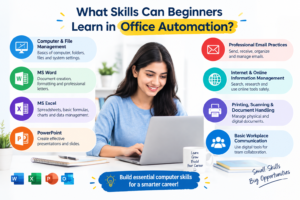
A beginner-oriented Office Automation program may cover several useful areas, depending on the syllabus. These can include:
- Computer and file-management fundamentals
- Microsoft Word and document formatting
- Excel spreadsheets and basic formulas
- Data entry and data organization
- PowerPoint presentations
- Professional email practices
- Internet and online information management
- Printing, scanning and document handling
- Basic workplace communication
- Practical office documentation
Some modern productivity environments are also incorporating AI features into applications such as Word, Excel, PowerPoint and Outlook. Microsoft’s current training materials, for example, include AI-assisted document creation, data analysis, presentations and email workflows.
This makes it useful for learners to understand the fundamentals first and then gradually explore newer productivity features.
Who Should Learn Office Automation?
Office Automation can be useful for students, freshers, beginners, job seekers, and working professionals who want to strengthen their computer-based workplace skills.
A student may want to learn how to create presentations and reports. A fresher may need spreadsheet and document skills for routine office tasks. A working professional may want to improve the way they manage reports, emails, files, or repetitive administrative activities.
For beginners looking for structured learning, an office automation course for beginners in Yamuna Vihar can provide a starting point for developing these skills through a planned curriculum.
How to Choose Office Automation Training
When comparing training options, beginners should look beyond the course name. Check whether the syllabus includes the applications and skills you actually want to learn. Practical assignments are also valuable because they allow learners to apply concepts instead of only studying theory.
Someone searching for office automation training in Yamuna Vihar can compare factors such as course modules, practical sessions, trainer support, learning resources, and the amount of hands-on practice provided.
Similarly, learners researching an Office Automation Institute in Uttam Nagar should review the syllabus carefully and understand what applications and practical tasks are included before making a decision.
The phrase Best Office Automation Course in Uttam Nagar can mean different things to different learners, so it is better to compare courses according to your own requirements, learning level, syllabus, and practical-learning opportunities.
Office Automation Course in Yamuna Vihar: What Should Beginners Expect?
A structured office automation course in Yamuna Vihar may help beginners move from basic computer knowledge toward practical office applications. A good learning approach should gradually introduce concepts and then provide opportunities to practice them.
For example, a learner might start with document creation, move to spreadsheet exercises, then work on presentations and finally complete practical office-related assignments. This step-by-step approach can make the learning process easier for someone who is starting from the basics.
Final Thoughts
Office Automation is essentially about using digital tools effectively for everyday office work. For beginners, the most important step is to develop practical skills rather than trying to learn every software feature at once.
Start with computer fundamentals, understand common office applications, practice real-world tasks, and gradually explore advanced productivity features. With consistent practice, learners can build a useful foundation for working in a digitally managed office environment.
The most valuable Office Automation skills are not simply about knowing software names—they are about knowing how and when to use digital tools to complete everyday tasks accurately and efficiently. Visit us