 by
by Introduction
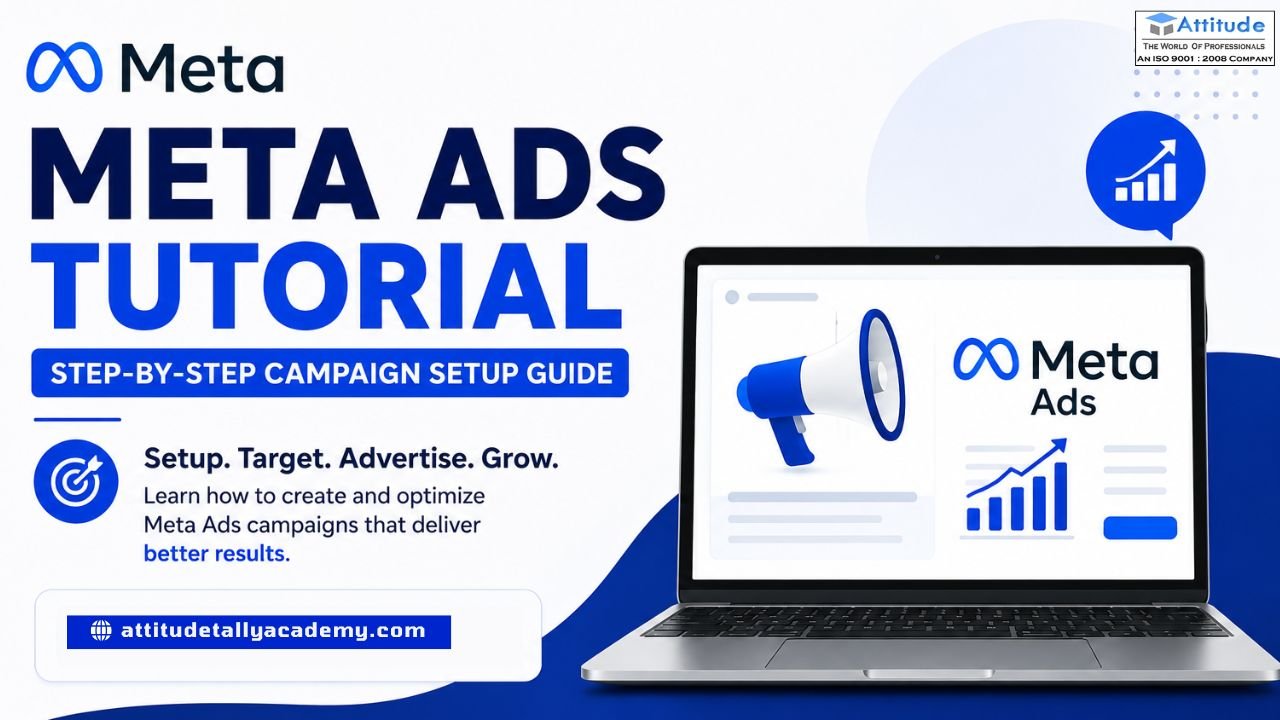
If you’ve ever scrolled through Facebook or Instagram and wondered, “How do businesses show up right in my feed?” — that’s Meta Ads at work. Whether you’re a student exploring digital marketing or someone who just enrolled in a digital marketing, understanding Meta Ads is one of the most valuable skills you can build today.
Let’s break it down — simply, clearly, and step by step.
What Are Meta Ads?
Meta Ads are paid advertisements that run across Facebook, Instagram, Messenger, and the Audience Network. Businesses use them to reach specific people based on age, interests, location, and behavior. And the best part? You don’t need a massive budget to get started.
Why Should Students Learn Meta Ads?
Digital advertising is no longer optional for businesses — it’s essential. If you’re taking digital marketing classes in Yamuna Vihar or anywhere else, Meta Ads will come up in almost every module because:
- Over 3 billion people actively use Meta platforms
- Ad targeting is incredibly precise
- Results are measurable in real time
- Entry-level roles in paid ads pay well
Now let’s get into the actual setup.
Step 1: Create a Meta Business Manager Account
Head over to business.facebook.com and create a free Business Manager account. This is your central dashboard where all your ad accounts, pages, and campaigns live. Think of it as your digital marketing headquarters.
Step 2: Set Up Your Ad Account
Inside Business Manager, go to Ad Accounts and create a new one. Add your billing information and link your Facebook Page. Without this, you can’t run any campaign.
Step 3: Open Meta Ads Manager
Click on Ads Manager from your Business Manager. This is where campaigns are built, monitored, and optimized. Students who are learning at a digital marketing coaching institute in Yamuna Vihar often practice directly here using test budgets.
Step 4: Choose Your Campaign Objective
Meta asks you upfront — what’s your goal?
Options include:
- Awareness — reach more people
- Traffic — send people to your website
- Engagement — get likes, comments, shares
- Leads — collect contact information
- Sales — drive purchases
Pick the one that matches your business goal. For beginners, Traffic or Leads are great starting points.
Step 5: Define Your Audience
This is where Meta Ads become powerful. You can target people by:
- Location — city, pin code, radius
- Age & Gender
- Interests — fitness, fashion, education, etc.
- Behaviors — online shoppers, frequent travelers
Students enrolled in a digital marketing training institute in Uttam Nagar often practice building audience sets as assignments because real targeting experience is irreplaceable.
Step 6: Set Your Budget & Schedule
Choose between:
- Daily Budget — spend a fixed amount per day
- Lifetime Budget — spend a total amount over a set period
Even ₹100–₹200 per day is enough to learn and test. Start small, analyze results, and scale gradually.
Step 7: Design Your Ad Creative
Now comes the creative part. You can use:
- A single image
- A video
- A carousel (multiple images)
- A collection format
Write a headline that grabs attention, add a clear description, and always include a Call to Action (CTA) like “Learn More,” “Sign Up,” or “Get Quote.”
Students at a digital marketing coaching centre in Uttam Nagar are often taught that the creative is what stops the scroll — so make it visually strong and message-clear.
Step 8: Review & Publish
Before hitting Publish, review everything:
- Is the objective correct?
- Is the audience well-defined?
- Is the budget set properly?
- Does the ad creative look good on both mobile and desktop?
Once satisfied, click Publish and your ad goes into review. Meta usually approves ads within a few hours.
Step 9: Track & Optimize
After your ad runs, visit the Ads Manager dashboard to check:
- Reach — how many people saw it
- CTR (Click-Through Rate) — how many clicked
- CPR (Cost Per Result) — how much each result cost
Optimization is an ongoing process. Test different creatives, tweak audiences, and adjust budgets based on performance.
Final Thoughts
Meta Ads might seem complex at first, but once you run your first campaign, everything clicks. The best way to truly master this skill is through hands-on practice — which is exactly what quality digital marketing coaching training institutes in Uttam Nagar and digital marketing centres in Yamuna Vihar focus on today.
Whether you’re a beginner or someone looking to sharpen their paid advertising skills, Meta Ads is a chapter you simply can’t skip in your digital marketing journey.
Start learning. Start experimenting. The digital world rewards those who take action.vsiit us