- Digital Marketing
Become Expert In Digital Marketing
Grow a Business Online From Scratch, Make Money as an Affiliate Marketer, Learn Digital marketing Course In Yamuna Vihar, Uttam Nagar, New Delhi
- 10 - 20 weeks
- 102 Lectures
- 8741 Student Enrolled
- Offer by ATTITUDE ACADEMY
- Last updated:- Nov 20, 2026

₹1299.00 96% Off
- 50+ Practical Videos For Covering Course
- e-Content with Assignments
- 100% Job Assistance
- Access on All Device
- 24*7 Lifetime Access
- ISO 9001 : 2008 Company
- Internship Programme for Learners
- Govt. Recognized Certificate
- One of the Finest Education Brand in India
- Live Project provided for practice
- Course Related Blogs & Articles
What you'll learn
Market Research. Ask 3 simple questions to validate your business idea.
WordPress. Build a world-class website in 1 hour without any coding.
Email Marketing. Build a mailing list of 1000 people in 30 days from scratch.
Copywriting. Write sales pages that make the cash register ring!
SEO (Search Engine Optimisation). Get free traffic to your website with SEO.
YouTube Marketing. Drive traffic & sales with simple "how to" videos.
Social Media Marketing (Instagram, Facebook, Twitter, Pinterest & Quora).
Linkedin Marketing. Go viral on Linkedin and 400x your connections.
App Marketing. Discover 43 Ways To Promote Your App.
Google Adwords. Avoid common mistakes and set up profitable campaigns the first time.
Facebook Ads. Make money with Facebook Ads without spending a fortune.
Google Analytics. Improve your marketing with Google Analytics data.
Requirements
- Innovative and Creative Ideas
- Basic Knowledge of Computer
What placement assistance will you receive?

Free Placement Preparation Training

Access to curated Internships & Current Job Openings.

Top performers will be highlighted on Attitude Job portal
Requirements
The course is hugely interactive with projects, checklists & actionable lectures built into every section. Learn step by step how to market a business online from scratch across all the major marketing channels. Follow the steps on-screen to get results at work, for your own business, or for your digital marketing clients.
Course Circullum
CONTENT STRATEGY & FUNDAMENTALS
Chapter 1
Introduction to Content Creation
Chapter 2
Understanding Target Audience
Chapter 3
Copywriting Fundamentals
Chapter 4
Headline Writing Mastery
Chapter 5
Social Media Caption Writing
Chapter 6
WhatsApp, RCS & Email Content
STORYTELLING & SCRIPT WRITING
Chapter 7
Storytelling Fundamentals
Chapter 8
Script Writing for Social Media
Chapter 9
UGC & Testimonial Scripts
GRAPHIC CONTENT CREATION
Chapter 10
Graphic Design Fundamentals
Chapter 11
Social Media Post DesigN
Chapter 12
Carousel Design Mastery
VIDEO CONTENT CREATION
Chapter 13
Video Content Strategy
Chapter 14
Video Shooting Techniques
Chapter 15
Video Editing Fundamentals
Chapter 16
Instagram Reels & Shorts
Chapter 17
Educational Videos
Chapter 18
Promotional Videos
AI CONTENT CREATION
- AI Content Research: audience pain points, content angles, FAQs and topic clusters AI Practical
- AI Copywriting: hooks, headlines, captions, CTAs and platform-specific variants
- AI-assisted storytelling, scripts, UGC and testimonial structures
- AI-assisted content repurposing: one idea → post, carousel, reel, email and WhatsApp content
- AI graphic / visual ideation for social posts and carousels
- AI-assisted video scripts, shot lists, subtitles and short-form content ideas
- AI Content Quality Control: facts, tone, originality, brand voice and human editing Final AI Test
Introduction to ChatGPT
1 What is ChatGPT and how it works (high-level)
- Capabilities vs limitations
- ChatGPT interface and features
- Differences between CHATGPT & Google
- Prompting Fundamentals
2 What is a prompt?
- Single-turn vs multi-turn prompts
- Role prompting (e.g., “act as…”)
- Structuring clear and specific prompts
- ChatGPT for Education & Learning
3 Studying with ChatGPT
- Creating quizzes and learning materials
- Concept explanations and tutoring
- Language learning support
- Avoiding misuse and promoting academic integrity
- Classroom Assignment
- Home Assignment
4 Creative Applications
- Story writing, poems, dialogues
- Art prompts for image models
- Game design, world-building
- Music, lyrics, creative brainstorming
- Classroom Assignment
- Home Assignment
5 Promt (For SEO)
How To Create
How To Make Promt for Title Generate
How To Make Promt for Blog Creation
Assiginments - 5 Promt Create for SEO
6 Promt (For Social Media)
- How To Create
- How To Create Captions
- How To Create Hastags
- Assiginments - 5 Promt Create for social media
1 What is Tags and How to Use
- Website Structure
- Source Code
2 Tags for SEO
- Heading Tags (6)
- Paragragh Tags (P)
- Block level elements
- Inline Elements
3 Tags for SEO (Image and Links)
- Image Tags
- Hyperlinks Tags
- Attributs
- Meta Tags
- AI-assisted HTML generation from marketing / landing-page requirements
- AI-assisted semantic structure, headings and accessibility suggestions
- AI-assisted meta title / description and content markup ideas
- AI-assisted HTML debugging and explanation
Intro of Database
- Download and Install LocalWP
- Install Wordpress
Themes
- Install Theme
- Create Pages
- Menubar
Blog Posting
- Make Categories
- Blog Page Set
- Blog Commenting
- Permalink
Customization of Themes
- Logo Set
- Site Identity
- Sidebar
- Blog Option
- Website Customization
Wordperss Dashboard Settings
- How to Change username and Password
- How to add admin
- How to add Google Map
- Plugins
- Classic Editor
- Resent Post Widget with thumbnail
- Simple Social Icons
- WP Form
- Call Now Button
- Responsive Light box and gallery
- G Translate
- Responsive accordion and FAQ
- Add to any Share Buttons
- WP News
- Elementor Website Builder
- Dublicate Page
- Woocommerce For E-commerce
Website Building
- How to Make One Page Website
- How to Make Complete Website With Elementor
- How to Export Wordpress Files
- AI-assisted keyword research, clustering and search-intent analysis
- AI-assisted SEO content briefs, titles, meta descriptions and FAQs
- AI-assisted on-page SEO audit checklist
- AI-assisted competitor / SERP analysis with manual verification
- AI-assisted social profile audit, content pillars and posting ideas
- AI-assisted local SEO content and review-response drafts
Introduction to Google Drive
1 What is Google Drive?
- Features and benefits
- Cloud storage basics
- Drive interface overview
- File types supported by Google Drive
Getting Started
- creating a Google Account (Inbox, Send Email etc)
- Accessing Google Drive (web & mobile)
- Understanding “My Drive” vs “Shared with me”
- File previews and quick access
File & Folder Management
- Uploading files and folders
- Creating new folders
- Moving, copying, renaming, and deleting items
- Using drag-and-drop
- Starred and Recent views
- Trash and file recovery
Sharing & Permissions
- How to share files and folders
- Viewer, Commenter, and Editor permissions
- Sharing via link vs email
- Manage access (remove, restrict, transfer ownership)
- Understanding shared drives vs personal files
Introduction Of designs
- User Interface
- How to Make Account
Social Media Post
- How To Create
- Themes , Designs Ideas
YouTube thumbnail
- Introduction
- How To Create
- Themes , Designs Ideas
Logo Making and Branding
- How To Create Logo
- How To Create Mockups
- Effects
- How To Create QR Code
Presentation
- How To Create Presentation
- How To Create animated Presentation
Day 1: Introduction To Canva
- Canva interface overview
- Creating video projects
- Understanding templates & formats
- Video editing workspace basics
Day 2: Video Creation Basics
- Adding & editing video clips
- Uploading media files
- Timeline management
- Trimming, splitting & resizing videos
Day 3: Text & Design Elements
- Adding text animations
- Font & style selection
- Using graphics, stickers & shapes
- Creating attractive layouts
Day 4: Audio & Effects
- Adding background music
- Voiceover recording
- Sound effects
- Video filters & adjustments
Day 5: Advanced Video Editing
- Transitions & animations
- Speed control
- Background remover
- Layer management
Day 6: Social Media Video Creation
- Instagram Reels
- YouTube Shorts
- Promotional videos
- Brand videos
Day 7: Practical Projects
- Creating a complete video project
- Editing real-world content
- Export settings & quality optimization
- Canva AI / Magic Studio concepts for design ideation and rapid creative variations
- AI-assisted social media post and carousel concepts
- AI-assisted thumbnail concepts and headline variations
- AI-assisted image generation / editing and background workflows
- AI-assisted video creation, captions, scripts and short-form content
- Brand consistency and human quality control for AI-generated creative's
Understanding Digital Marketing
- Evolution of Marketing in the Digital Age
- Importance of Digital Marketing in Today's Business Landscape
- Digital Marketing Channels and Platforms
- Google Analytics (tools for Analyize of Website overall)
Search Engine Optimization (SEO)
- On-Page SEO
- Off-Page SEO
- Technical SEO
- Local SEO
- SEO Tools and Analytics
- SEO Best Practices
Social Media Optimization (SMO)
- Introduction
- Optimization of Facebook (Meta Business Suits)
- Generate Caption and Hastags using Social media Tools
- Optimization of Instagram
- Optimization of Linkdin
- Optimization of Twitter
Analytics and Data Analysis
- Web Analytics (e.g., Google Analytics)
- Social Media Analytics
- Email Marketing Analytics
- ROI Calculation
- Data-driven Decision Making
Youtube Marketing
- How to Create a channel
- How to Optimization a channel
- How to Upload a Video
- How to create a YouTube Ads
- How to Use Keywords for High Engagement of Video
GMB ( GOOGLE MY BUSINESS )
- Introduction to Google My Business
- What is GMB and why it is important?
- Benefits of GMB for businesses.
- Overview of GMB dashboard and features.
Setting Up a GMB Account
- Step-by-step account creation.
- Verifying your business on Google.
- Understanding GMB guidelines and eligibility criteria.
Optimizing Your GMB Profile
- Adding accurate business details (name, address, contact, and category).
- Uploading high-quality images and videos.
- Crafting a compelling business description.
- Setting business hours and special hours.
Leveraging GMB Features for Growth
- Utilizing Posts: Offers, events, and updates.
- Adding products and services to your profile.
- Using the Questions & Answers section effectively.
- Managing reviews: Importance & strategies for responding.
Lead Generation Strategies Using GMB
- Using GMB insights to analyze performance.
- Utilizing call-to-action features like "Call Now" or "Visit Website."
- Leveraging GMB for local SEO and ranking higher in local searches.
- Engaging with customers through reviews and updates.
Advanced Techniques for GMB Growth
- Integrating GMB with Google Ads.
- Creating targeted campaigns for lead generation.
- Using UTM parameters to track traffic from GMB.
- Troubleshooting and GMB Best Practices
Handling GMB account suspensions.
- Avoiding common GMB mistakes.
- Staying updated with GMB policy changes.
- Case Studies and Practical Application
Social Media Marketing (SMM) OR Social Media Ads
- Introduction
- Face book Ads
- Instagram Ads
- How to Set Budget and Location
- How to create and run Ads
Google Ads
- Introduction
- Search Ads
- Display Ads
- Shopping Ads
- Video Ads
- Performance Max
- How to Set Budget and Location
- How to create and run Ads
Affliate Marketing
- Introduction
- how to create account for affliate
- How to create a hopelink
- How to Promote Product or Services Through Affiliate Marketing
Mobile Marketing
- Introduction
- How to use Tools For Mobile Marketing
- How to send a bulk Messages
Email Marketing
- Introduction
- Mailchimp/ GMASS
- How to send a bulk mail through tools
GOOGLE ANALYTICS & SEARCH CONSOLE
- Introduction & Overview
- Difference Between GA and Search Console
- Account Creation and Setup
Connect Google Analytics With Property
- Connect with Wordpress Property
- Plugin (Site kit by Google)
- Connect GA with Blogging Property
- Free Blogging Web (Blogger.com)
- Integration of GA Tag in Head Part
Main Dashboard Overview
- Terminology and Basics
- (Organization ,Account, Property,views )
- Real-time Analytics
- Audience Overview
All Traffic Report
- (Organic , Direct , Referral, Social )
- User Acquisition
- Understand Web and App Traffic
- User Engagement and Retention
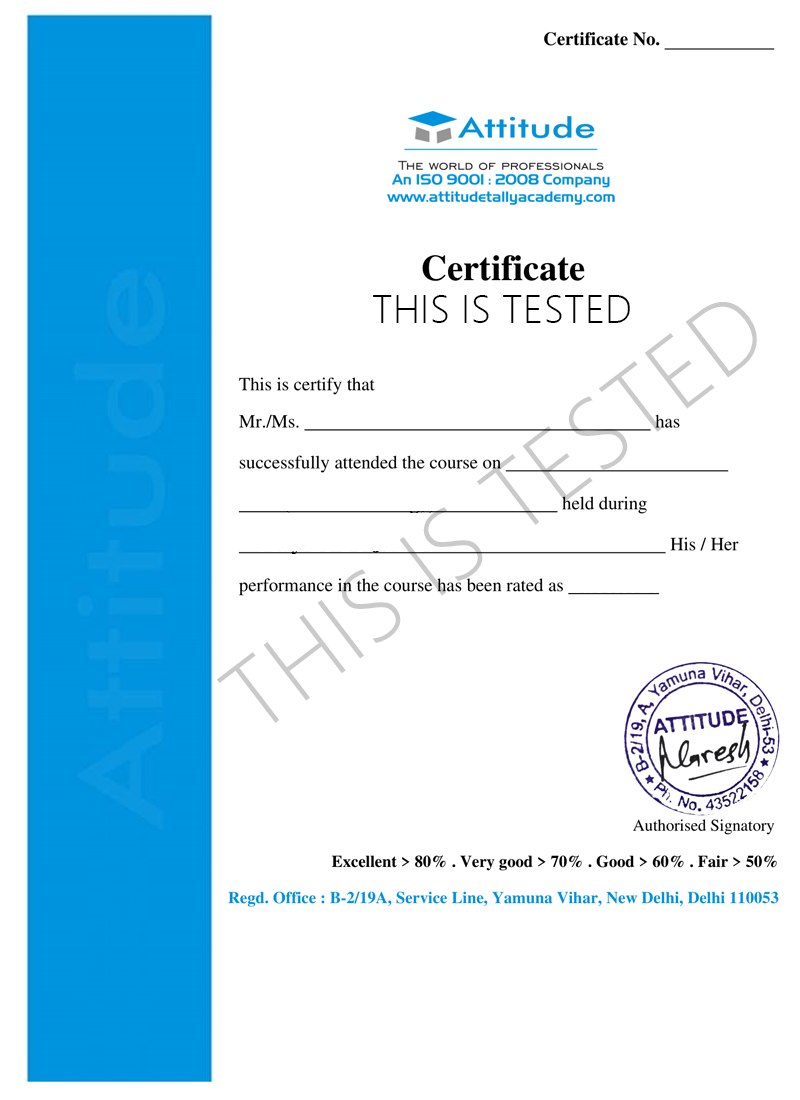
Take the final exam online to complete the Become Expert In Digital Marketing after which you will be able to download your certificate from Attitude Trainings.
How will your training work?

Classes
Watch recorded & live videos to learn various concepts & get Live Sessions with Trainer for Doubts Clearing.

Exams
Test your knowledge through quizzes & module tests. Take online exam & get instant result.

Projects
Get hands on practice by doing assignments and live project

Certificate
Take the final exam to get certified in Become Expert In Digital Marketing
Reviews - 0
Releated Courses

₹1299.00 ₹35000.00
96% Off
Coupon Code: OFF10COURSE
- 50+ Practical Videos For Covering Course
- e-Content with Assignments
- 100% Job Assistance
- Access on All Device
- 24*7 Lifetime Access
- ISO 9001 : 2008 Company
- Internship Programme for Learners
- Govt. Recognized Certificate
- One of the Finest Education Brand in India
- Live Project provided for practice
- Course Related Blogs & Articles
How will your doubts get solved?

You can post your doubts on the Q&A forum which will be answered by the teachers within 24 hours.
100% Placement Assistance
Meet Our Placed Students




.jpeg)

.jpeg)



Commonly Asked Questions
Q. What are the prerequisites for the training?
There are no prerequisites for this training as it is of beginner level. Everything that you need to know about Become Expert In Digital Marketing would be taught to you from scratch.
Q. Do I need to have a laptop or desktop to do the training or can I do it on mobile too?
You can watch the videos and take quizzes & tests on any device including mobile. However, for assignments and practice, use of desktop or laptop is required.
Q. What system configuration is needed to do this training?
Q. When can I start the training?
You can choose your preferred batch date while signing up for the training program and start accordingly.
Q. Will I be getting a hard copy of the certificate?
No, you will be only getting a soft copy of the certificate which you can download and print out if required.
Q. What placement assistance will I receive from Attitude as part of the training?
- You will receive free access to Placement Preparation Training on the platform which covers resume writing, cover letter writing, how to search and apply for internships and jobs on Attitude, and interview preparation. This training comes with a lifetime access meaning you can use it later also if you are not applying for internships or jobs right now.
- Access to curated internships & jobs related to the training - after completing the training, you would receive a list of handpicked internships or jobs every week that you can apply to as per your preference.
- If you are a top performer, a badge of achievement will be added to your Attitude resume and shown to the employers when you apply to internships or jobs on Attitude.
Q. Does Attitude Trainings guarantee a job or internship placement?
While many of our students have found their desired internships or jobs after completing their training, Attitude Trainings does not guarantee an internship or job. However, if you study sincerely (including doing exercises, assignments, and projects) and make good use of our placement assistance feature, it will become easier for you to get a placement using the skills learned in the training.
Q. I’m not able to make payment. What should you do now?
You could try making the payment from a different card or account (of a friend or family). Otherwise, you can follow the instructions on how to make an offline payment.
Q. The payment shows failed but money got deducted? What should I do now?
The amount deducted will come back to your account within 3-5 working days. This is the normal duration your bank will take to credit the amount back into your account.
What People Say?
Reviews By Our Success & Top Students
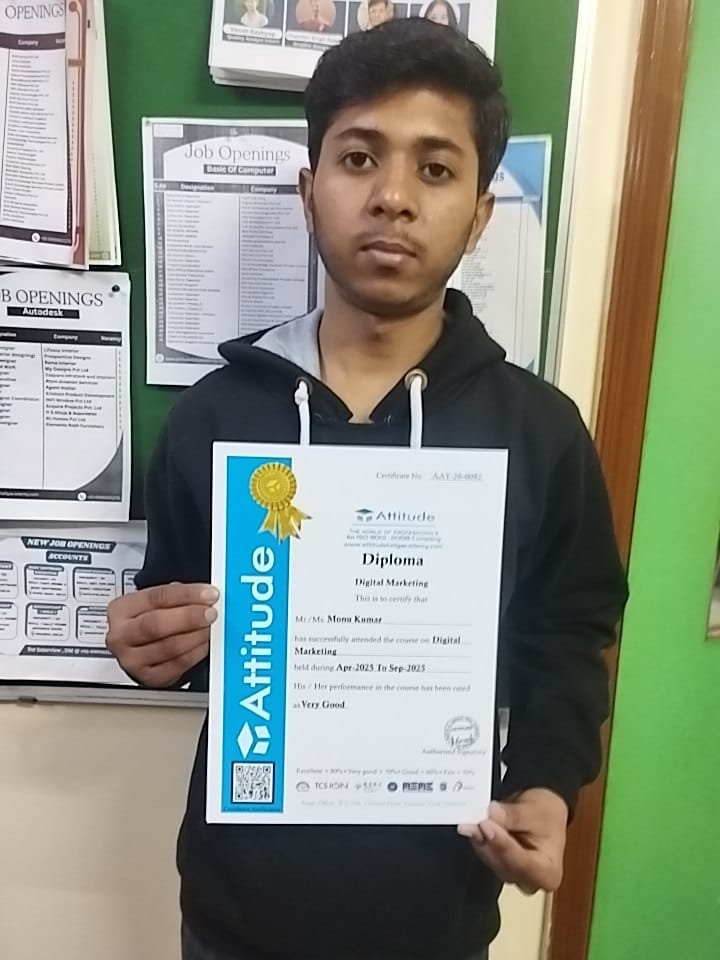
monu
"Attitude Academy\'s digital marketing course is a game-changer! ? The trainers are industry veterans, providing insights that go beyond textbooks. ? Best training institute hands down, with a focus on real-world skills that set you apart. ? Attitude Academy\'s commitment to excellence ensures 100% satisfaction! ?\r\n\r\n\r\n\r\n"
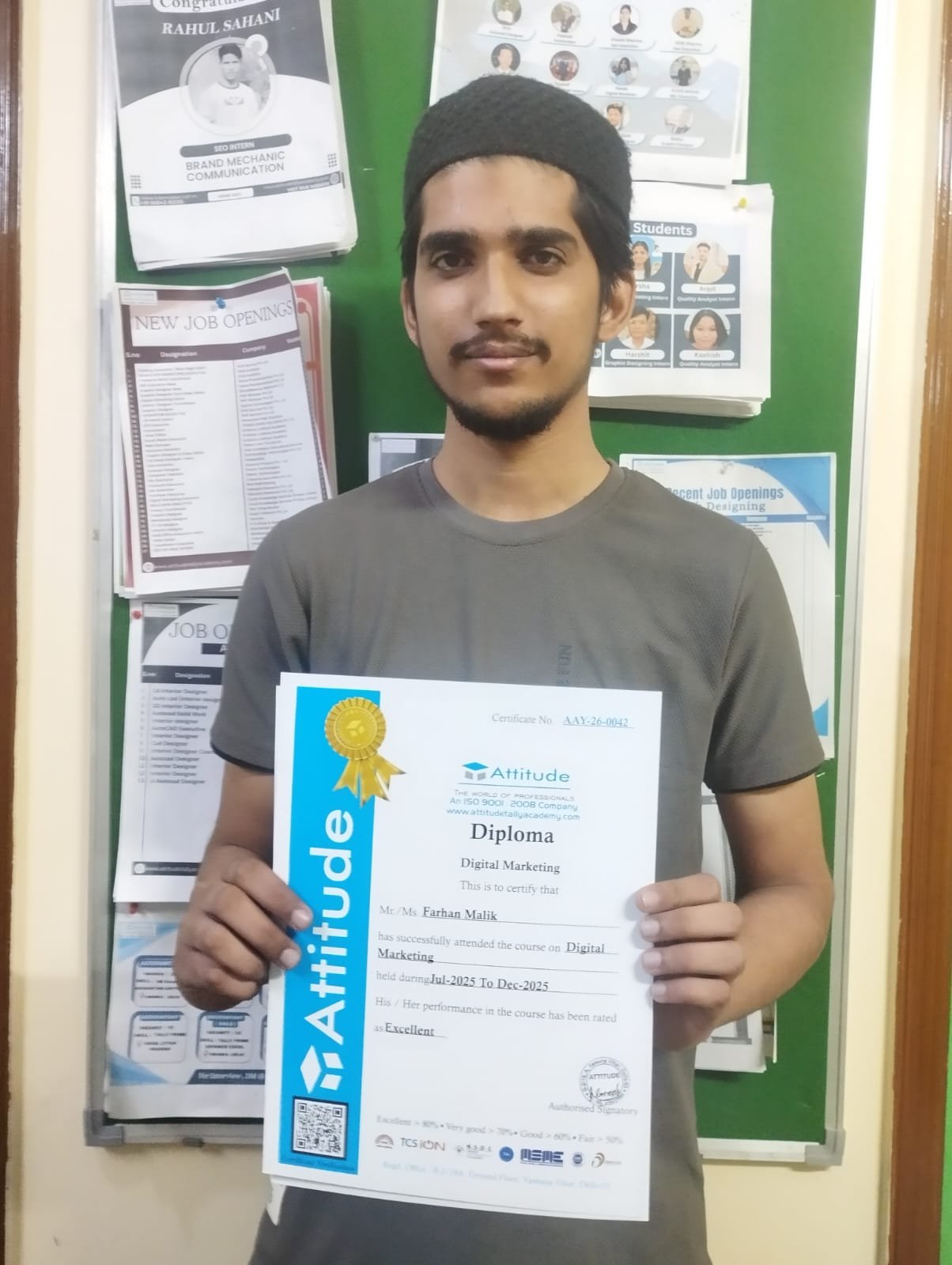
farhan
"Attitude Academy\'s digital marketing course is a game-changer! ? The trainers are industry veterans, providing insights that go beyond textbooks. ? Best training institute hands down, with a focus on real-world skills that set you apart. ? Attitude Academy\'s commitment to excellence ensures 100% satisfaction! ?\r\n\r\n\r\n\r\n"
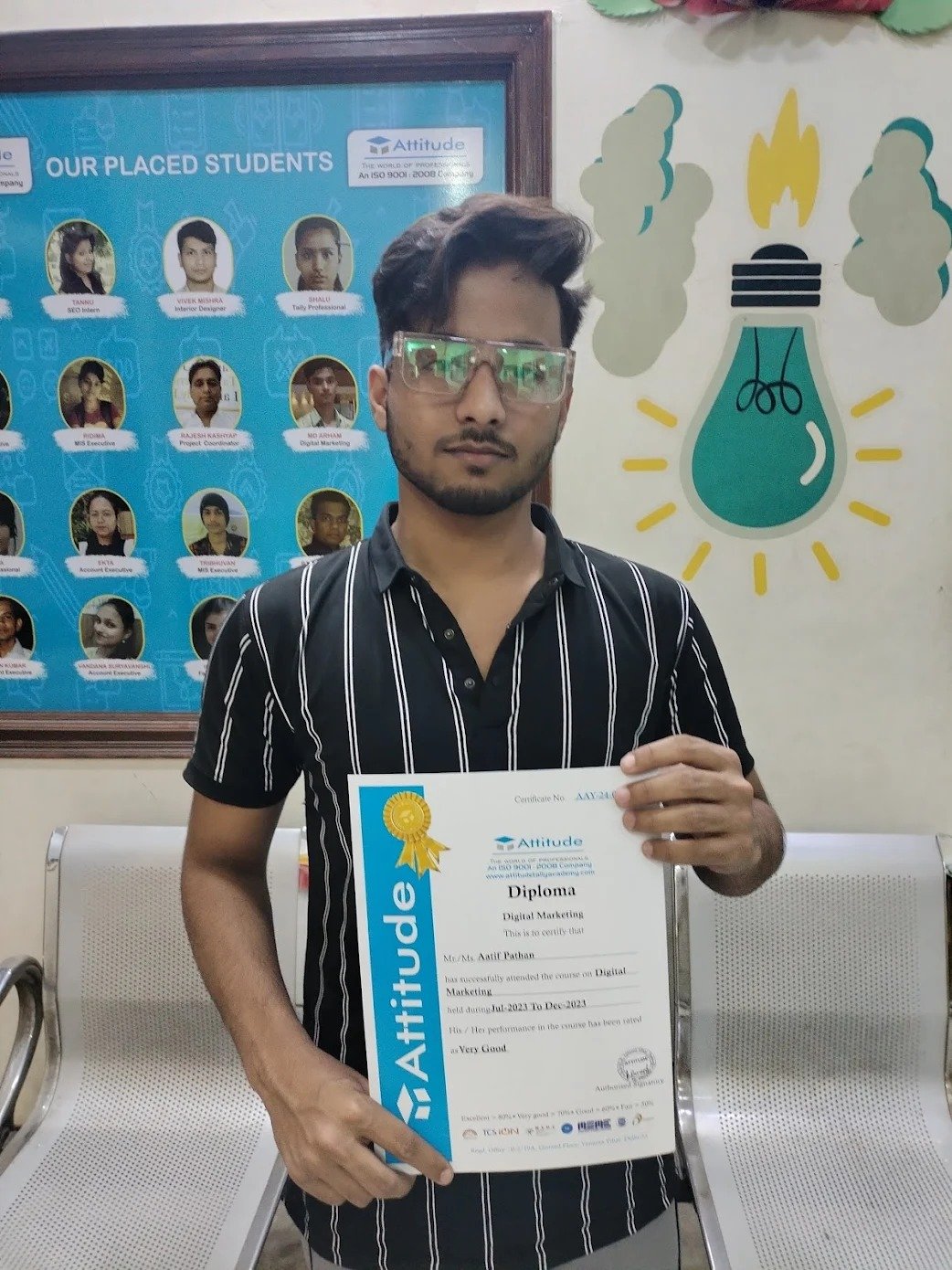
Atif
"The Digital Marketing course at Attitude Academy in Yamuna Vihar was exactly what I needed! The trainers are very knowledgeable and explained every topic in depth. From SEO to Google Ads, the course covered all areas, and the assignments helped me apply what I learned. Highly recommend! ??"
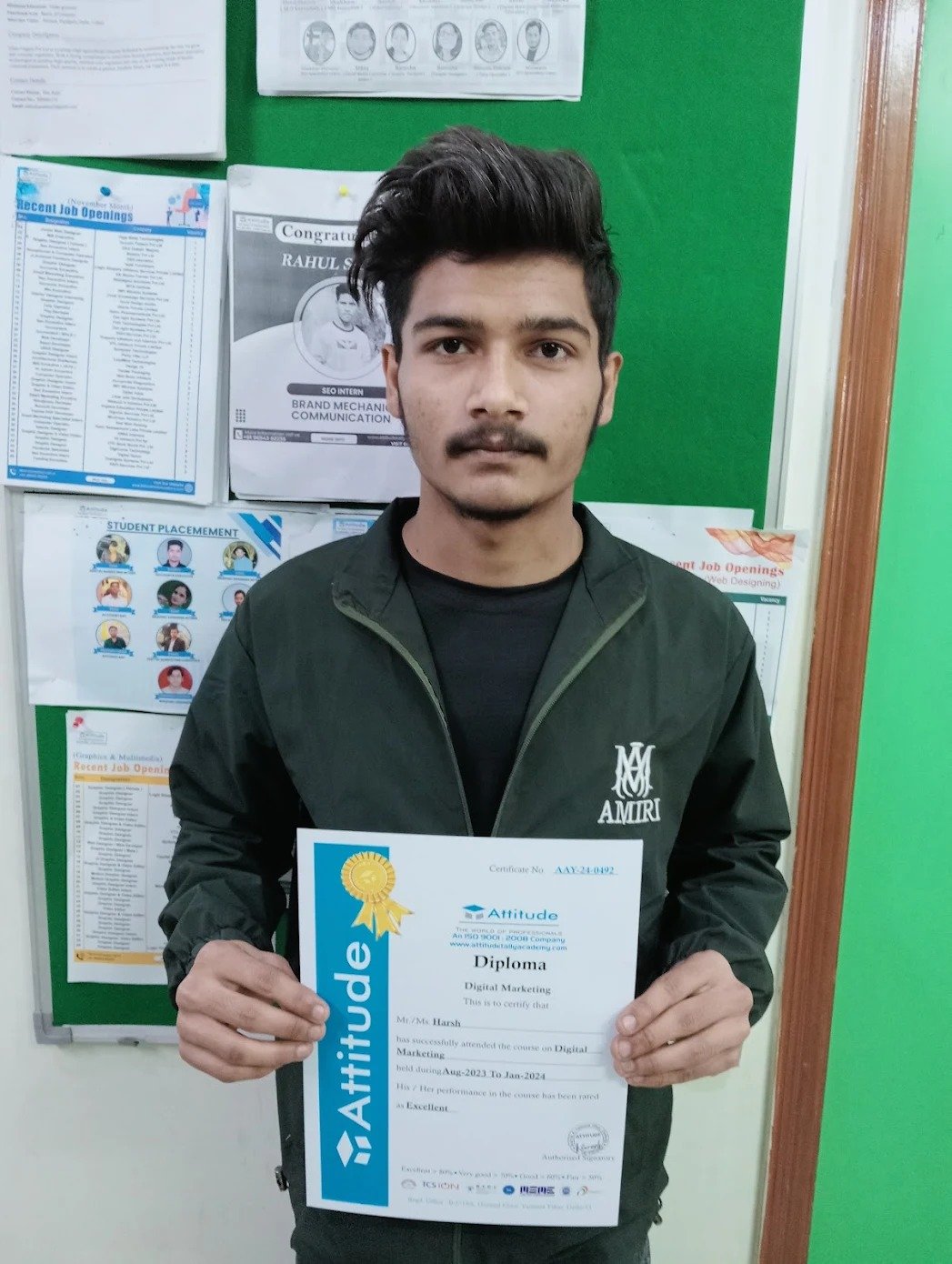
Harsh
"I had an incredible experience at Attitude Academy’s Digital Marketing course in Yamuna Vihar. The trainers explained every concept in detail, and the hands-on projects were very helpful. I now have the skills to run successful digital marketing campaigns. Highly recommend! ??"
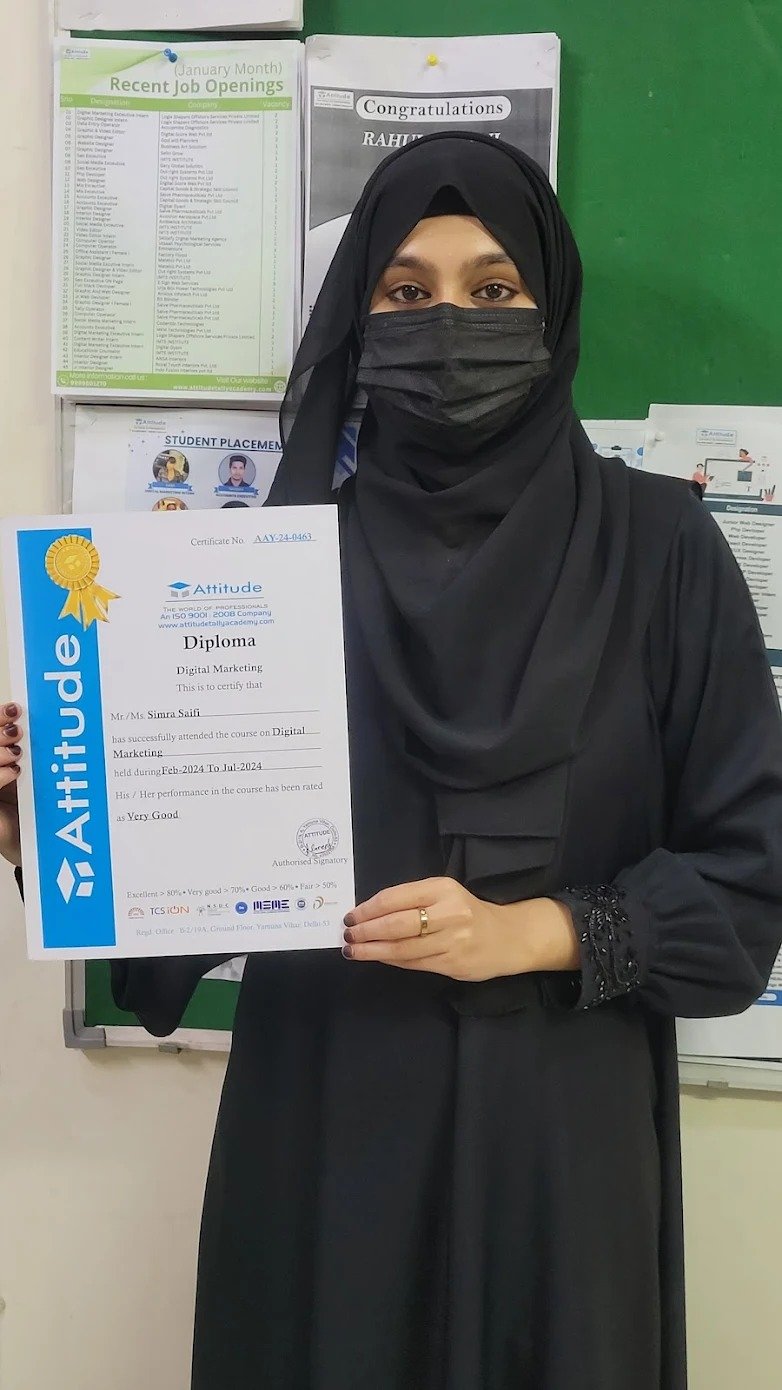
Simra Saifi
"Attitude Academy’s Digital Marketing course in Yamuna Vihar is amazing! It covers everything, from SEO basics to advanced Google Ads strategies. The trainers are very knowledgeable and provide great real-world examples. I now feel confident in my digital marketing skills. Highly recommend! ??"
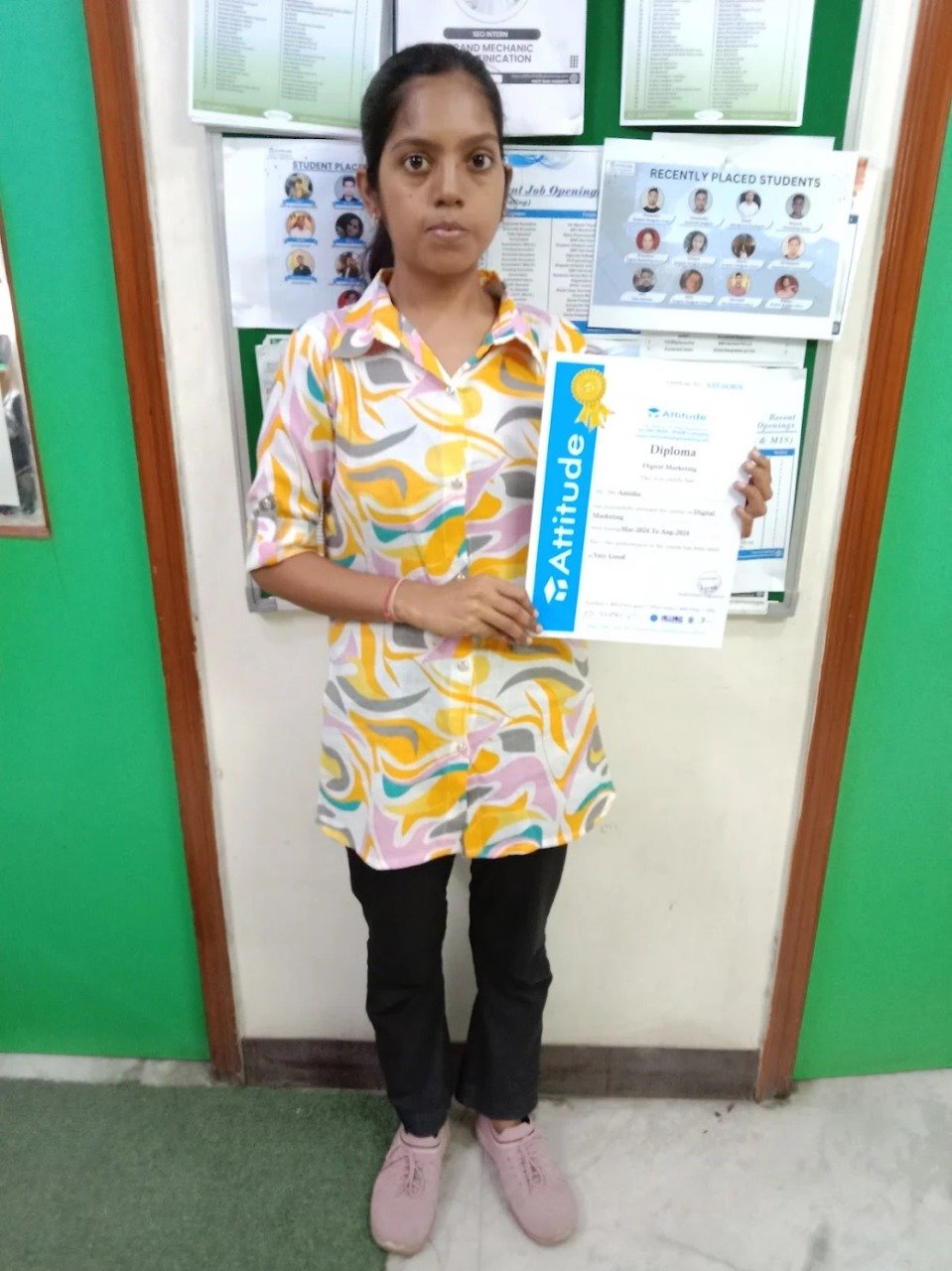
Anamika
"Thank you for your feedback! We’re happy the course and expert trainers have helped you feel well-prepared for your digital marketing career. Best of luck!"
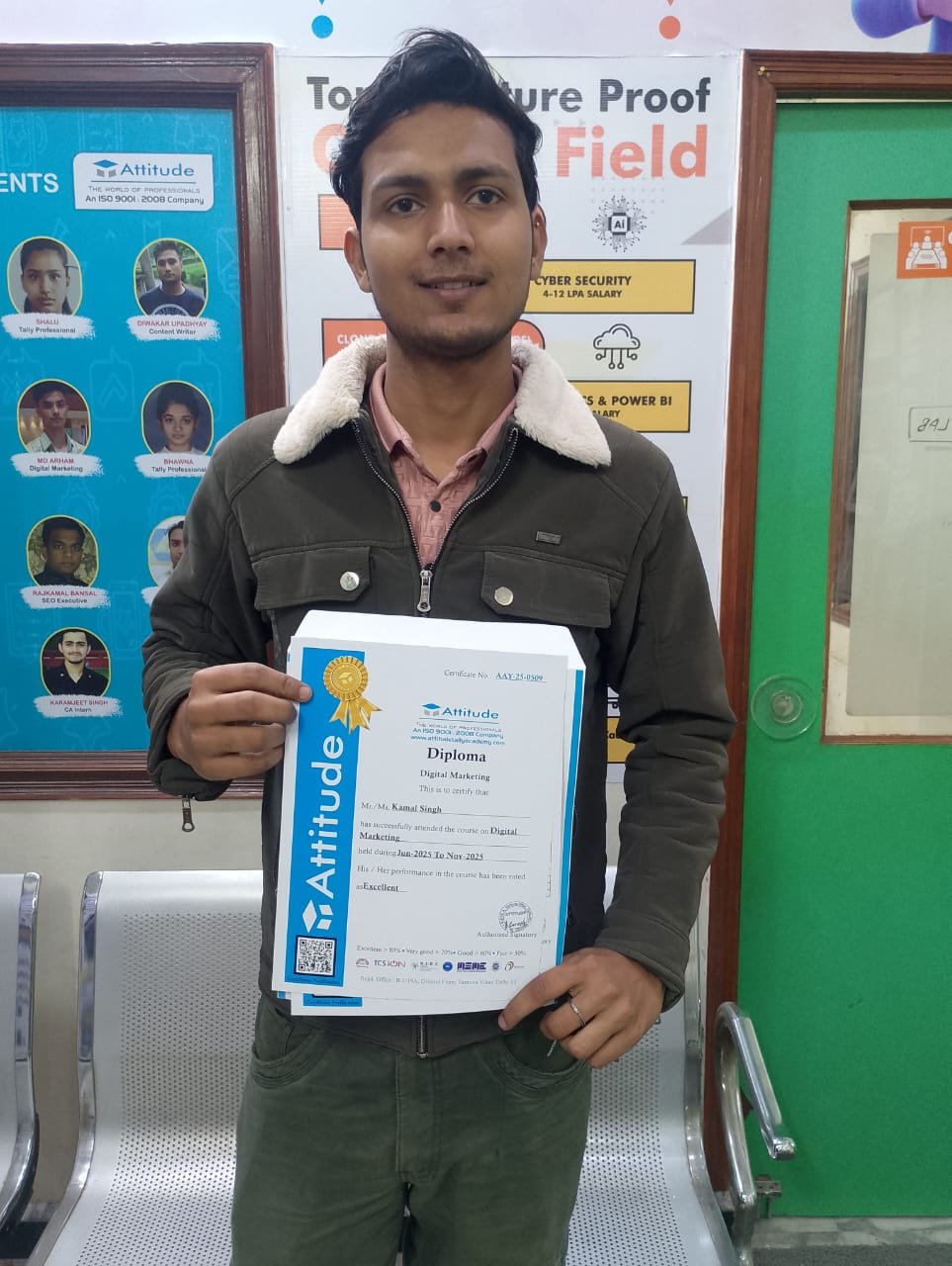
Kamal Singh
"Attitude Academy’s Digital Marketing course in Yamuna Vihar exceeded my expectations! The course covered everything from SEO and social media to Google Ads. The trainers are industry experts and provided hands-on learning, making it easy to understand. I feel ready to pursue a career in digital marketing! ??"
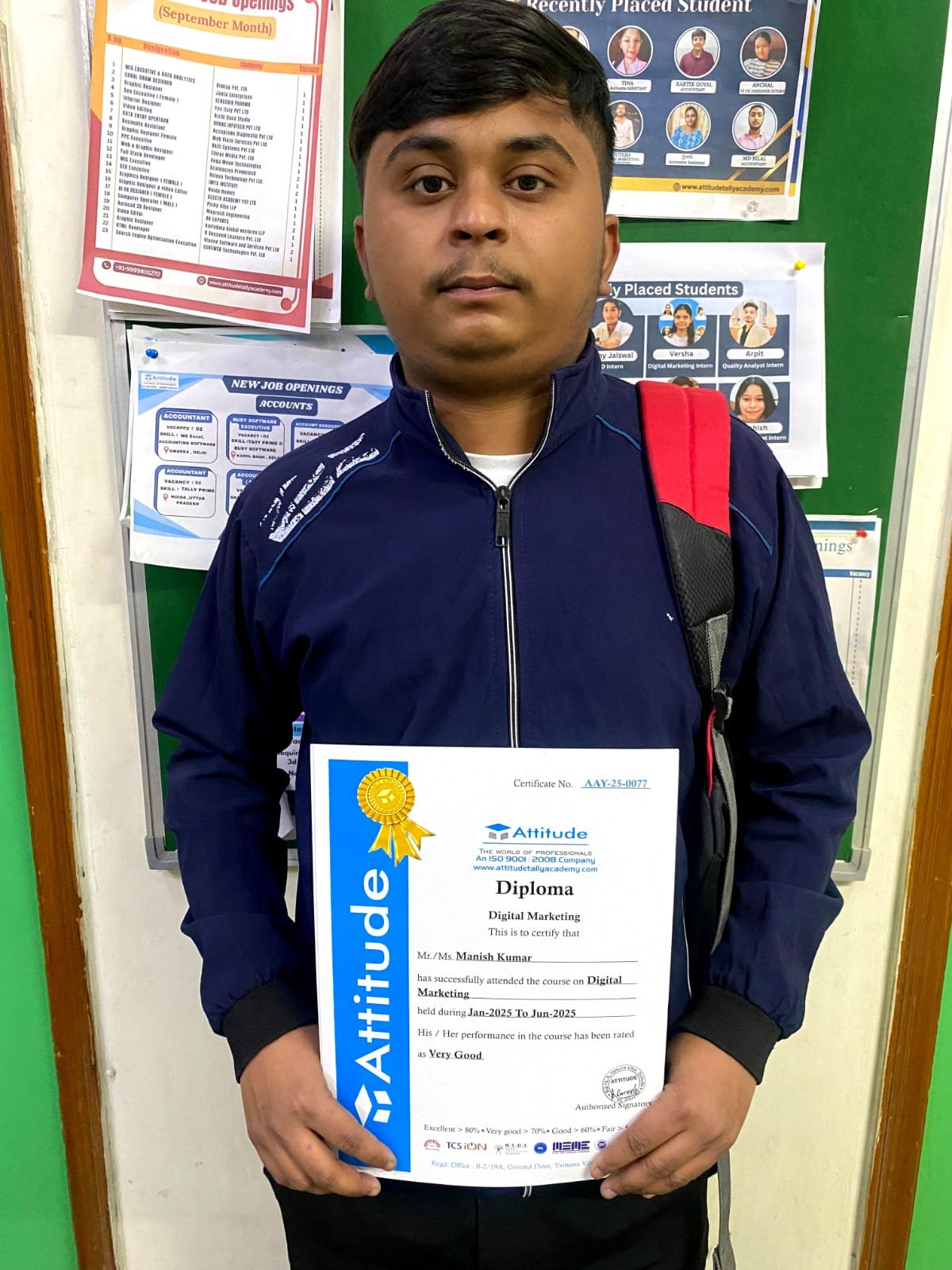
Manish kumar
"The Digital Marketing course at Attitude Academy in Yamuna Vihar is a great learning experience! It covered everything—SEO, SEM, and content marketing. The trainers are very knowledgeable and always ready to help. The practical approach made the concepts clear. Highly recommended! ??"
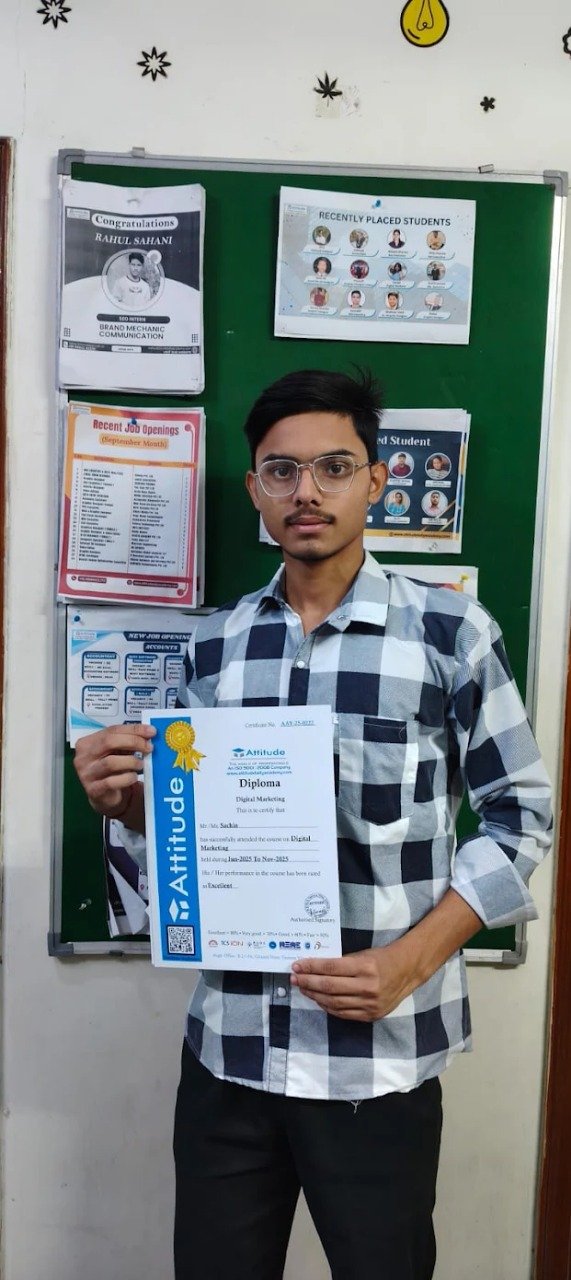
Sachin
"The Digital Marketing course at Attitude Academy in Yamuna Vihar is a great learning experience! It covered everything—SEO, SEM, and content marketing. The trainers are very knowledgeable and always ready to help. The practical approach made the concepts clear. Highly recommended! ??"