Learn how to design in CorelDRAW with these easy-to-follow. CorelDRAW for Beginners : Graphic Design in Corel Draw.

.jpg)
.jpg)
7 Days Money-Back Guarantee*
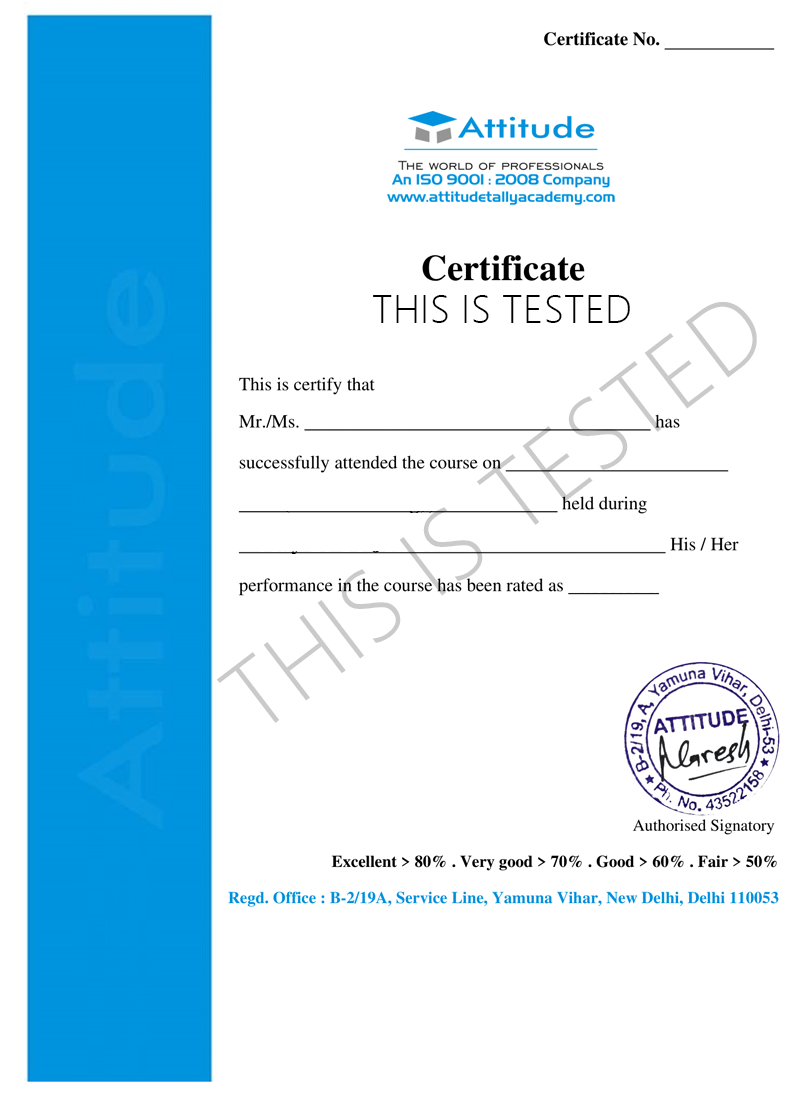
Take the final exam online to complete the Creating Design Graphic With CorelDraw after which you will be able to download your certificate from Attitude Trainings





Watch the recorded & live videos to learn various concepts & get Live Sessions for Doubts Clearing

Test your knowledge through quizzes & module tests

Get hands on practice by doing assignments and project

Take the final exam to get certified in Creating Design Graphic With CorelDraw
CorelDRAW is an effective vector graphics software editor for graphic designers. In this CorelDRAW course, you will discover & come to know the standard methods and abilities that will provide an modern training in editing graphics with CorelDRAW. CorelDRAW classes with Training n Development provides the General details of CorelDRAW with hands-on experience, familiarize delegates with the ideas and operations. This software is a robust graphics suite, having different interactive features for users to edit and create new graphics. These features include contrast adjustment, color combination, adding attractive effects like borders to images, and it is also capable of working with multiple layers and multiple pages.
Using one of the workspaces
Class Project - The Welcome Screen Quiz
Understanding dockers
Class Project - The Interface Quiz
Class Project - The Keyboard Shortcuts Quiz
Zoom Tool and Hand Tool
Creating a basic shape
Class Project 1 - The Toolbox Quiz
Using connector lines
Outlines and Corner Control (part 1)
Outlines and Corner Control (part 2)
Interactive Drop Shadow
Interactive Contour
The Blend Tool
The Distort Tool
The Envelope Tool
The Extrude Tool
Interactive Transparency
The Eyedropper Tool
Class Project 2 - The Toolbox Quiz
Class Project - Understanding Color Quiz
Weld, Trim and Intersect Exercises
Weld, Trim and Intersect Exercises Solution
Class Project Working with Objects Quiz
Grouping and Ungrouping
Aligning Objects
Aligning Objects Exercises
Aligning Objects Exercises Solution
Class Project Working with Objects Quiz
Setting the order
Setting the order Exercises
Setting the order Exercises Solution
Class Project setting the order quiz
Installing fonts
Types of text
Working with Fonts
Business Card Exercise
Business Card Exercise Solution
Cropping and resizing images
Class Project - Working with bitmaps Quiz
2-Point Line Tool
Bezier Tool
Cusp, Smooth and Symmetrical
Adding and removing nodes
Cleaning up lines after welding
Combine and Break apart
Joining nodes
Convert to curve
Convert image to Vector - The easy way
Convert image to Vector - The hard way
Convert image to Vector - Pepsi logo
Convert image to Vector - Apple logo
Convert image to Vector - Carrefour logo
Convert image to Vector - Motorola logo
Convert image to Vector - Batman logo
Editing individual characters
Powerclip
Text in columns
Wrapping text with an object
Text along a Path
Adding Bleed
Finding and Replacing Colors
Converting an Image to 300DPI
Printing the flyer
Final Words
Get Ready to Learn CorelDraw
Course Content
Watch the recorded & live videos to learn various concepts & get Live Sessions with Trainer for Doubts Clearing
Test your knowledge through quizzes & module tests
Get hands on practice by doing assignments and project
Take the final exam to get certified in Creating Design Graphic With CorelDraw

You can post your doubts on the Q&A forum which will be answered by the teachers within 24 hours.
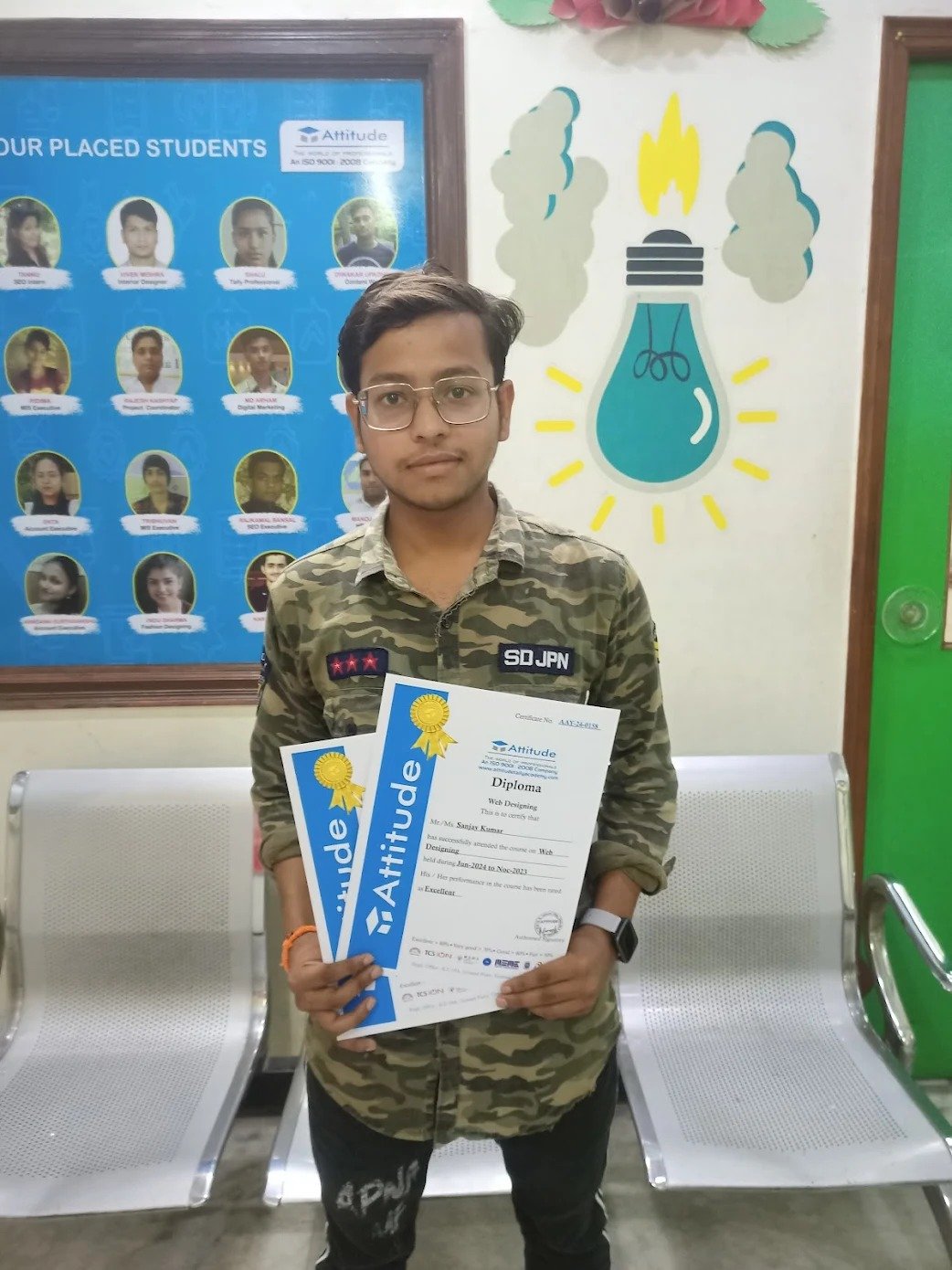
I can’t thank Attitude Academy enough for this course! The lessons were interactive, and I gained hands-on experience working on real web development projects. Now, I’m confident in my ability to create websites and web apps. ??
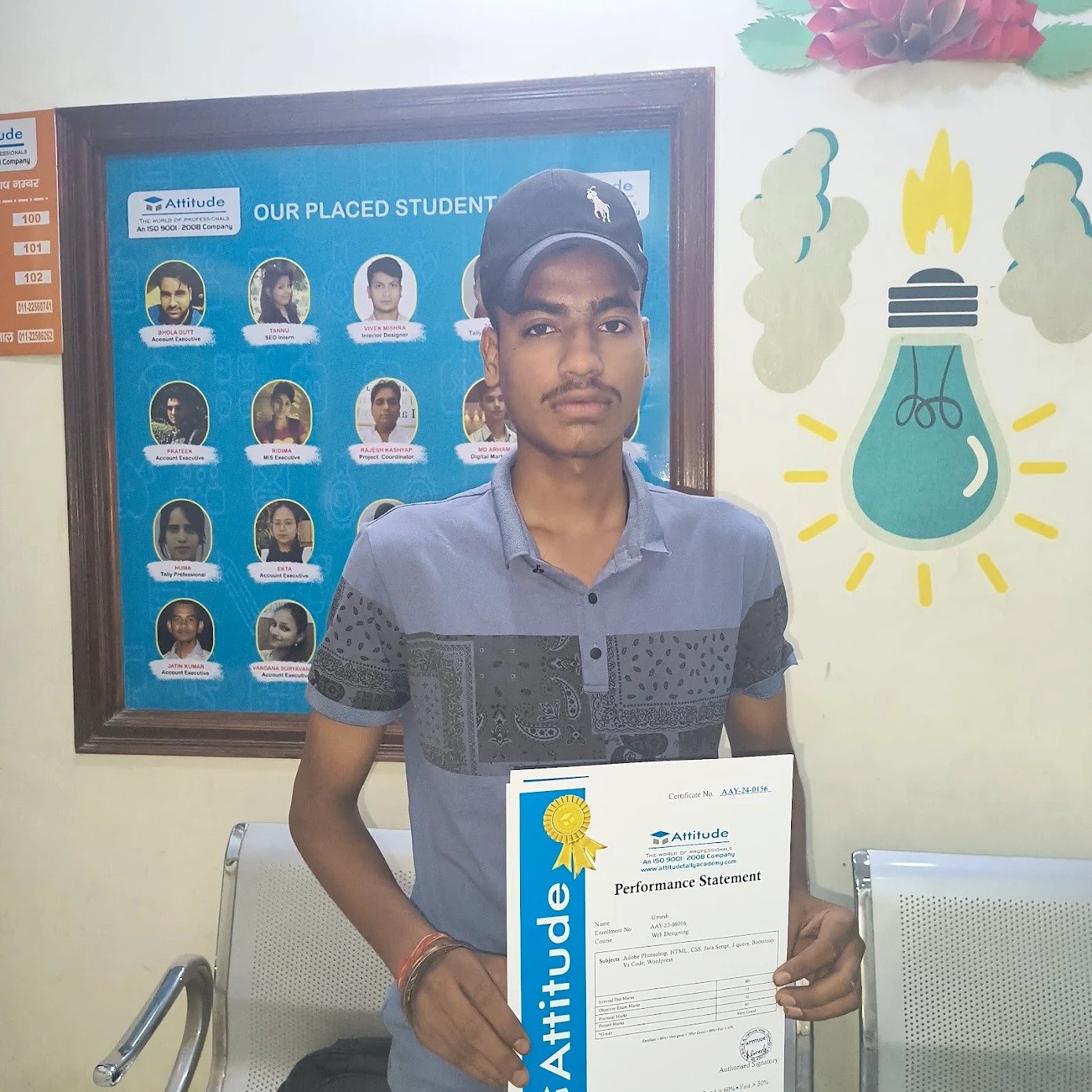
I can’t thank Attitude Academy enough for this course! The lessons were interactive, and I gained hands-on experience working on real web development projects. Now, I’m confident in my ability to create websites and web apps. ??
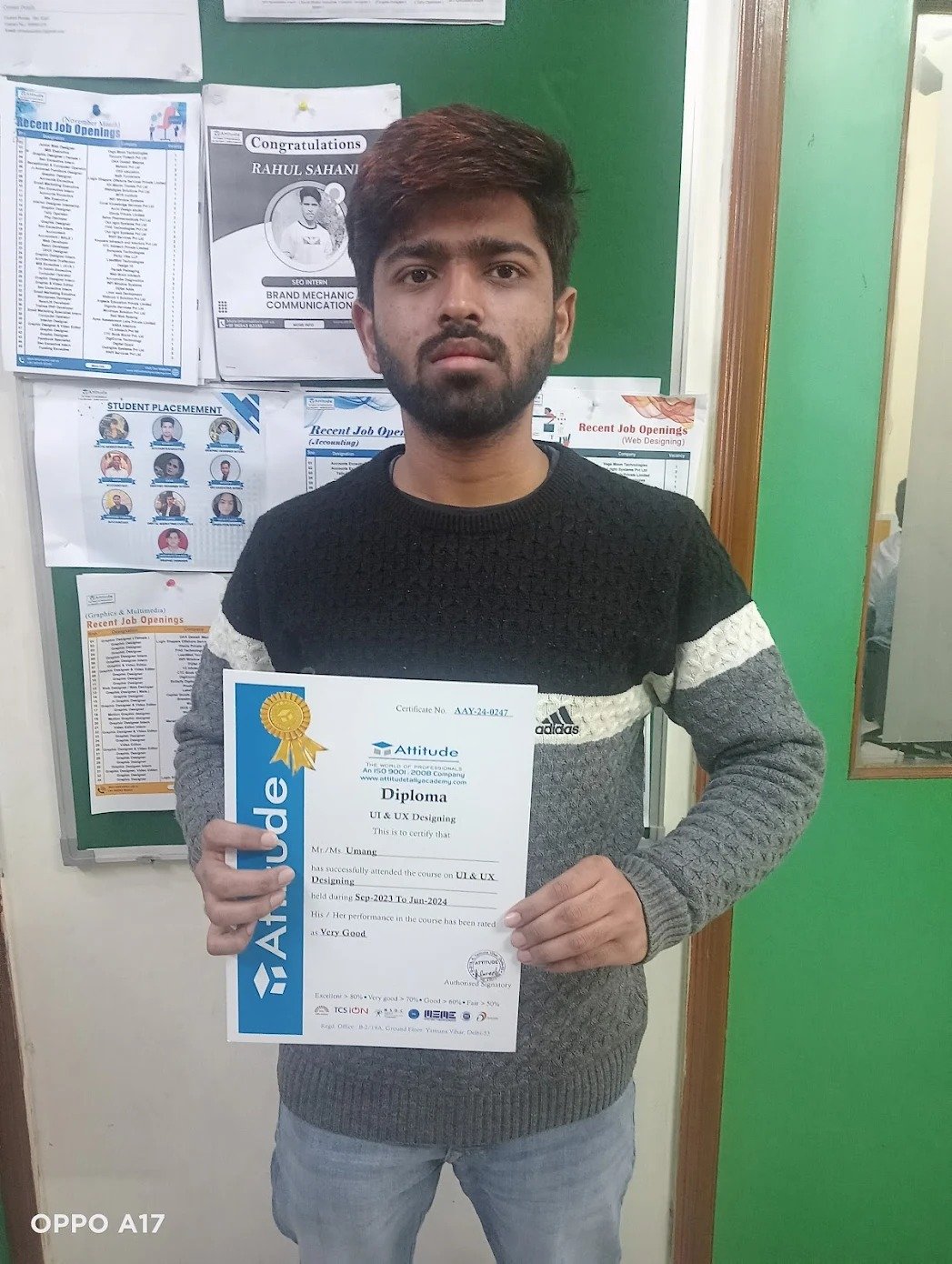
The course is perfect for anyone who wants to learn web development from scratch. I started with no knowledge and now I can build full websites using HTML, CSS, and JavaScript. The instructors were always supportive and provided excellent resources. ??

The course is perfect for anyone who wants to learn web development from scratch. I started with no knowledge and now I can build full websites using HTML, CSS, and JavaScript. The instructors were always supportive and provided excellent resources. ??

Attitude Academy\'s web development course gave me a solid foundation in coding. The course was structured in a way that made learning enjoyable. The instructors were knowledgeable, and I gained real-world experience by building live projects. ????

Best academy for smart courses and good facilities