
 by
by Introduction
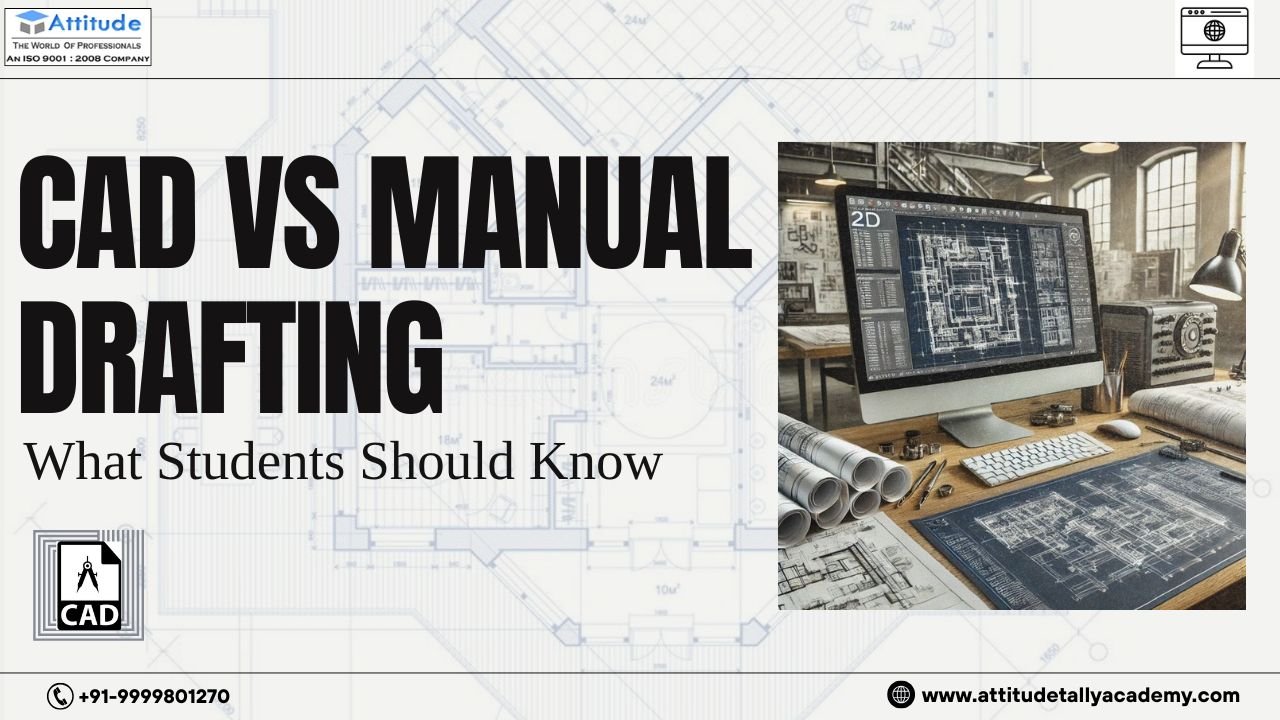
For students interested in design, architecture, or engineering, drafting is one of the most important skills to learn. Earlier, all drawings were created by hand using pencils, scales, and sheets. Today, most of this work is done using software like AutoCAD. This shift has created a common question among students—should you learn manual drafting or focus on CAD?
If you are exploring AutoCAD, understanding the difference between CAD and manual drafting will help you make the right decision.
What is Manual Drafting?
Manual drafting is the traditional method of creating technical drawings by hand. It requires tools like pencils, rulers, compasses, and drafting sheets.
Students learning at an AutoCAD Training Institute in yamuna vihar are often introduced to manual drafting basics first, as it helps them understand design principles like scale, proportion, and accuracy.
However, manual drafting takes time and requires a lot of patience. Even a small mistake may force you to redraw a large part of the design.
What is CAD (Computer-Aided Design)?
CAD refers to designing with the help of computer software such as AutoCAD. It allows students to create precise and professional drawings digitally.
During AutoCAD Classes in yamuna vihar, students learn how to draw, edit, and modify designs quickly. CAD tools make the entire process faster, cleaner, and more flexible compared to manual methods.
Key Differences Between CAD and Manual Drafting
Understanding the difference between these two methods is important for students:
- Speed: CAD is much faster, while manual drafting takes more time
- Accuracy: CAD offers high precision, while manual work depends on hand skills
- Editing: Changes are easy in CAD, but difficult in manual drafting
- Storage: CAD files can be saved and reused, while manual drawings need physical storage
Students training at an AutoCAD Training Institute in Uttam Nagar often experience how CAD simplifies complex designs and improves efficiency.
Why CAD is More Preferred Today
In today’s industry, most companies prefer CAD over manual drafting. The reason is simple—CAD saves time, improves accuracy, and allows easy modifications.
Students pursuing AutoCAD Training in uttam nagar often work on real-world projects where they can see how digital drafting is used in architecture, interior design, and engineering.
While manual drafting builds a strong base, CAD is what makes you job-ready.
Do Students Still Need Manual Drafting?
Yes, but only at a basic level. Manual drafting helps you understand how drawings are structured. It improves your visualization and design thinking.
Students enrolled in an AutoCAD Course in uttam nagar benefit when they first understand basic concepts and then apply them using software. This combination creates a strong foundation.
Career Opportunities with CAD Skills
Learning CAD opens up multiple career paths for students, such as:
- AutoCAD Designer
- Draftsman
- Interior Designer
- Civil or Mechanical Design Assistant
Students from an AutoCAD often move into these roles after gaining practical experience with software tools.
Why Practical Training Matters
Just knowing theory is not enough in design. Students need hands-on practice to become confident.
Practical learning makes it easier to switch from basic knowledge to professional work.
Final Thoughts
Both CAD and manual drafting have their importance, but their roles are different. Manual drafting helps you understand the basics, while CAD prepares you for real-world careers.
With the right skills, regular practice, and proper guidance, students can build a strong career in design and drafting using modern tools like AutoCAD.visit us