 by
by INTRODUCTION
Choosing the right design software is important for students. Many beginners feel confused between AutoCAD and multiple Autodesk tools. Each option has a different purpose. Each suits a different career stage.
This blog explains both choices in simple language. It helps students decide what to learn first. The focus stays on skills, clarity, and career growth.
The discussion also helps students exploring an AutoCAD Course in Yamuna Vihar or planning future learning steps.
Understanding AutoCAD
AutoCAD is a drafting and design software. It is widely used for 2D drawings and basic 3D work. Engineers and designers rely on it for accuracy.
It teaches how to convert ideas into technical drawings. It builds strong design discipline.
Where AutoCAD Is Used
- Architectural drawings
- Electrical layouts
- Mechanical components
- Civil construction plans
- Interior design drafting
Many students start their journey through AutoCAD Training in Yamuna Vihar because of its strong fundamentals.
What Does Multi‑Autodesk Mean?
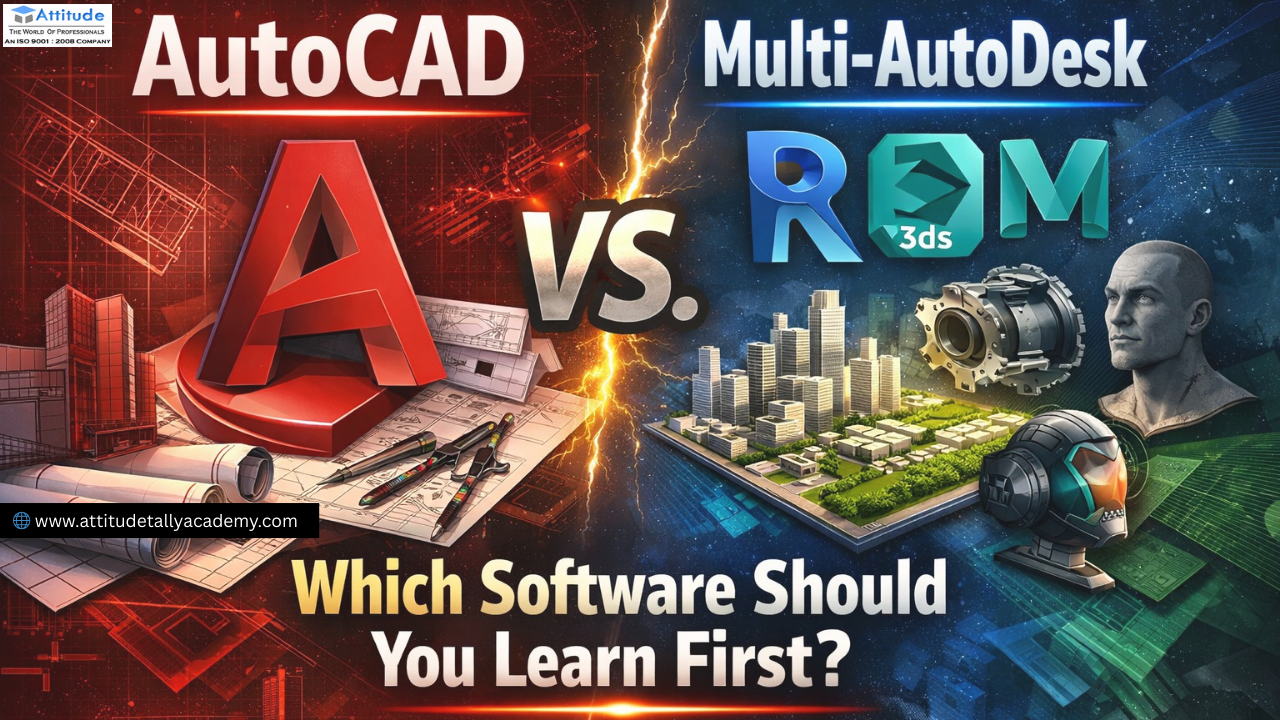
Multi‑Autodesk refers to learning several Autodesk tools together. These may include Revit, 3ds Max, or Fusion.
These tools focus on advanced modeling and visualization. They demand prior design understanding.
Students often explore them after completing AutoCAD Classes in Yamuna Vihar.
Key Differences Students Should Know
Learning Difficulty
- AutoCAD is easier for beginners.
- Multi‑Autodesk tools are more complex.
Skill Focus
- AutoCAD builds drafting skills.
- Multi‑Autodesk builds modeling skills.
Career Entry
- AutoCAD supports early job roles.
- Multi‑Autodesk suits specialized profiles.
Why AutoCAD Is the Best First Choice for Students
AutoCAD provides clarity. It removes early confusion. It builds confidence.
Strong Foundation
Students learn layers, scales, and dimensions. These concepts remain useful later.
Faster Skill Development
AutoCAD allows quick practice. Students see progress early.
Wide Career Use
AutoCAD skills work across many industries. This includes construction and interiors.
Students joining an AutoCAD Course in Yamuna Vihar often gain a practical edge.
When Multi‑Autodesk Becomes Useful
Multi‑Autodesk tools help after basics are clear.
They suit students who:
- Understand AutoCAD concepts
- Want advanced visualization skills
- Plan careers in BIM or 3D design
Some learners combine AutoCAD with 3Ds Max Training Institute in Yamuna Vihar for better visual output.
Career Scope After AutoCAD
AutoCAD supports entry‑level technical roles.
Common profiles include:
- CAD Draftsman
- Design Assistant
- Site Drawing Executive
These roles build experience. They prepare students for advanced tools like Revit.
AutoCAD vs Multi‑Autodesk: Student View
| Factor | AutoCAD | Multi‑Autodesk |
|---|---|---|
| Beginner friendly | Yes | No |
| Learning speed | Fast | Slow |
| Software depth | Basic | Advanced |
| Job readiness | Early | Later |
For most students, AutoCAD brings clarity first.
Smart Learning Path for Students
A structured approach works best.
- Learn AutoCAD basics.
- Practice real drawings.
- Understand layouts and dimensions.
- Move to Revit or 3ds Max later.
Students interested in BIM often move toward Revit Training Institute in Yamuna Vihar after AutoCAD.
Choosing the Right Training Environment
Students should look for learning environments that focus on:
- Practical assignments
- Industry‑based drawings
- Step‑by‑step guidance
Such learning support is commonly available through AutoCAD Classes in Uttam Nagar and similar skill centers.
Final Conclusion
AutoCAD and Multi‑Autodesk are not competitors. They are stages of learning.
AutoCAD builds the base. Multi‑Autodesk expands skills.
For students, AutoCAD remains the smartest first step. It reduces confusion and builds confidence.
After mastering basics, students can explore advanced tools smoothly. This balanced approach supports long‑term growth and career stability.Visit us…….